


A drone that flips the instant it tries to take off is not suffering from bad luck, and it is not a tuning problem. It is a setup error. The flight controller senses a tilt, commands the motors to correct it, and — because something is configured backwards — the correction makes the tilt worse. The loop runs away in milliseconds, and the drone is on its back before you can cut the throttle. The cause is almost always one of a short list of configuration mistakes, and every one of them is checkable on the bench without flying.
This guide covers both kinds of drone, because the cause list splits. On a home-built FPV quad the flip is usually props, motor direction, motor order, or board alignment — all Betaflight settings and wiring. On a ready-to-fly camera drone it is usually the wrong propellers, a damaged motor, or a takeoff from a surface that was never level. The bench checks below run in the order that finds the fault fastest. First rule of all of them: take the propellers off before you test anything with power on.
The Short Answer: A Flip on Takeoff Is a Setup Error, Not Bad Luck

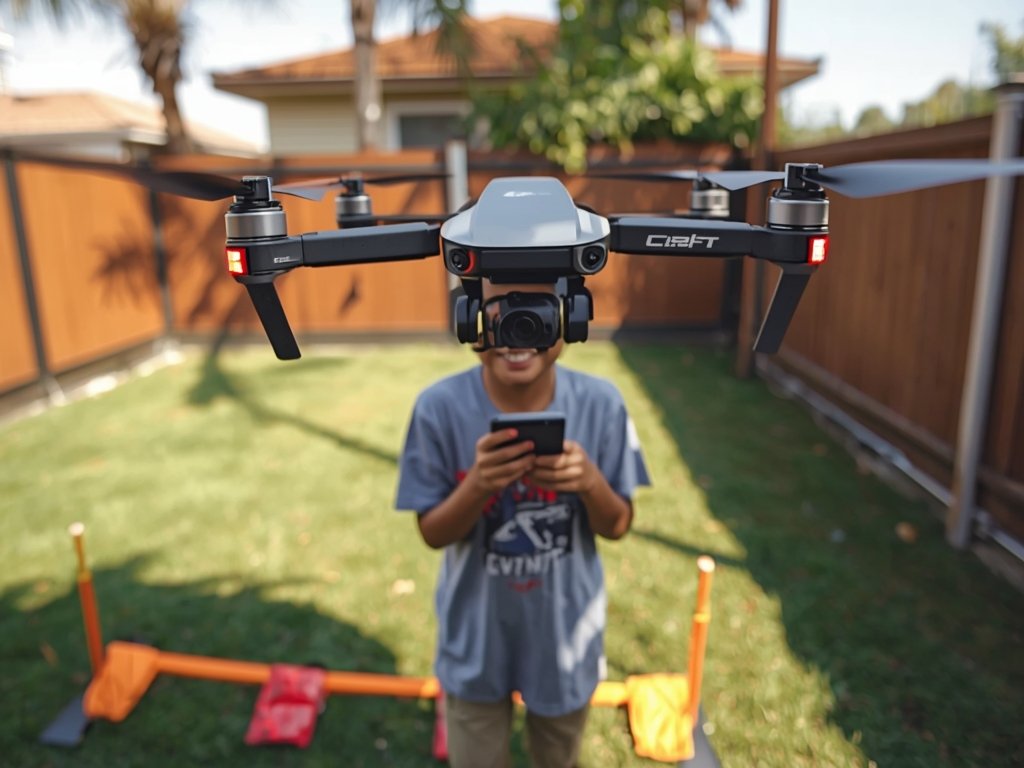
Four configuration mistakes cause almost every instant flip on an FPV quad: propellers installed the wrong way round, motors spinning the wrong way, motors wired to the wrong outputs so the flight controller’s numbering does not match the frame, and the flight controller mounted rotated so its idea of “forward” is wrong. Any one of them makes the correction loop run backwards, and a backwards loop always ends in a flip. On a camera drone the short list is shorter: the wrong propellers on the wrong motors, a propeller that is damaged or not locked, or a takeoff attempted from a slope, a soft surface, or with a sensor that has never been calibrated.
Before you change anything, note which way the drone flips and whether it is the same way every time. A flip always towards the same corner points at that corner’s motor or propeller; a flip that changes direction points at a setting, usually board alignment. And if the drone flips only sometimes — usually after a crash or a rebuild — suspect a motor screw that is too long and touching the motor windings, which shorts the motor intermittently and looks exactly like a settings problem until you check the screws.
Propellers On Wrong: The Most Common Cause
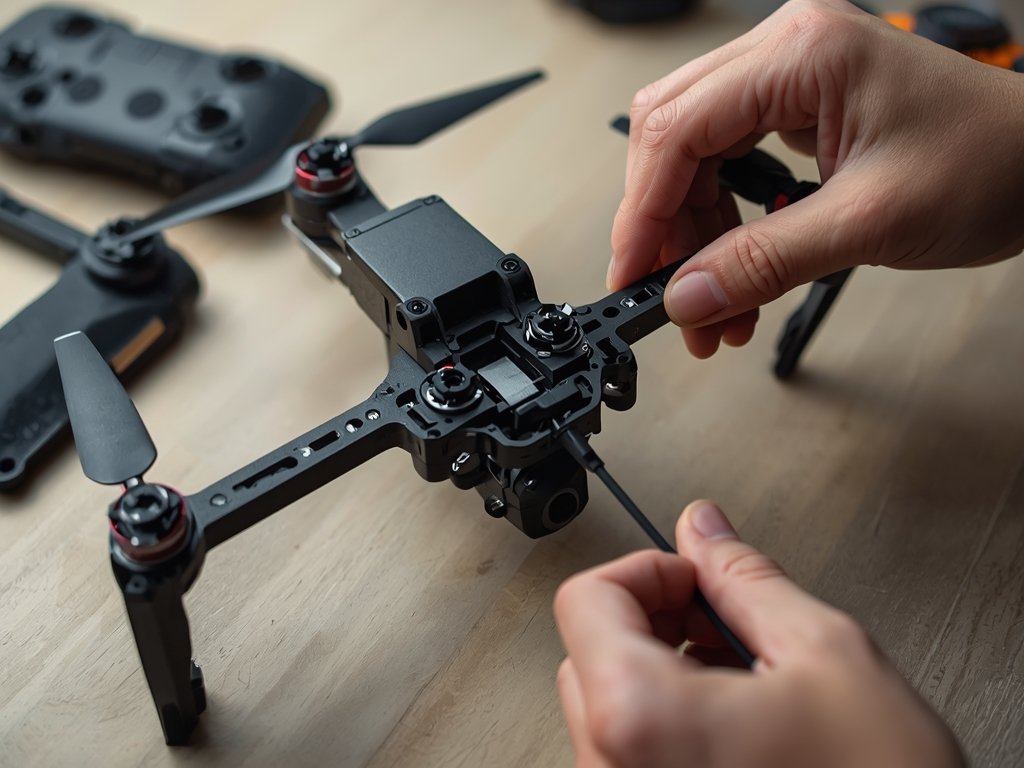
Propellers are the first check because they are the most common mistake and the easiest to make. FPV propellers come in clockwise and counter-clockwise pairs, and each one only works on the motor turning in its direction. Put a clockwise prop on a counter-clockwise motor and that corner pushes air down instead of up — or worse, pushes down while the others push up — and the quad flips towards the wrong corner the instant it leaves the ground. The same happens if a prop is mounted upside down, which is easy to do on a new build when the hub looks the same either way.
Check the leading edge. Every propeller blade has a thick, raised leading edge and a thin trailing edge, and the leading edge must cut into the direction of rotation. Look at your Betaflight Configuration tab first: it tells you whether the build is set to “props in” (the default, motors spinning inwards at the front) or “props out” (motors spinning outwards, the “Motor direction is reversed” option enabled). Then check each corner against that setting, with the propellers off and the motors spun one at a time in the Motors tab. Replace props in matched pairs, and never fly with a chipped or bent blade from a previous flip — a damaged prop is a second flip waiting for the same takeoff.
Motor Direction and Motor Order
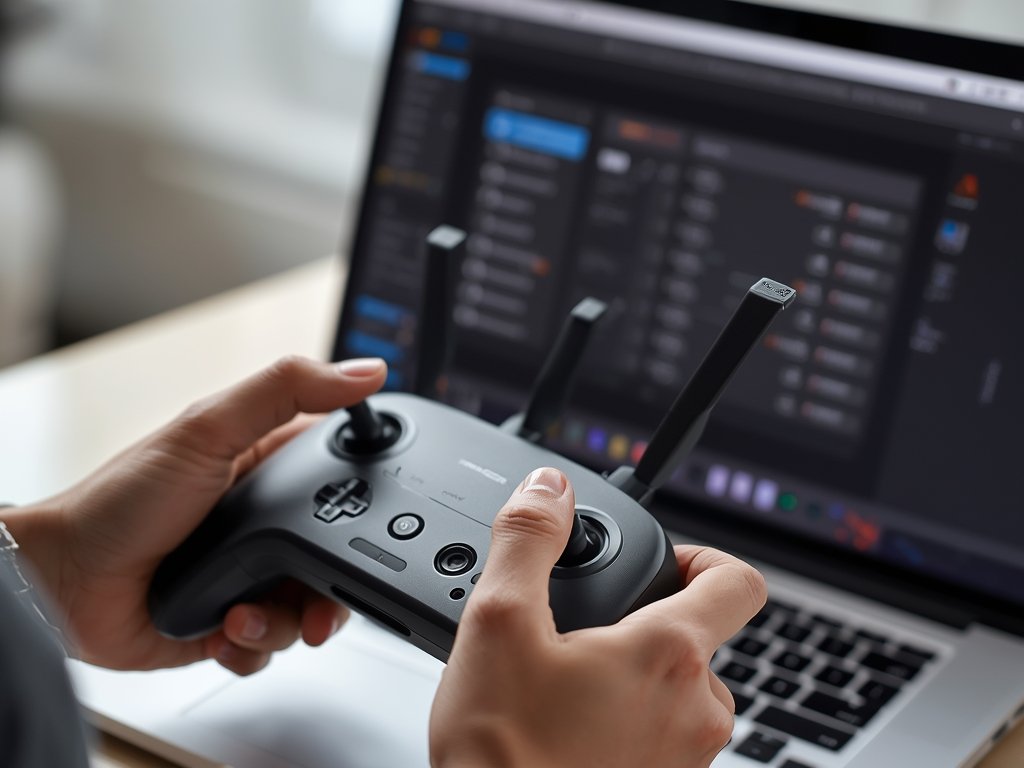
Motor direction and motor order are two different mistakes that cause the same flip, and both are checked in the Betaflight Motors tab with the propellers off. Motor direction is which way each motor physically spins. In the default props-in configuration the front-right motor spins counter-clockwise, the front-left clockwise, the rear-left counter-clockwise and the rear-right clockwise — each motor turning in towards the centre at the front and outwards at the back. Spin each motor slowly in the Motors tab and watch the direction. If one is backwards, fix it in the configurator: modern Betaflight and BLHeli/Bluejay tooling let you reverse an individual motor’s direction in software, and you do not need to resolder wires to do it.
Motor order is which physical motor the flight controller thinks is Motor 1, 2, 3 and 4. Betaflight’s Quad X mapping is fixed: Motor 1 is rear-right, Motor 2 is front-right, Motor 3 is rear-left, Motor 4 is front-left. If the signal wire from the ESC output for Motor 1 is plugged into the motor that sits at the front-left, the flight controller will speed up the wrong corner when it tries to correct a tilt, and the correction becomes the flip. Spin Motor 1 in the Motors tab and confirm the rear-right motor turns. Then Motor 2 (front-right), Motor 3 (rear-left) and Motor 4 (front-left). If any is wrong, use Betaflight’s motor reordering wizard — present in Betaflight 4.3 and later — to remap them, rather than rewiring the harness. The same Motors-tab checks catch the wiring mistake behind our guide to a quad that will not arm.
Flight Controller Board Alignment
Board alignment is the mistake that hides best, because everything else can be right and the quad will still flip. The flight controller must know which way is forward. Builders rotate the flight controller to fit a tight frame or to reach the USB port — 90, 180 or 270 degrees, or even mounted upside down under a deck plate — and forget to tell Betaflight. The gyro then thinks “forward” is sideways or backwards, so when the quad tilts forward the controller corrects sideways, and the quad flips.
Check it in the Betaflight Setup tab before you fly. Connect the quad, propellers off, and watch the 3D model on screen. Tilt the physical quad forward: the model must tilt forward. Roll it right: the model must roll right. If the model moves in any other direction, go to the Configuration tab and set the board alignment yaw to 90, 180 or 270 degrees until the model matches the quad in your hands — and if the board is upside down, set the roll to 180 as well. Test every axis before you save: a board aligned on yaw but flipped on roll will still flip on takeoff.
Turtle Mode Left On by Accident
Turtle mode — Betaflight’s “flip over after crash” feature — is one of the most useful features on an FPV quad and one of the easiest to leave on by accident. It reverses two motors so the quad can flip itself upright after a crash. If the mode is still active when you try to take off, the quad will not respond to throttle normally and will flip the moment you touch pitch or roll. The giveaway is in the goggles: if you have Betaflight’s OSD warnings enabled, the screen shows “CRASH FLIP” while turtle mode is active.
Check the Modes tab: turtle mode belongs on a momentary switch you hold, not a latching switch you leave on. And if the quad flips right after a crash, check turtle mode first — it is the only cause that appears exactly after a crash and disappears the moment you switch it off. Our Betaflight settings guide for beginners covers the Modes tab in full, including which modes should never be on a latching switch.
Camera Drones: Wrong Props, Bad Calibration, Uneven Ground
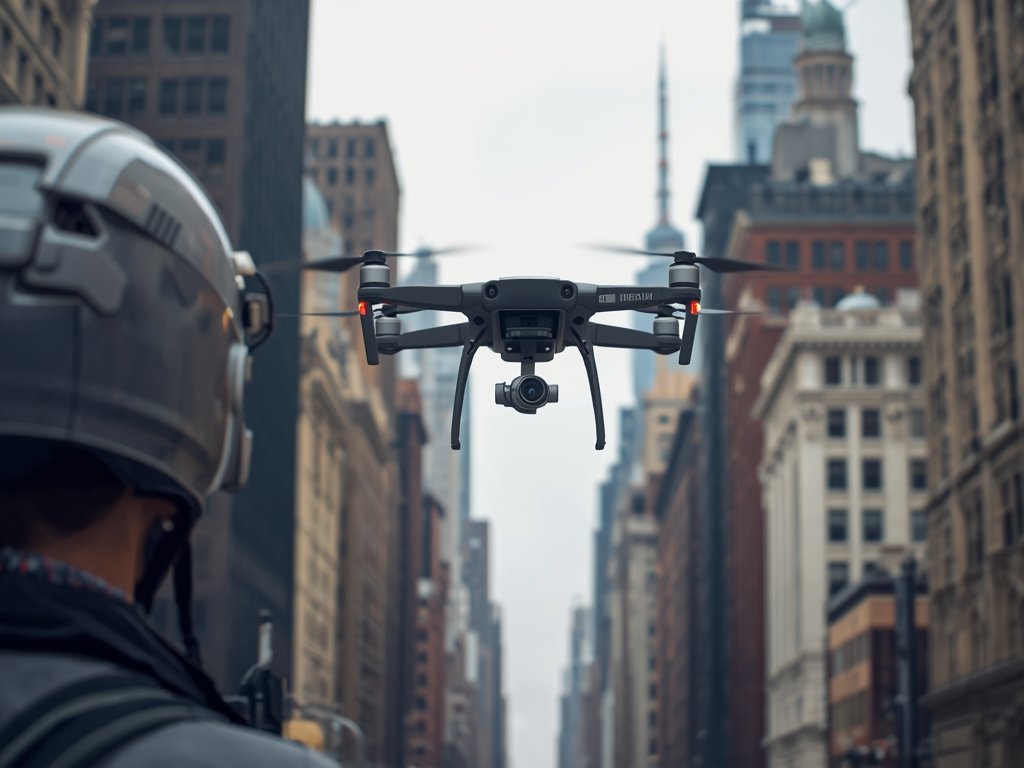
Camera drones flip far less often than FPV quads, because they arrive configured, but when they do flip the cause is usually just as simple. The commonest is the wrong propeller on the wrong motor. DJI propellers are marked — usually with a grey or silver ring on one pair — and the marked pair goes on the marked motors. Swap one pair and the drone will flip towards the wrong corner on its first takeoff, exactly like an FPV quad with reversed props. Check the markings every time you fit new props, and check that each propeller is fully unfolded and locked: a folding prop that is not clicked into place will not produce full thrust, and the drone will tilt towards it and flip.
The second cause is the takeoff surface. A camera drone calibrates its level on the ground where it sits, and a slope, a soft cushion, a car roof, or a surface that moves — a boat deck, for instance — teaches it a level that is not level. It will then tilt on takeoff and, if the tilt is bad enough, flip. Always take off from flat, firm, level ground. The third cause is a sensor calibrated badly: an IMU calibrated on a slope, or a compass calibrated next to a car, will both produce a takeoff that goes wrong. If the drone has been in a crash, check the motors the way our guide to crooked flight after a crash describes — a bent motor shaft is invisible until the motor is spun by hand, and it will flip a camera drone just as surely as a reversed prop. DJI support can confirm the correct propellers for your model and whether a crash-damaged motor is covered under warranty.
ESC Protocol and Firmware Mismatches
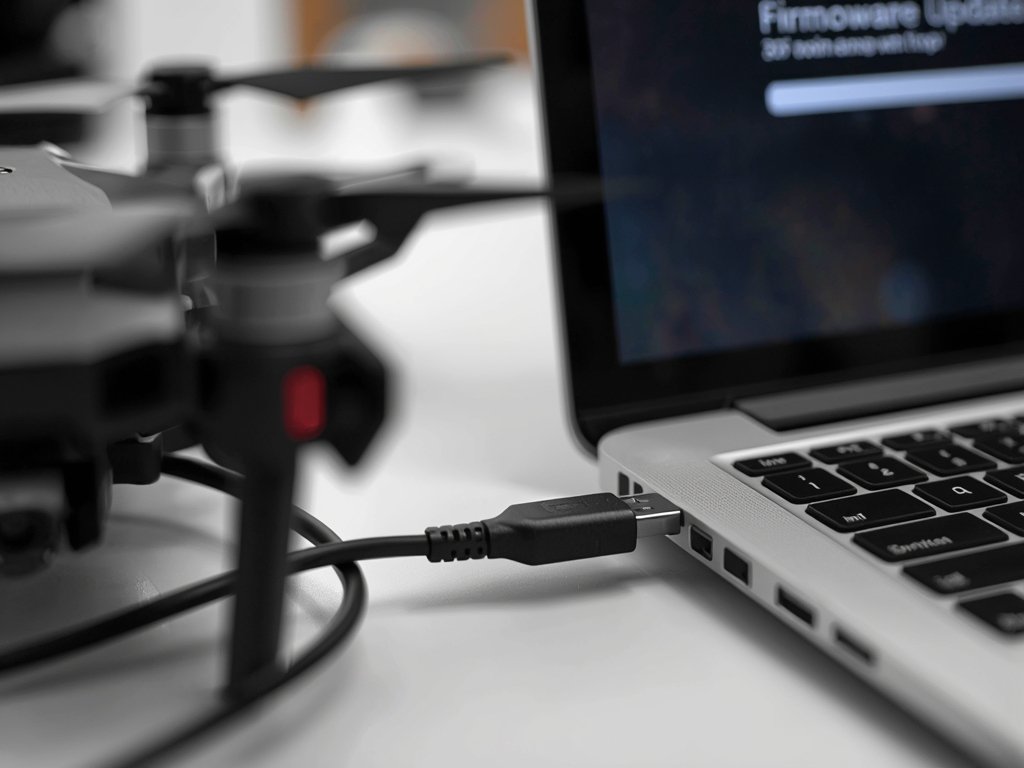
The ESC protocol is the language the flight controller speaks to the speed controllers, and a mismatch can make a quad behave as if its motors are wired wrong. Most modern ESCs support DShot — DShot300 or DShot600 — and DShot is the recommended protocol, partly because it does not need ESC calibration at all. If the flight controller is set to a protocol the ESC does not support, or to an old analogue protocol on an ESC that expects DShot, the motors can stutter, spin up unevenly, or desync at the moment of liftoff, and the quad flips.
Check the protocol in the Betaflight Configuration tab and match it to what your ESC actually supports — the ESC’s documentation, not a forum post, is the authority. Update the ESC firmware while you are there: a quad that flips after a firmware update, or after months without one, may be running an ESC firmware that no longer matches the Betaflight version. Update one thing at a time and test between changes — changing three things at once teaches you nothing about which was the fault.
When It Is a Hardware Fault, Not a Setting
If every setting checks out and the quad still flips, stop changing settings and check the hardware. The usual suspects are a motor screw that is too long and touches the motor windings — it creates an electrical short that lets the motor spin up fine on the bench but fail under load, so the quad flips the moment it tries to lift. Remove the screws one motor at a time and check their length against the motor’s specification; a screw that protrudes into the windings is a fault, not a tight fit.
Then check for a damaged motor or ESC. Spin each motor by hand with the battery out: each one should turn smoothly with the same light magnetic resistance as the others. A motor that is gritty, stiff, or catches at one point in its rotation has a damaged bearing or a bent shaft. Look at the ESC for scorch marks or a failed MOSFET — one dead ESC position will always flip the quad towards that corner. Hardware faults are the minority of takeoff flips, but they are the ones that survive every settings change, and the only cure is a replacement part.
The Bench Test That Proves the Fix
Prove the fix on the bench before you fly. Propellers off, battery in, quad on a flat surface. In Betaflight, spin each motor individually and confirm the direction and the position. Then hold the quad in your hand — firmly, propellers still off — and arm it at low throttle. Tilt the quad forward: the motors at the back should speed up to correct it. Tilt it right: the motors on the left should speed up. If the correction goes the wrong way on any axis, the setup is still wrong, and you have found it without a crash.
Only when the bench test is clean should the propellers go back on. First flight: a low hover over grass, finger on the disarm switch, ten seconds, then land. If it hovers level, the fix held. If it flips again, go back to the hardware checks — do not keep attempting takeoffs in hope.
Find it on the bench, fix it once, and the next takeoff will be the boring one it should have been.
Join Our Pilot Community
Connect with fellow drone enthusiasts, share your aerial shots, and get access to free PDF ebook guides.