


Used drones sell quickly, and for good reason: a well-kept drone with a few flight hours is a bargain for a buyer and good money back for a seller. But a drone is not like a used camera or a bicycle. It is tied to your name in a federal registry, it is linked to your manufacturer account, it may hold your personal files, and in some cases it can still be flown — or crashed — in ways that come back to you if you do not disconnect it properly before the sale.
Most sellers get the pricing and the photos right and the paperwork wrong. This guide covers the whole job in the right order: removing the drone from your accounts, preparing it honestly, pricing it fairly, choosing where to list it, getting paid safely, and keeping the proof that the sale happened. Do those steps and the sale is clean for both sides. Skip them and the drone you sold can still be your problem months later.
The Short Answer: Disconnect It Before You Sell It

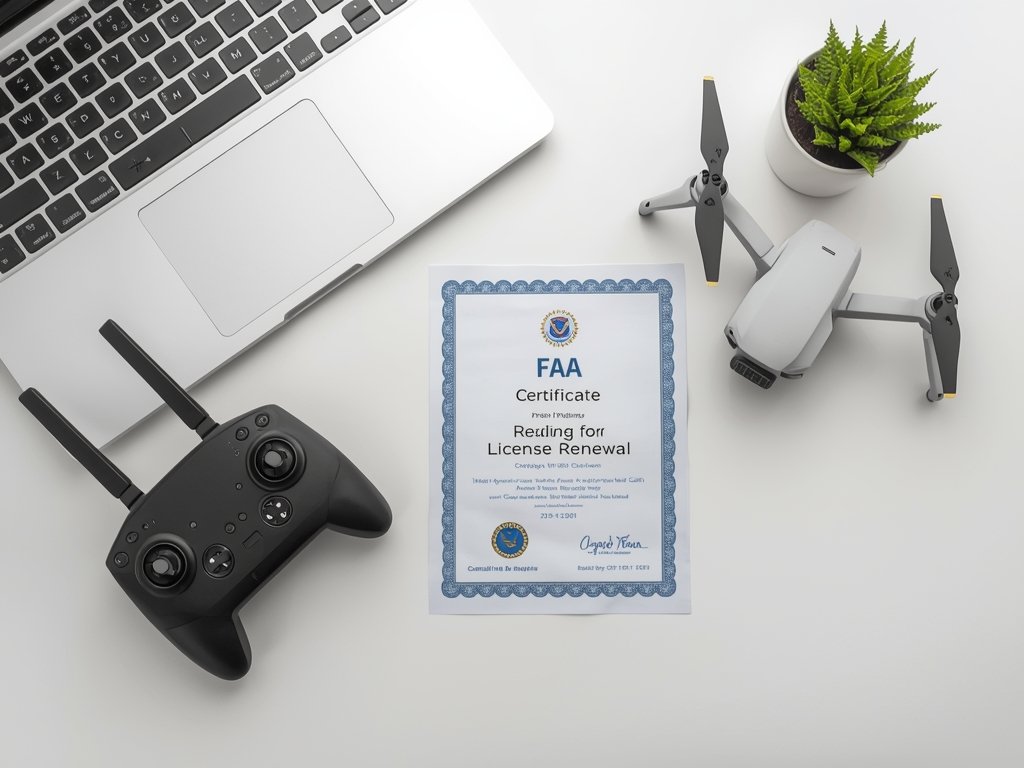
The one rule that matters most is simple: the drone must stop being yours — in every system that knows it is yours — before money changes hands. That means cancelling its FAA registration where one applies, unbinding it from your manufacturer account, factory-resetting it, and taking your registration number and your files off it. Only then is it really the buyer’s drone.
The order matters. Do the account and registration steps first, while the drone still works and you still have access to everything. Then prepare the drone physically, photograph it, and list it. If you list first and sort the paperwork later, you will be doing it under pressure from a buyer who wants to fly today — and that is when steps get skipped.
Step 1: Cancel the FAA Registration — and Know Which Kind You Have
Whether you need to cancel a registration depends on how the drone was registered, and the two cases are genuinely different. Getting this wrong is the most common paperwork mistake sellers make, so take a moment to check which one applies to you.
If you fly under Part 107 — commercially, for paid work — each drone is registered individually to you, by its own serial number, in FAADroneZone. That registration has to be cancelled before the sale. Log in to your FAADroneZone account, go to your Part 107 dashboard, open Manage sUAS Inventory, and find the drone in your registered inventory. There should be an option to Cancel the registration, and you will be asked to choose a reason — sold is one of the options. Confirm it, and save the confirmation email or screenshot. The drone can then be registered by its new owner, and it is no longer in your name. The process itself is free and takes minutes; there is no reason to leave it until after the sale.
If you fly recreationally, the situation is different. A recreational registration registers you as a pilot, not the individual drone: you get one registration number, and you mark it on every drone you fly. There is no per-drone registration to cancel, and nothing to unregister in DroneZone for that aircraft. What you must do is remove your registration number from the drone itself — peel off the label, remove the sticker, or erase the marker — so the buyer cannot fly around with your number on their aircraft. They will need to get their own recreational registration and mark their own number on it if the drone needs one.
If you are unsure which case you are in, check your FAADroneZone account before you list the drone: it will show whether the aircraft is listed in your inventory. And if you have not registered a drone that needed registering, read our guide on flying a drone without registration and the penalties — the buyer will need to register it properly, and so will you if you ever fly again. The steps above are based on the FAA’s DroneZone process as it worked at the time of writing; the portal layout changes from time to time, so if a button has moved, the cancel option lives in the inventory management area of your account.
Step 2: Unbind Your DJI Account and Factory-Reset the Drone
Most modern drones are tied to a manufacturer account as well as to the FAA, and DJI is the one that catches most sellers out. A DJI drone is normally bound to the account that first activated it, and a bound drone can cause real problems for the buyer: it may not activate under a new account, cannot be unlinked by the new owner alone, and may still show your flight records and personal details.
Unbind the drone from your DJI account before the sale, while you still have the account, the app, and the drone together. The unbinding is done in the DJI app or on DJI’s account pages, and it typically asks you to confirm that you want to release the device from your account. Do not assume it has worked — check afterwards that the drone no longer appears in your device list. If the unbinding asks for a verification step, do it while you still have access to the email address and phone number on the account.
Once the account is released, factory-reset the drone through the app or the aircraft settings. A reset restores the factory settings, clears your flight logs and settings, and gives the buyer the same first-time setup experience as a new drone. While you are at it, remove and format any memory card you are selling with the drone — never sell a card that still holds your photos and videos. Also sign out of any app accounts on the controller, remove your home point and saved locations from the app, and delete the drone from your phone’s Bluetooth and Wi-Fi remembered devices if you paired it there.
Step 3: Honest Condition and Battery-Health Disclosure
A used drone sale lives or dies on trust, and trust is built by disclosing the bad news before the buyer finds it. Describe the drone’s condition honestly and completely, and where you are unsure, say so.
Count the flight hours or the number of flights if your app shows them, and state them in the listing. List every crash, hard landing, and repair — even the small ones — with a sentence about what was fixed and whether the drone has flown cleanly since. Mention scratches, replaced parts, and any cosmetic damage, and photograph all of it. A buyer who discovers a repair you did not mention will assume there are more.
Battery health deserves its own paragraph, because it is the most expensive thing in the package and the hardest for a buyer to check. State how many batteries are included, how many charge cycles each has done if you know, how long each one flies in real conditions, and whether any battery shows swelling, reduced flight time, or a cell that sits lower than the others. An honest battery report can be the difference between a sale and a return:
Step 4: Pricing It Fairly
A used drone is worth what buyers are paying right now, not what you paid for it. The fastest way to price it is to look at completed and recent listings for the same model in the same condition, on the same platform, and set your price in the middle of that range — slightly above if the condition is excellent and the battery health is strong, slightly below if anything needs explaining.
Factor in the age of the model. A drone that has been replaced by a newer model loses value quickly, even in perfect condition, because buyers can get the new one for not much more than your asking price. A bundle with extra batteries and accessories is worth more than the drone alone, but not the full retail value of the extras — second-hand accessories sell at second-hand prices too. And remember that the buyer will need to pay for registration if the drone needs it, and possibly for a fresh set of propellers and insurance: the total cost of ownership is what they are comparing against a new purchase. If you are weighing whether to sell the kit or keep flying it for paid work, our guide to drone photography pricing gives a feel for the going rates on the commercial side.
Step 5: Good Photos and an Honest Listing

Your listing photos are doing the work of a physical inspection, so take the time to do them well. Use daylight or bright, even indoor light, a plain background, and a clean lens. Photograph the drone from every side, the top and the bottom, close-ups of the camera and gimbal, the battery and its contacts, the controller, and every accessory laid out together. Photograph every scratch, dent, and repair — the honest photos protect you as much as they inform the buyer, because they are evidence of the condition at the time of sale.
Include a short video if you can: a clip of the drone powering up, the gimbal calibrating, and a brief hover shows more about its condition than any number of still photos.
Write the listing in plain language. Lead with the model, the condition, the flight hours, and the battery report. List everything included, mention the registration and unbinding steps you have completed, and state the reason for selling.
Step 6: Where to List It
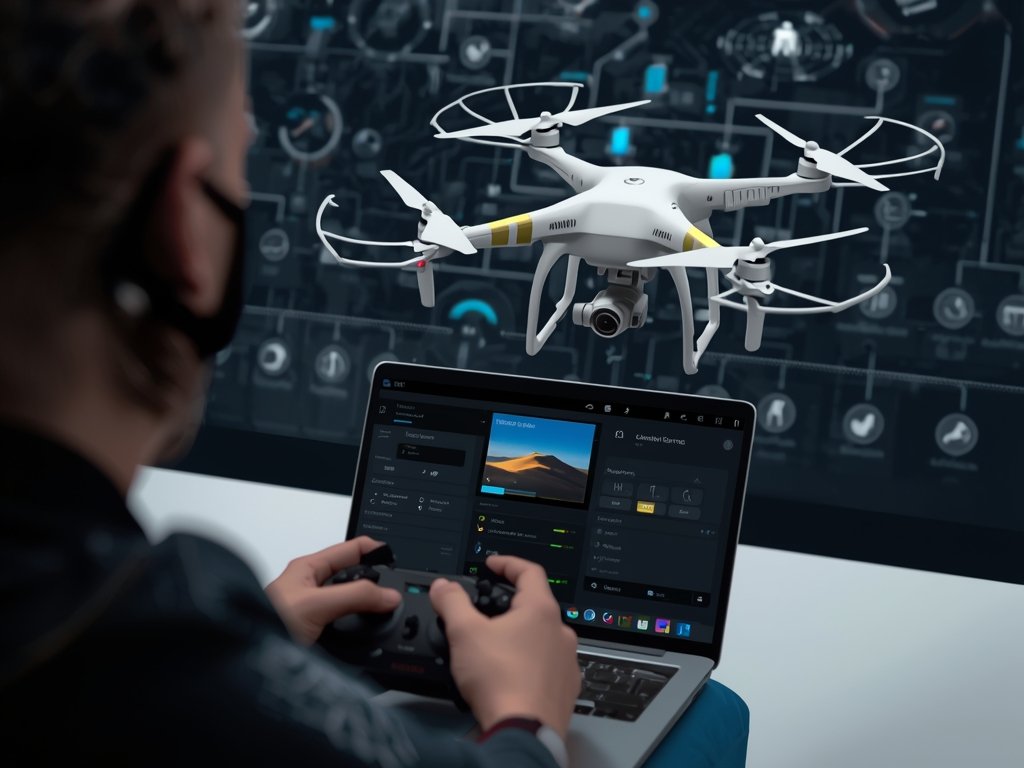
The best place to sell depends on the model and your tolerance for hassle. Large marketplaces — eBay, Facebook Marketplace, and the specialist drone forums — get the most buyers, and each has trade-offs. eBay gives you buyer protection and a wide audience, but it charges fees and its buyer-protection rules can work against sellers if a buyer claims the drone was not as described — which is one more reason your listing and photos must be accurate. Facebook Marketplace is free and local, but it has more time-wasters and you must arrange the handover yourself. Specialist drone forums and classified sections attract serious pilots who know what they are buying, and they are often the best place for higher-value kits, because the buyers understand condition reports and battery health.
Step 7: Safe Payment and Handover
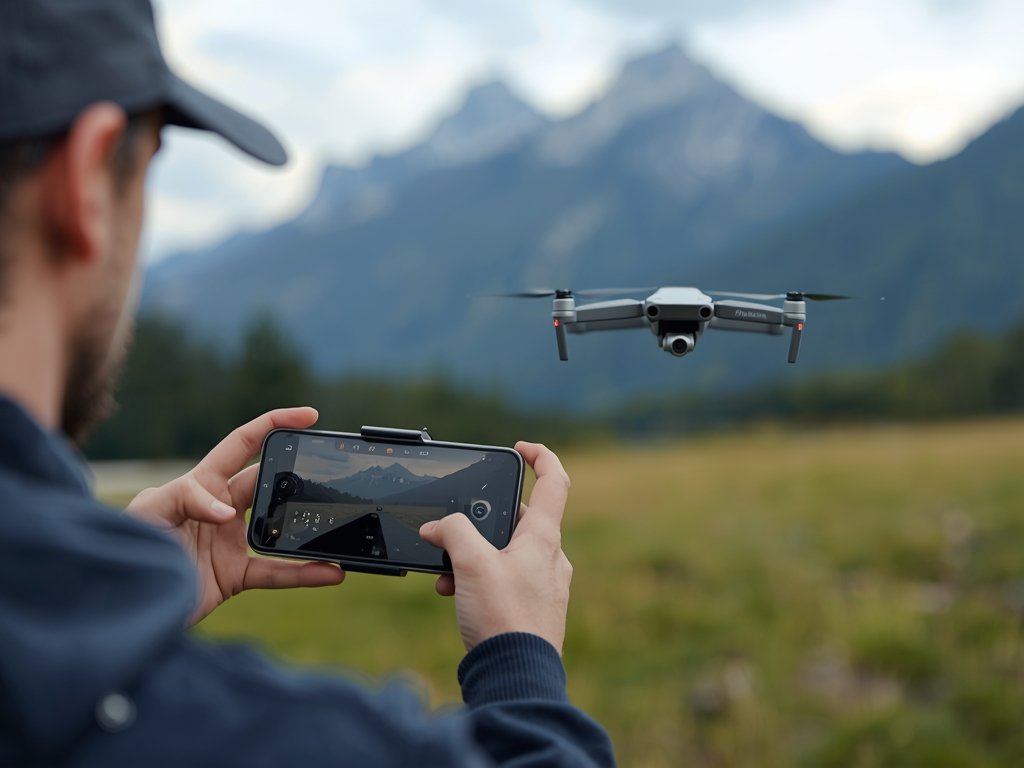
Payment choice is the part of the sale where most sellers get hurt. For an in-person sale, cash is the simplest and safest option — meet in a public place, in daylight, and count the money before handing the drone over. For a shipped sale, use a payment method with protection for both sides, such as the marketplace’s own payment system, and never use a wire transfer, a gift card, or a payment app’s friends-and-family option with a stranger — those offer no recourse if the buyer reverses the payment or claims they never received the item.
For the handover itself, give the buyer a chance to inspect the drone and, ideally, to fly it briefly. A short test flight together is the best possible end to the sale: the buyer sees it works, and you both saw it work at the moment of handover. If you are shipping, pack the drone as if the courier will drop it: propellers off, gimbal cover on, batteries in separate protective bags, the whole kit well padded, and the box marked fragile. Insure the shipment for the full value and keep the tracking number.
Remember the air-travel rules if the buyer is collecting the drone and flying home with it: spare batteries go in carry-on luggage only, never in checked bags. And if the buyer is new to drones, point them at our guide to how to register a drone with the FAA so they can get their registration sorted before their first flight — it will make them a safer pilot and it will reflect well on you as a seller.
Step 8: What to Keep After the Sale
Keep the proof of the sale. That means a written receipt or bill of sale signed by both parties — buyer and seller names, the date, the drone’s make, model, and serial number, the price, and a note that the drone was sold as seen and described — plus screenshots of the listing, the messages, the payment confirmation, and the registration cancellation confirmation from FAADroneZone. Keep all of it for at least a year.
That paperwork is your evidence that the drone is no longer yours. If the drone is later flown illegally, involved in an incident, or turns up somewhere it should not be, the first question will be who owned it — and the cancellation confirmation, the receipt, and the messages are how you answer.
Selling a used drone well is mostly a matter of doing the boring steps first and the fun steps second: cancel the registration, unbind the account, reset the drone, describe it honestly, price it fairly, and keep the paperwork. Do that, and the buyer gets a good drone and you get your money back with a clean break.
Join Our Pilot Community
Connect with fellow drone enthusiasts, share your aerial shots, and get access to free PDF ebook guides.