


Motor desync is the most violent small fault in FPV. You are mid-flight, everything feels locked in, and suddenly one motor stops producing thrust. The quad snaps towards that corner in a roll nobody commanded — the “death roll” — and falls out of the sky with no warning. It happens on punch-outs, on hard flip stops, at zero throttle, and sometimes completely at random. It is also one of the most fixable faults in the hobby, because the cause is electrical, not aerodynamic, and the fix order is known: idle first, then demag compensation, then timing, then the hardware.
This guide explains the mechanism, how to recognise a desync and separate it from its lookalikes, and the fix order — with the actual setting values, and the places where the sources disagree. Change one setting at a time: desync fixes interact, and changing three at once teaches you nothing.
The Short Answer: Desync Is an ESC Problem, Not a Motor Problem

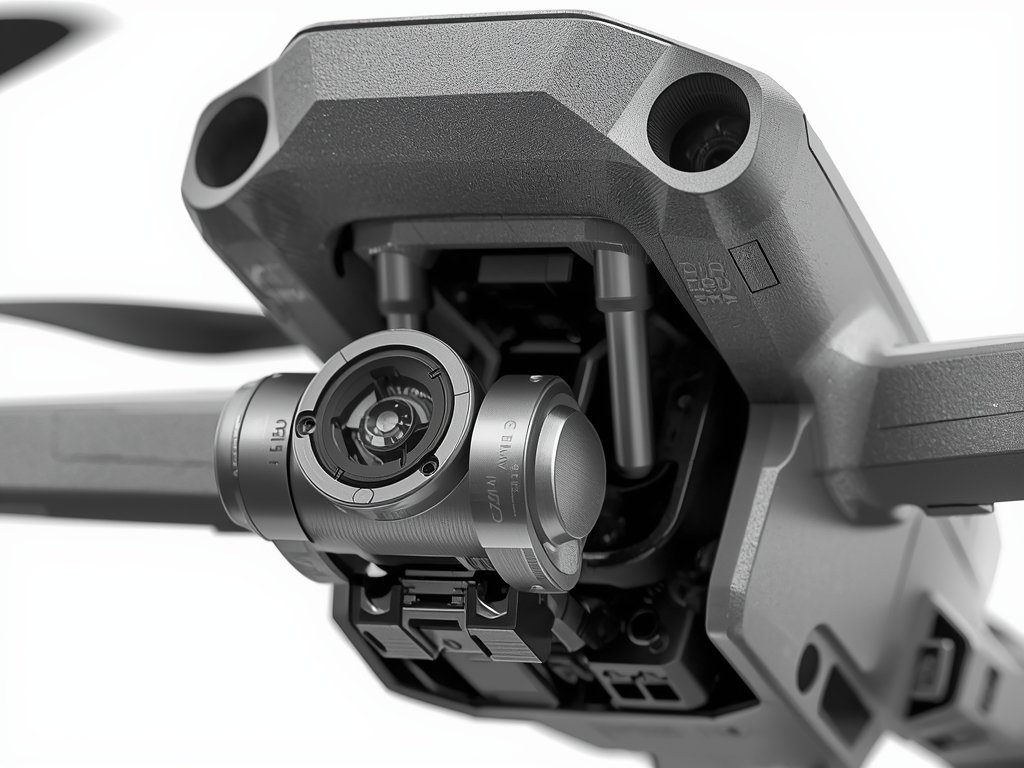
A desync is not a dead motor. It is the ESC losing track of where the motor’s rotor is. A sensorless brushless ESC has no position sensor: it infers where the rotor is from the back-EMF — the voltage the spinning motor generates in the coil that is not currently being driven — and times each commutation step from the zero-crossing of that signal. When the back-EMF signal gets corrupted, the ESC fires the wrong phase at the wrong time, and the motor stops instantly.
The corrupting moments are predictable: very rapid throttle increases, where the rotor accelerates faster than the tracking can settle; sudden load changes, where a prop strike or an aggressive flip stop brakes a motor hard; and low RPM, where the back-EMF signal is weakest and hardest to read. The electrical villain in the load-change case is demagnetisation: when a motor is braked hard, residual magnetism in the stator distorts the back-EMF waveform, and the ESC settings below exist specifically to ride through it. If your desync always happens on punch-outs, suspect timing. If it happens on flip stops and throttle chops, suspect demag compensation. If it happens at zero throttle, suspect idle speed. That pattern is the diagnosis. If the quad desyncs after a crash, check the receiver first — our guide to binding an FPV receiver covers the signal checks that rule out a receiver problem.
What Desync Actually Is: Back-EMF and the Death Roll
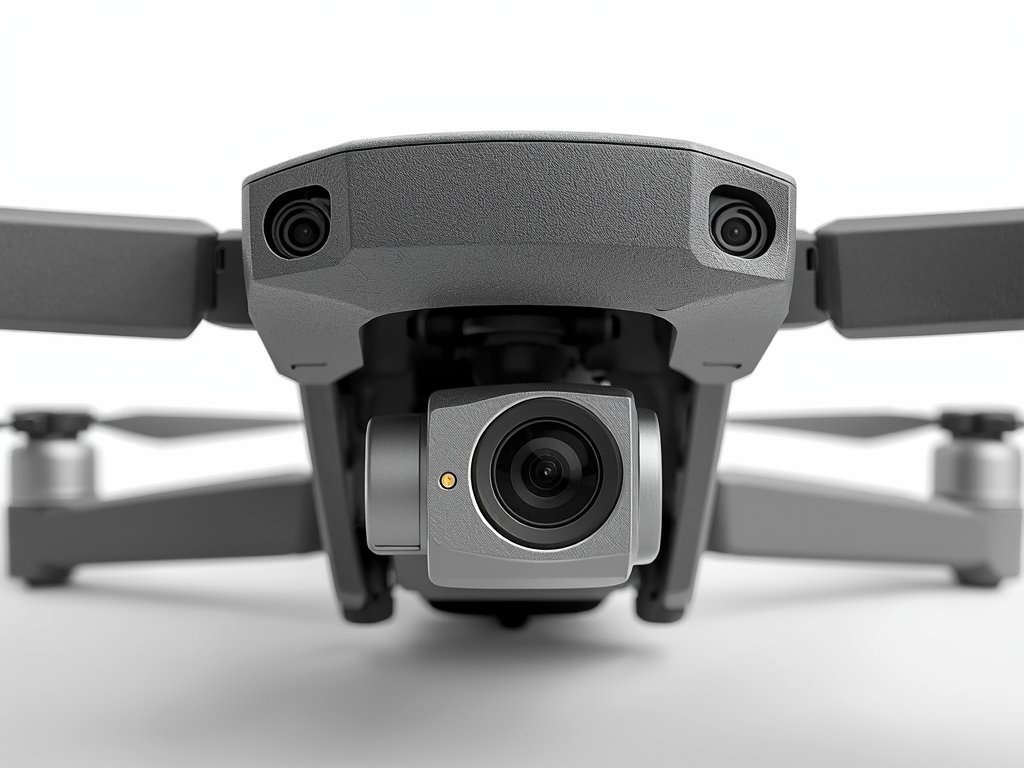
The ESC drives the motor by energising its three phases in turn, and to know when to switch it watches the back-EMF zero-crossing in the undriven phase. At high RPM the signal is strong and clean. At low RPM it is weak. Under hard braking the signal is distorted by the stator’s residual magnetism. And under electrical noise — an ESC without a capacitor, long motor wires, a noisy power system — the signal is buried in interference. Any of those four conditions can make the ESC miss a crossing, fire late, and lose the rotor entirely.
When it loses the rotor, the motor does not slow down gracefully. It stops, immediately, mid-flight. The flight controller sees one corner lose thrust and commands the opposite motors to compensate, but a quad that has lost a quarter of its lift in a fraction of a second cannot be saved by software: it rolls towards the dead corner and falls. Betaflight will often tell you afterwards: if you have the OSD warnings enabled, a desync shows up as an “RPM FILTER” error flag, and the Blackbox log — if you record one — shows the motor’s RPM trace dropping to zero while the others spike. That log is the proof: a failsafe, a brownout and a burnt motor all look like a desync from the ground.
Dynamic Idle: The First Fix
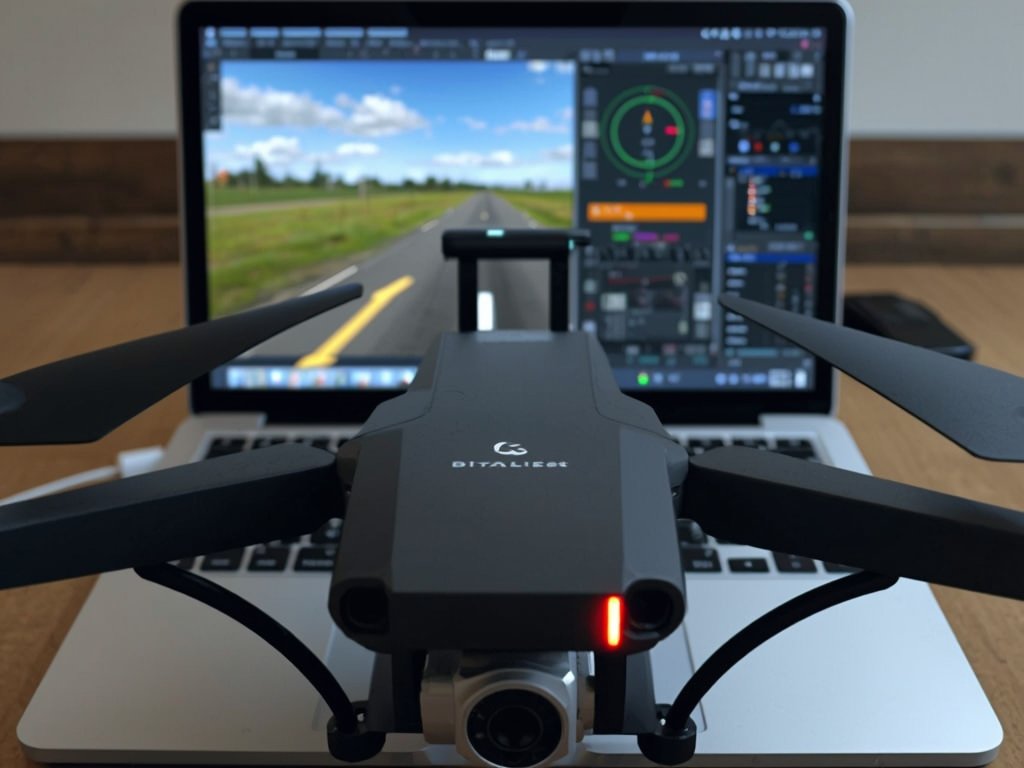
For a modern Betaflight build, the single most effective desync fix is Dynamic Idle, and it is the first thing to check. The problem it solves is simple: at zero throttle, a motor spins slowly, its back-EMF is weak, and the ESC can lose it. A fixed idle speed does not know your battery voltage, so an idle that is safe on a full battery can be too slow on a sagging one. Dynamic Idle adjusts the idle speed based on battery voltage, keeping the motors spinning fast enough to stay in sync at every voltage.
In Betaflight Configurator, go to PID Tuning and set the Dynamic Idle value to 40–60, which is the range the guides converge on. If you prefer a fixed idle, set the Motor Idle Throttle Value in the Configuration tab to at least 5.5–6.5 percent — but Dynamic Idle is the better choice on any build that supports it: check it before you touch the ESC. Test it on the bench first: arm with propellers off, drop the throttle to zero, and watch the motors. They should spin steadily and evenly. If one stutters or stops at zero throttle, the idle is still too low for that motor, and no amount of ESC tuning will fix what the idle speed is causing. Our Betaflight settings guide for beginners covers Dynamic Idle alongside the other settings every beginner should change before the first flight.
ESC Timing and Demag Compensation

If the idle is right and the desync still happens on hard punches and flip stops, the ESC settings are next — in this order: demag compensation first, timing second. Demag compensation makes the ESC discount the distorted portion of the back-EMF signal after hard braking, at a small cost in peak efficiency and top-end power. For a desync that happens on flip stops, prop strikes, or aggressive throttle chops, raising demag compensation by one step is the highest-value single change you can make. In Bluejay the scale runs Disabled, Low, High, with Low as the default — raise it to High; in BLHeli_32 the same setting takes the same fix value.
Motor timing sets how far ahead of the detected rotor position the ESC fires the next step, and here the sources disagree, so read the numbers against your own firmware. For BLHeli_32, the guides converge on 23 degrees, or Auto: too low a timing risks desync on high-KV or heavy-stator motors, too high costs heat and battery. For Bluejay the scale is descriptive — Low, MediumLow, Medium, MediumHigh, High — with MediumHigh as the verified default, and High as the step up when desyncs persist. One careful guide puts BLHeli_32 timing at 25 degrees and demag on High and claims that solves most desync issues; another puts timing at 23 degrees. The honest position is that both are in the right range and the exact best value depends on your motors: start at 23 or Auto on BLHeli_32, or MediumHigh on Bluejay, and only raise it if the desyncs continue after demag is already on High. Change one, test, then change the other. Timing that is too high makes motors run hot, and a hot motor is a motor that will desync for a different reason.
Bidirectional DShot and the RPM Filter
Bidirectional DShot is the ESC talking back to the flight controller: each ESC reports its motor’s actual RPM, and Betaflight uses that data for the RPM filter. It is essential for RPM filtering, but a misconfiguration can itself trigger false desync errors — so check it rather than assuming it. In the Betaflight Motors tab, spin each motor individually and confirm that all four ESCs report RPM values. An ESC that reports nothing is not running bidirectional DShot, whatever the settings say, and the RPM filter cannot work on a motor it cannot hear.
If desync flags persist with bidirectional DShot enabled, reduce the RPM filter harmonics from 3 to 2 in the PID Tuning tab: fewer harmonics means less filtering load and fewer false flags. Second, update the ESC firmware to the latest version — Bluejay 0.21 or later, BLHeli_32 32.9 or later — because RPM filter and bidirectional DShot behaviour has changed across versions, and a mismatch between the Betaflight version and the ESC firmware version is a real cause of false desync flags. Use DShot600 as the ESC protocol where the hardware supports it, DShot300 as the minimum, and confirm the protocol in the Configuration tab matches what the ESCs actually run. And if you use the ESC-Configurator web tool for Bluejay or AM32 hardware, read the current setup before changing anything: knowing what firmware each ESC is actually running is the first step, and ESC-Configurator shows it plainly.
The Capacitor: Electrical Noise

Electrical noise is the desync cause that hides behind the settings. The ESC and the flight controller share a power system, and every time a motor draws a sharp pulse of current, the voltage on that system dips and rings. Without a capacitor to smooth it, the noise reaches the ESC’s back-EMF sensing and corrupts the signal — and the symptom is a desync that happens at high throttle, at random, on a quad whose settings are all correct. The fix is a low-ESR capacitor soldered directly across the ESC power pads, and the size the guides converge on is 470 to 1000 microfarads, rated 50 volts, low-ESR.
Fit it as close to the ESC power pads as the build allows, with short leads — a capacitor on long wires is a capacitor that does not work at the frequencies that matter. If the quad already has a capacitor, check it: one cooked by heat, or whose legs have cracked at the solder joint after a crash, is no capacitor at all. And keep the motor wires short and tidy while you are in there. Long, looping motor wires act as aerials for the same noise the capacitor is trying to kill, and a build that desyncs only at full throttle, only on one motor, is often a wiring problem wearing a settings disguise. Electrical noise shows up in the video link too — our guide to FPV video breakup covers the signal side of the same problem.
Hardware Checks: Wires, Screws, Windings

When the settings are right and the desync follows one motor, stop tuning and check the hardware. A desync that always involves the same corner is a hardware fault until proven otherwise. Start with the motor wires: a loose wire, a cold solder joint, or a wire nicked by a prop strike will drop out intermittently under vibration and load — a twitch on one motor that no setting fixes. Reflow any joint that looks dull, cracked or dry.
Then check the motor screws. A screw that is too long touches the motor windings and creates an electrical short — and the symptom is a desync that appears after a crash or a rebuild, on one motor only. Remove the screws and check their length against the motor’s specification; a screw that protrudes into the windings is a fault, not a tight fit. Then the motor itself: spin it by hand and feel for a gritty bearing, a bent shaft, or a magnet that has shifted. A motor with damaged windings cannot be repaired — it can only be replaced — and the same is true of an ESC with a failed MOSFET: one ESC position that always desyncs, that runs hot, or that smells of burning is a dead ESC. If you have not yet read our guide to an FPV drone that will not arm, the motor-by-motor bench checks there are the same ones this section needs, because a motor that will not spin and a motor that desyncs are often the same fault at different severity.
The Test Flight That Proves the Fix

Prove the fix the way the fault happens: in the air, under load, but close and low. Arm in an open field, hover at a metre, and punch the throttle hard, twice. Then do a hard flip stop — a fast roll that ends abruptly — and a sharp throttle chop from full to zero. These are the three moments that cause desyncs, and a quad that survives all three, three times each, is a quad that is fixed. If it desyncs on the first punch, land, change one setting, and test again. If it desyncs only on the flip stop, the demag compensation is still too low. If it desyncs only at zero throttle, the idle is still too low.
Keep a note of what you changed and what it did. Desync fixes interact, and the pilot who changes one setting at a time knows which one fixed it. When the quad survives the test, fly it normally, but watch the OSD for the first few flights: an RPM FILTER flag that appears once and never again is the system telling you the edge is still there. Desync is a solved problem, with a known fix order and known values, and the quad that death-rolled last week is the quad that flies clean this week — once the ESC can hear its motors again.
Join Our Pilot Community
Connect with fellow drone enthusiasts, share your aerial shots, and get access to free PDF ebook guides.