


Your drone is flying over open ground, nothing in front of it, and it suddenly brakes, hovers, and refuses to go forward. The app says “Obstruction Detected” or the aircraft switches to detour mode and wanders off its course. There is no wall, no tree, no wire — just empty air. What you are seeing is a false positive: the obstacle-avoidance system has detected something that is not there, or has mistaken something harmless for a wall. It is one of the most common complaints about modern camera drones, and it is almost always the environment fooling the sensors, not the sensors failing. This guide explains how the system sees, the five things that fool it, and the fixes in order — including when it is safe to turn it off, and when it is not.
The Short Answer: The Sensors See Something You Don’t
Obstacle avoidance does not see the world the way you do. It uses small forward, backward, sideways and downward sensors — stereo cameras that judge distance by comparing two views, infrared or time-of-flight sensors that measure how long light takes to return, and on agricultural and enterprise aircraft, radar. Each type has a blind spot, and each can be fooled by a different thing. A stereo camera is fooled by bright light and featureless surfaces. An infrared sensor is fooled by reflections and strong sunlight. A radar is fooled by moving crops and rain. When any of them reports an obstacle, the flight controller believes it: it brakes, it stops, or it detours, because a system that ignored its sensors would be useless. The false positive is the price of a system that errs on the side of stopping.
The first thing to do when it happens is the safest thing: stop pushing forward. Return the sticks to the centre, let the aircraft hover, and look at what is in front of it — including the sun, the sky, and the ground below. Most false positives clear themselves in seconds when the angle changes or the aircraft moves a few metres. If it does not clear, yaw the aircraft away from the direction it was flying and try a different heading. A false positive that follows the sun follows the light, not the terrain.
How Obstacle Avoidance Actually Sees

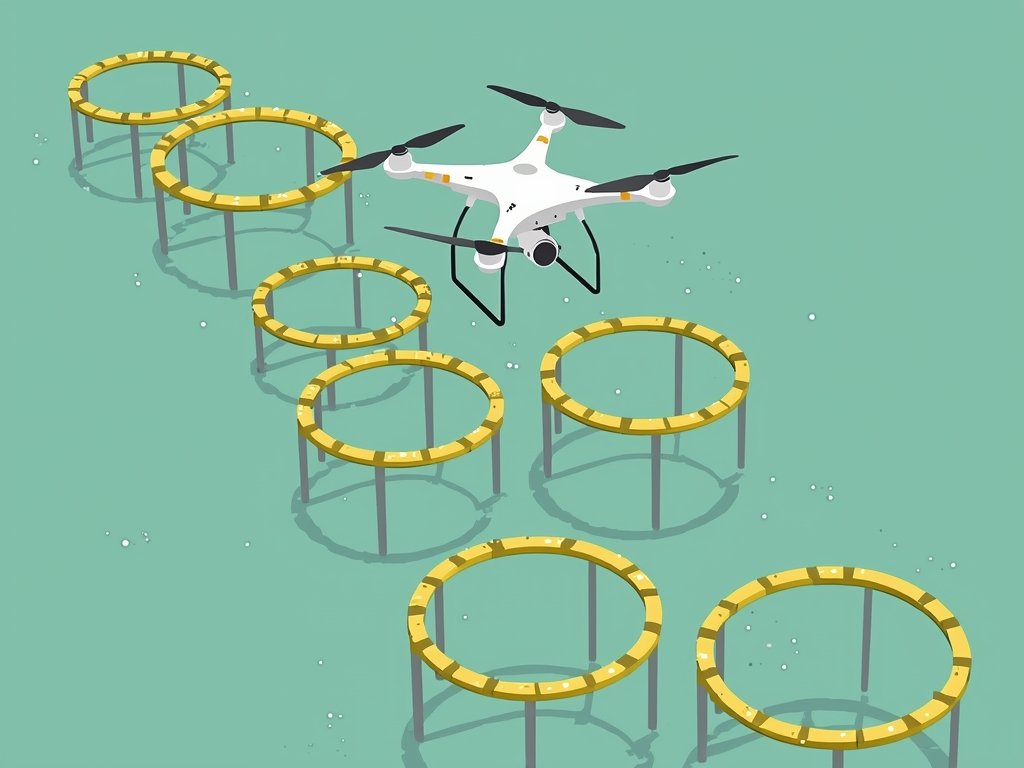
On a DJI camera drone the forward sensors are stereo cameras: two small lenses a few centimetres apart that compare their two views and calculate distance from the difference. They need texture to work — a blank white wall, a clear sky, or a smooth stretch of water gives them nothing to compare, so they either report nothing or report something unreliable. The downward sensors add infrared and ultrasonic ranging for landing. The system also has limits it does not advertise loudly: it does not work in reverse on some models in normal flight, it is disabled in Sport mode, and its range is short — typically a few dozen metres at most. It is a last-metres safety net, not a radar that sees the horizon.
Pilots expect the system to be smarter than it is. It cannot tell a bird from a branch or a sunbeam from a wall: it reports a distance and a direction, and the flight controller acts. That is the key to every fix below.
The Sun: The Commonest False Positive

Flying directly toward a low sun is the single commonest cause of a false obstruction warning. The stereo cameras look into the glare, the image washes out, and the system reads the bright, featureless light as an obstacle at close range. It happens most at dawn and dusk, when the sun is low and the light is strong, and it also happens with sun reflected off water, snow, or a glass building — the sensor sees the reflection, not the surface behind it. Pilots on the MavicPilots forum report exactly this pattern: a drone that stops and refuses to go forward while flying toward the sun, then flies normally the moment it turns away. One pilot’s aircraft stopped during a return-to-home at 300 feet, reported an obstruction with nothing within half a mile, and returned normally once it yawed around and flew the other way.
The fix is to change the angle. Yaw the aircraft so the sun is behind or to the side, and the warning clears. If you must fly toward the sun — a shot that needs it — fly higher, where the angle to the sun is steeper and the glare is less direct, or fly the route backwards and reverse the footage. Do not fight it by pushing the stick harder: the system will keep braking, and the battery will keep draining while you hover. If the sun is the cause, the fix is geometry, not settings.
Water, Glass and Reflections

Water is the second great deceiver. A calm lake, a river, or a wet road reflects the sky, and the stereo cameras read the reflection as a surface at the wrong distance — or as no surface at all, which is worse, because the system may then report an obstacle where the reflection breaks. Glass buildings do the same, and so do polished metal roofs. The downward sensors are affected too: over water they can read the reflection instead of the surface, and the aircraft may climb or refuse to descend. The rule is simple: treat water and glass as sensor-hostile, keep altitude and distance, and never trust the obstacle display over still water.
Reflections also explain the false positives that appear and vanish with the time of day. A glass facade that is harmless at noon becomes a mirror at four in the afternoon, and a lake that was invisible to the sensors in the morning becomes a reflector at sunset. If the same route triggers warnings at one hour and not another, the light is the variable, not the aircraft. Change the time or the angle, not the drone.
Rain, Mist and Fog

Rain is water in the air, and the sensors see it as a wall. A light drizzle puts droplets on the sensor lenses and in the air in front of them; the system reads the droplets as a close obstacle and brakes. Fog is worse: it is suspended water, and flying into a fog bank is flying into a solid wall as far as the sensors are concerned, while the pilot’s visibility collapses at the same time. DroneDeploy’s guidance lists fog, rain and cloud shadows among the known false-trigger causes, and agricultural pilots report the same with radar: an over-sensitive radar stopping the aircraft constantly over a cornfield, because the swaying tassels and the crop itself return a signal the system reads as an obstacle.
The fix for weather false positives is to land: the moisture damages the aircraft, and the visibility loss breaks the visual-line-of-sight rule. If you are caught out, bring the aircraft home at once, and if the sensors are the reason you cannot move forward, use Sport mode to disable them only if you can see clearly and the airspace is open. A radar false positive over crops has a different fix: fly higher, ten to twenty feet above the crop, which reduces the radar’s sensitivity to the plants below. If it persists at height, the firmware or the radar unit itself is suspect — AgriSpray’s knowledge base recommends testing a firmware downgrade and, if the fault follows the unit, replacing the radar.
Dirty, Blocked or Miscalibrated Sensors

Before you blame the sky, check the lenses. A fingerprint, a smear of sunscreen, a drop of dried rain, or a speck of dust on a vision sensor will scatter the light and produce false readings — and the smaller the lens, the bigger the effect. Clean the vision sensors with a microfibre cloth and lens cleaner, the same way you would clean the camera lens, and check for a screen protector or a sticker that has crept over a sensor. A gimbal guard or a third-party accessory that blocks a sensor will produce a permanent false positive in one direction, which is easy to recognise: the warning appears only when flying that way.
Calibration is the next step. If the app reports that the vision system needs calibration, or if false positives persist in clear conditions after cleaning, calibrate the sensors with the manufacturer’s computer tool — DJI Assistant 2 for DJI aircraft. Pilots who have done this report the warnings disappearing immediately afterwards. A sensor that still reports false positives after cleaning and calibration, in clear air, with no sun and no reflections, is a hardware fault: a damaged sensor, a loose connector, or a cracked lens. That is a repair-centre job, not a settings change.
Birds, Branches and Moving Things
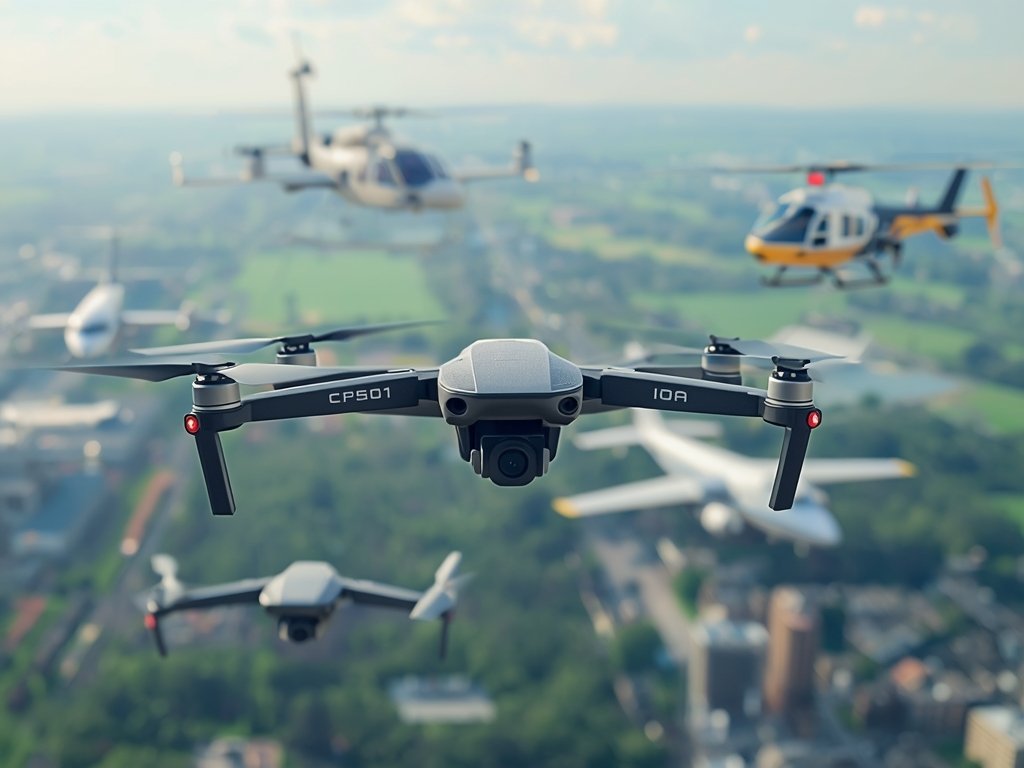
Some false positives are not false at all — the system detected something real, and the pilot did not see it. Small birds, especially swallows and swifts, fly fast and close, and the sensors read them as an obstacle because they cannot tell a bird from a falling branch: both are small, fast-moving, high-contrast objects, and the safest default is to avoid. Thin branches, power lines and wires are the same: the system may detect them late or not at all, because they are thinner than the sensor’s resolution at distance, and then brake hard when they come into range. Sparse or moving objects are a known limitation, and the guidance is explicit that the system is not reliable against them.
The correct response to a bird or branch warning is the same as to any real obstacle: stop, assess, and go around. Do not disable the system because it braked for a bird — that is the system working. The time to suspect a false positive is when the warning repeats in empty air with nothing moving, in the same light, on the same heading. If it repeats only near trees or wires, the sensors are doing their job, and the route is the problem.
The Fixes in Order

Work through these in order when a false positive stops you. First, centre the sticks and let the aircraft hover — do not fight the brake. Second, look for the sun, water, glass or weather in front of the aircraft, and yaw away from it; if the warning clears, you have found the cause. Third, climb ten to twenty feet: height reduces the sensor’s view of the ground and of low reflections, and DroneDeploy’s guidance recommends exactly that. Fourth, clean the vision sensors and check nothing is blocking them. Fifth, calibrate the vision system with the manufacturer’s tool if the app asks for it or the fault persists in clear air. Sixth, update the firmware: a firmware glitch can make a radar or vision system over-sensitive, and the agricultural knowledge base lists a firmware test as a real diagnostic step.
Only then, if the area is clear and you can see the aircraft, consider turning obstacle avoidance off for that flight. On DJI aircraft, switching to Sport mode disables it; on others there is a setting in the app. This is a deliberate decision, not a habit: with the system off, you are the only obstacle avoidance the aircraft has, and you must fly in open airspace with clear visibility. Never disable it over people, near buildings, or in poor visibility. If the false positive returns on the next flight in clear conditions, stop flying the aircraft and have the sensors checked — a system that cries wolf in empty air is a system that may also stay silent when a real obstacle appears. Our guide to a drone that loses GPS mid-flight covers the same decision point for the other system that can ground you unexpectedly.
Frequently Asked Questions
Why does my drone stop when there is nothing in front of it? Usually the sun, a reflection off water or glass, rain or fog, or a dirty sensor. Yaw away from the sun and climb ten to twenty feet — if the warning clears, the environment was the cause.
Can I turn off obstacle avoidance permanently? You can disable it per flight, but do not make it a habit. It is the last safety net between the aircraft and a wall, and a system that reports false positives in empty air needs cleaning or calibration, not disabling.
Does obstacle avoidance work in reverse? On many models it does not work in reverse in normal flight, which is why flying backwards is sometimes suggested as a way around a false positive. Do not rely on that: fly backwards only where you can see the airspace behind the aircraft.
Will a firmware update fix false positives? Sometimes. A firmware glitch can make a radar or vision system over-sensitive, and updating — or in rare cases testing an older version — is a real diagnostic step. But update at home, not in the field, and test-fly afterwards.
Join Our Pilot Community
Connect with fellow drone enthusiasts, share your aerial shots, and get access to free PDF ebook guides.