


A drone flyaway is the moment a pilot stops being in charge. The aircraft climbs, drifts or heads off in a straight line, the sticks do nothing, and the pilot is left watching a dot get smaller. It feels like a random failure, but it almost never is. A flyaway has a cause, and in most cases the cause was set up before takeoff: a home point that was never recorded, a compass calibrated next to a car, a GPS lock that was never checked, or a battery pushed past the point where the drone can fight the wind home. This guide covers the seven causes that produce nearly all flyaways, the pre-flight checks that prevent them, and what to do in the seconds after one starts.
The Short Answer: It Almost Always Comes Back to the Link


A flyaway is a loss of control, and control has only three parts: the radio link between the controller and the aircraft, the GPS position the aircraft uses to know where it is, and the compass heading it uses to know which way it is pointing. If any one of those three is wrong, the drone can fly away while everything else works perfectly. The motors are fine, the battery is fine, the camera is fine — the aircraft simply has bad information about where home is, or no link to the pilot at all.
That is why the fix is almost never a single setting. The prevention is a short checklist run before every flight, and the recovery is a sequence: stop fighting the sticks, check the link, let return-to-home do its job if it can, and if it cannot, keep the aircraft in sight and bring it down where it is. The rest of this guide works through each cause in turn, so you can recognise which one you are dealing with and fix the right thing.
What a Flyaway Actually Is (and What It Is Not)

A flyaway is an uncontrolled departure: the drone moves away from the pilot on its own, or refuses to come back when commanded, and the pilot cannot regain control by normal stick input. It is not the same as a drone that drifts in wind — a drone fighting wind still answers the sticks, it just cannot make headway. It is not the same as a return-to-home that takes the drone somewhere unexpected, although a bad home point is often the reason that happens. And it is not the same as a crash: a flyaway ends in a landing the pilot did not choose, often far away, or in a battery dying over ground the pilot never saw.
The distinction matters because the response is different. A drone drifting in wind needs throttle and a lower altitude, where the wind is weaker. A drone in a flyaway needs the pilot to stop adding inputs and let the failsafe logic work — or, if the failsafe is the problem, to take the one action that still works. Knowing which situation you are in is the first decision, and it has to be made in seconds, which is why it is worth thinking through before it happens.
The Seven Causes
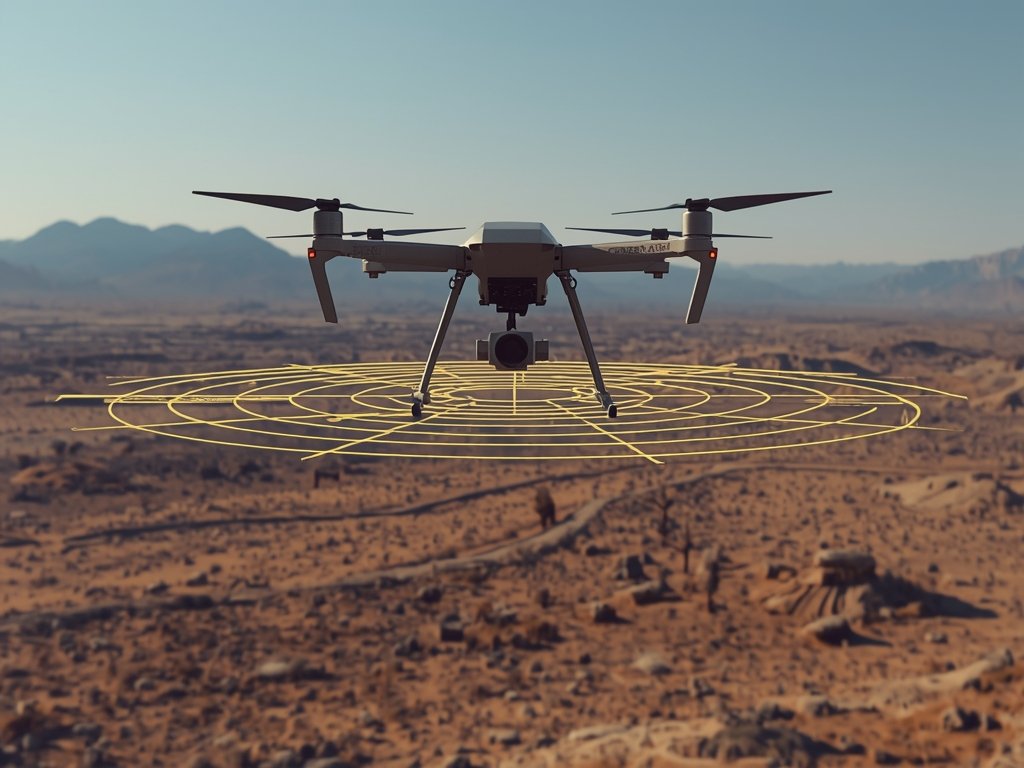
Nearly every flyaway comes down to seven causes, and most of them combine: one weak link makes the next one worse. First, weak or lost GPS. The aircraft needs enough satellites for a solid position fix before it can hold position or return home. Taking off with a weak lock, or flying into a canyon, a forest or between tall buildings where the signal drops, leaves the drone navigating on its last known position — and its last known position may be wrong. Our guide to a drone that loses its GPS signal mid-flight covers the same failure from the signal side, including the satellite counts that matter and the places where the lock drops first.
Second, a wrong or missing home point. Return-to-home flies the drone back to the point recorded at takeoff. If the home point was never recorded, or was recorded somewhere else — because the pilot took off before the GPS lock settled, or moved the launch point after powering on — the drone will faithfully fly to the wrong place. Third, compass interference. A compass calibrated on a car roof, on reinforced concrete, or next to power lines tells the flight controller the wrong heading, and the drone then flies in the wrong direction while believing it is flying in the right one.
Fourth, a return-to-home altitude set too low. If the RTH altitude is below the trees, buildings or hills between the drone and home, the drone will fly straight into them on the way back — or, on some models, climb and keep climbing in a way that looks like a flyaway. Fifth, loss of the control link: flying beyond range, into interference from Wi-Fi networks, power lines or stadiums, or with a controller whose battery is dying. Sixth, low battery. A battery pushed to the edge cannot fight a headwind home, and the drone’s low-battery failsafe may force a landing wherever it happens to be. Seventh, wind and flight-mode confusion: a strong wind the pilot underestimated, or a flight mode the pilot did not realise was active — sport mode with obstacle avoidance off, or a mode that holds altitude but not position.
The Pre-Flight Checks That Prevent Most Flyaways
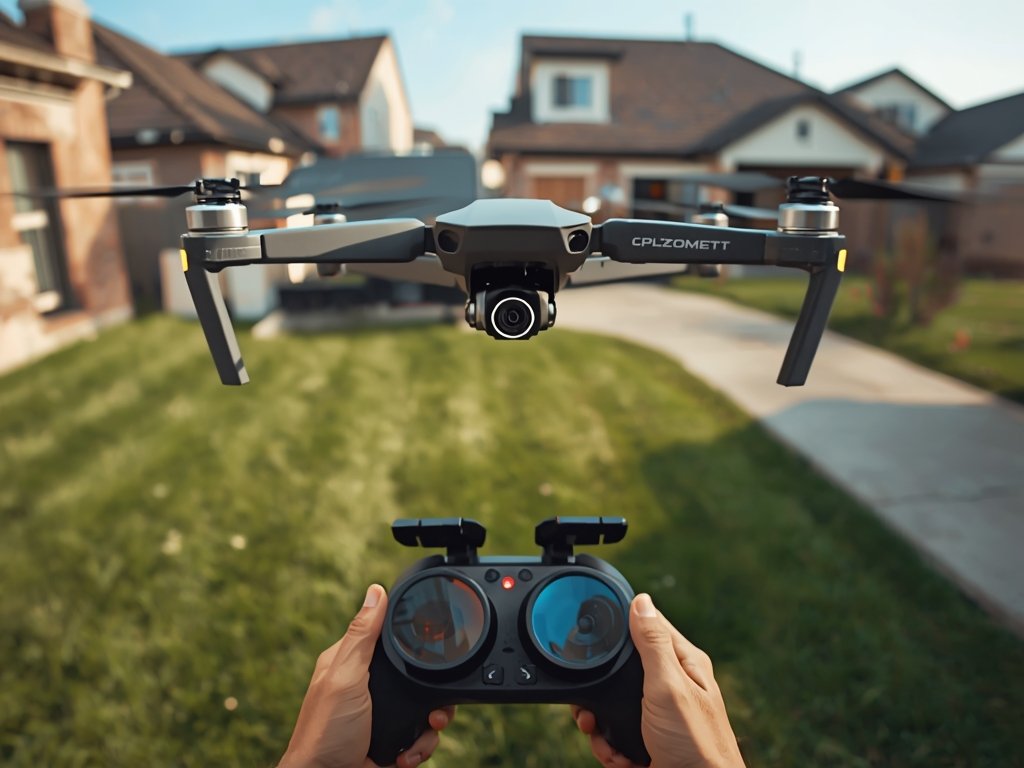
The prevention is five checks, and they take about two minutes. First, wait for the GPS lock before takeoff: the app should show a strong satellite count and a recorded home point, and the home point should be where you are standing, not where you were a minute ago. Second, calibrate the compass in a new location, away from cars, concrete and metal — and check for a compass warning before you arm. Third, set the return-to-home altitude above the tallest obstacle between you and the furthest point you plan to fly, and check it every flight, because it does not carry over reliably between sessions.
Fourth, check the battery honestly: not just the percentage, but whether the drone has enough charge to fly out and back against the wind you can feel at ground level, because the wind at 100 feet is stronger. Fifth, check the link: fly a short test hover close by, confirm the sticks answer, and confirm the video feed is stable before you fly out. Our pre-flight checklist puts these five on a single list, and it is worth running them in the same order every time — the order is what makes them hard to skip.
What to Do the Moment It Starts Flying Away
Stop adding stick input first. If the drone is not responding, more stick movement does not help, and it can make the failsafe logic harder to read. Look at the screen: is the video feed still live, is the GPS count still strong, is the battery still healthy? If the feed is live and the drone is climbing, it may be executing a return-to-home you did not expect — check the home point on the map before you fight it. If the drone is drifting with the wind, bring it down: the wind is weaker near the ground, and a controlled landing in a field you can see beats a flyaway over a forest you cannot. And if the sticks are dead while the link is still up, the fault may be the controller rather than the aircraft — our guide to controller sticks that do not respond covers the calibration and binding checks for that case.
If the link is gone entirely — no video, no telemetry, sticks dead — do not chase it on foot while staring at the screen. Watch the sky, listen for the motors, and let the failsafe run: on most camera drones the loss of link triggers return-to-home after a few seconds, and the drone will come back to the recorded home point if the GPS and compass are good. If it does not come back, note the last known position, the direction of travel and the time — that is what you need for the recovery. Our guide to recovering a lost drone with GPS tracking covers the search that follows, and the flight log is the first thing to pull: it records the last position the drone reported, which is often more useful than the pilot’s memory of where it went.
After It Lands (or Doesn’t): Recovery and the Flight Log

Once the drone is down — or once you have accepted that it is not coming back on its own — the work is recovery and diagnosis, in that order. Recovery starts with the last known position from the flight log and the Find My Drone feature in the app, which shows the last reported location. Walk to it, and use the controller to trigger the drone’s beeper if the model has one. If the drone went down over water or into a tree, do not climb after it: a lost drone is not worth an injury, and the insurance claim needs you in one piece.
Diagnosis starts with the same flight log. Read it before you fly again, because it tells you which of the seven causes fired: a GPS count that dropped, a compass warning before takeoff, a home point recorded in the wrong place, a battery that hit the low threshold while the drone was still far out. Fix that cause before the next flight — a flyaway you do not diagnose is a flyaway that repeats. If the log shows the link dropping at a consistent distance or in a consistent direction, the cause is range or interference, and the fix is to fly closer or from a cleaner launch point, not to buy a bigger antenna. And if the log shows nothing wrong at all, the cause was probably wind or a mode setting, which the log will not show directly — check the flight mode and the wind at altitude before you blame the hardware.
FPV Flyaways: Failsafe and GPS Rescue
FPV quads fly away differently, because they have no return-to-home by default. On a Betaflight quad, a flyaway usually means the radio link was lost and the failsafe was wrong: if the failsafe is set to hold the last stick positions instead of dropping, the quad keeps flying on the last command until the battery dies. The fix is in the failsafe tab, and it has to be set before the flight, not after: stage one holds for a fraction of a second, stage two drops the quad or, for long-range flying, triggers GPS Rescue if a GPS module is fitted and enough satellites are locked.
GPS Rescue is the FPV equivalent of return-to-home, but it is not automatic: it needs a GPS module, a minimum satellite count (usually eight), and a minimum distance from home before it will trigger. Test it with the propellers off first — arm, apply throttle, turn off the radio, and confirm the motors stop. If they keep spinning, the failsafe is wrong and the quad is a danger to everyone downrange. The UAVMODEL guide to Betaflight failsafe and GPS Rescue walks through the stage-one and stage-two settings, and it is the clearest single reference for the setup. The same rule applies to camera drones and FPV quads alike: a failsafe you have never tested is a failsafe you do not have.
Frequently Asked Questions
What is the most common cause of a drone flyaway? There is rarely one single cause, but the commonest pattern is a combination: a weak GPS lock or a wrong home point, plus wind or low battery. The pilot takes off before the home point settles, flies out further than planned, and the drone cannot get home against the wind on the battery that is left. The checklist in this guide catches that pattern before takeoff.
Will my drone come back on its own if I lose signal? On most camera drones, yes — loss of link triggers return-to-home after a few seconds, provided the GPS lock and compass are good and the home point was recorded correctly. That is why the home point and compass checks matter more than any other pre-flight step: the failsafe can only fly home if it knows where home is.
Can wind alone cause a flyaway? Wind alone rarely causes a flyaway, but wind plus a low battery or a long distance does. A drone that cannot make headway against the wind will drift downwind while the pilot holds full stick, and the battery drains faster fighting the wind than it would in still air. If the drone is not making progress toward you, land it where it is instead of fighting the wind all the way home.
What should I do first after a flyaway? Pull the flight log before you fly again. It records the GPS count, the compass warnings, the home point and the battery through the whole flight, and it will show which cause fired. Fix that cause, test the failsafe, and only then fly — a flyaway you do not diagnose is one you will repeat. If the drone is lost, the log’s last reported position is the starting point for the search. The FAA recreational flyer rules are the reference for what a recreational pilot owes after an incident — read them before your next flight, not after.
Join Our Pilot Community
Connect with fellow drone enthusiasts, share your aerial shots, and get access to free PDF ebook guides.