


A drone battery rarely fails without warning. Flight times shrink, the pack feels warmer than it used to, or it no longer holds a full charge overnight. By then, the damage has usually been building for months — and most of it comes down to everyday habits, not defects. Good drone battery care is not complicated, but it does need to be consistent. How you charge, store, fly, and travel with lithium packs decides whether they stay strong for seasons of regular use or fade early. This guide covers what matters most, following DJI’s published maintenance guidance and the official lithium battery travel rules.
Why Battery Care Matters
Modern drone batteries are lithium packs managed by electronics that monitor voltage, temperature, and cycles. That helps, but it cannot undo poor handling. Heat, deep discharge, and long periods at full charge age the cells, even in the case. As capacity falls, flights shorten, voltage sags under load, and margin shrinks when wind or cold demands extra power.

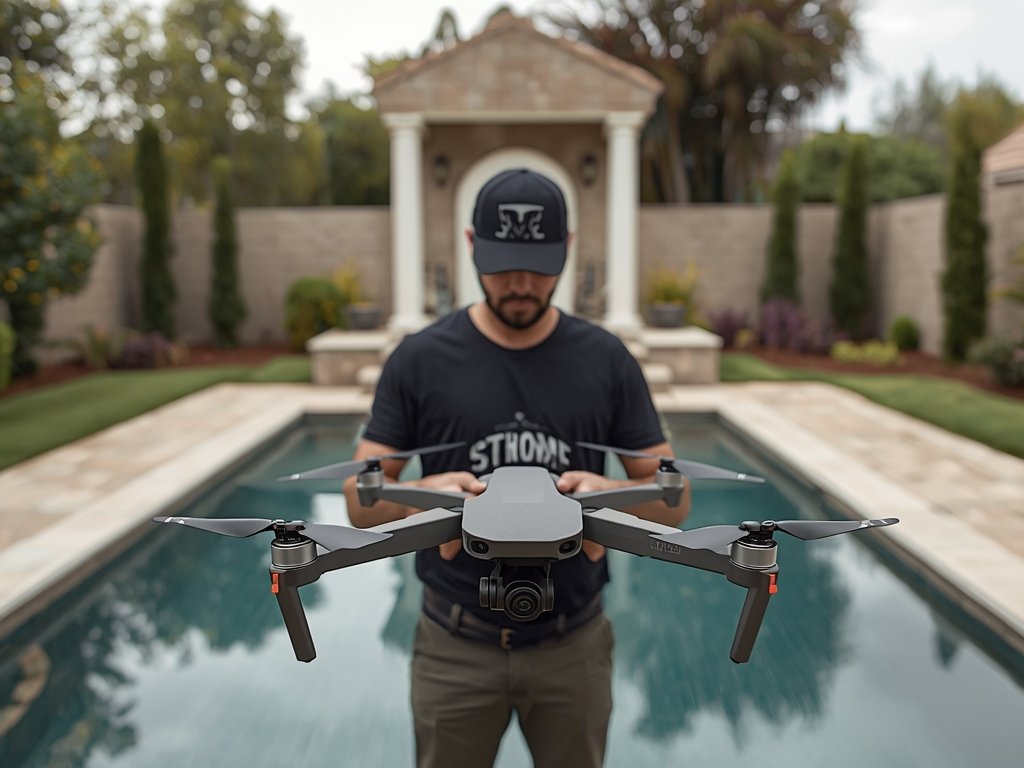
There is a safety side, too: a stressed pack is more likely to swell or overheat. Understanding how smart battery technology improves drone safety shows why built-in protections work best when your habits support them. Only healthy packs get close to the endurance of the drones with the longest flight times. A neglected battery can turn a long-range aircraft into a short-hop one long before the airframe wears.
Drone Battery Care Starts With Charging
Charging is where most avoidable damage happens, simply because it happens so often. Steady habits here protect drone battery lifespan better than any accessory.
Let the pack cool before you charge
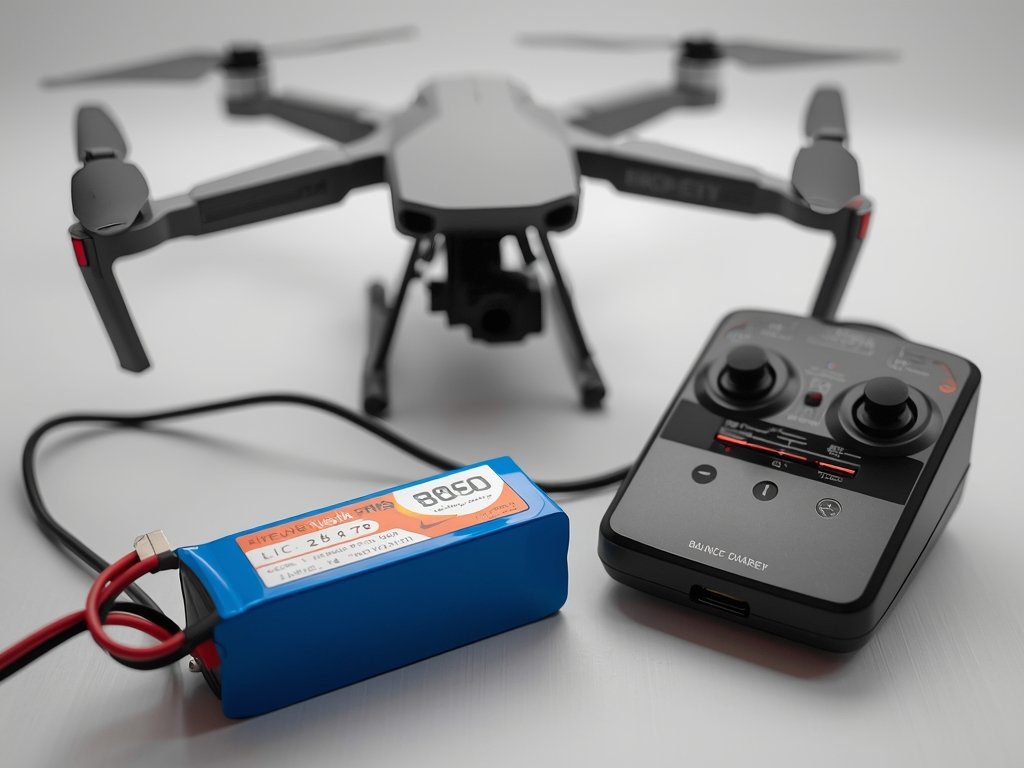
Never charge a battery straight after a flight while it is still warm. DJI’s guidance is explicit: wait until the pack has fully cooled to room temperature. Charging a hot battery accelerates wear inside the cells. Land, remove the pack, set it somewhere ventilated and out of direct sun, and let it cool completely before connecting the charger.
Use the right charger and stay nearby
- Use the charger supplied or recommended for your battery model. Its voltage and charging profile are matched to the pack.
- Charge on a hard, non-flammable surface, away from paper, fabric, and anything that traps heat.
- Stay nearby while charging. If a pack becomes unusually hot, swells, or produces any smell, stop charging straight away.
- Do not leave batteries charging overnight or while you are away from home.
- Keep connectors clean and dry, and inspect cables for damage.
Charge with your next flight in mind
Lithium packs are happiest when a full charge is followed soon by a flight. Charging to 100% and leaving the battery sitting for days stores it in the state that ages it fastest. Charge the evening before or the morning of a flight instead. If plans change, enable your battery’s automatic discharge setting if it has one — many intelligent batteries reduce themselves toward storage level after set idle days.
The Storage Rules: Charge Level, Temperature, and Container
If charging is where damage happens most often, storage is where it happens most quietly. Correct drone battery storage comes down to charge level, temperature, and container.
Store at 40–65% charge
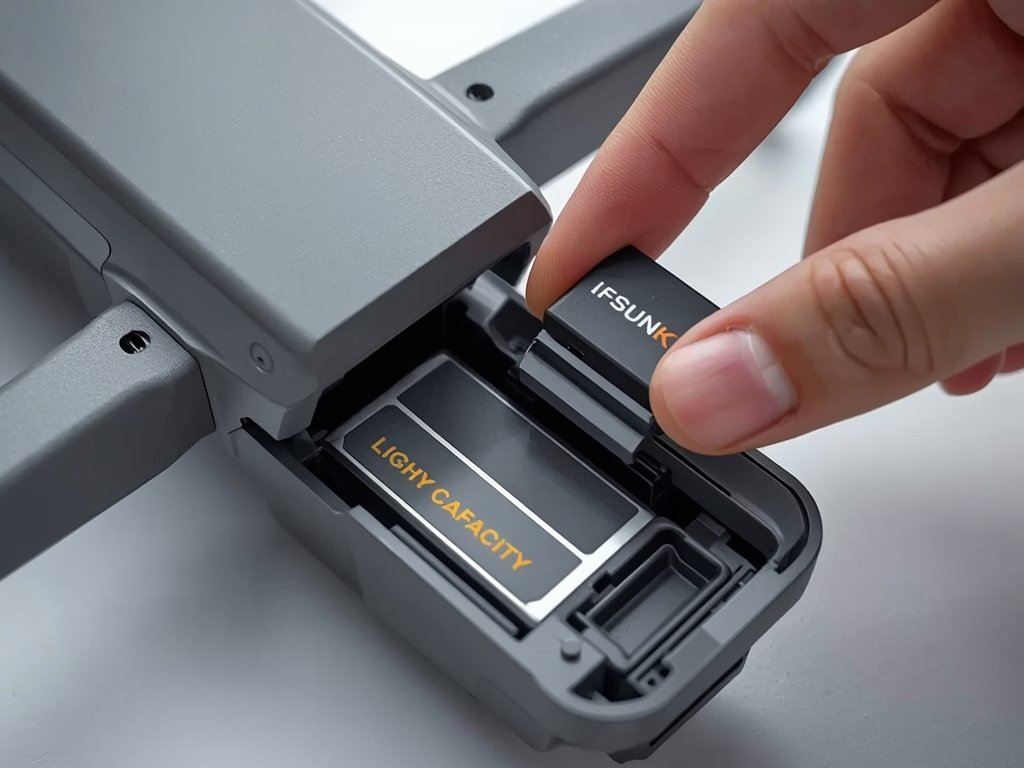
For storage longer than about ten days, DJI recommends holding its Intelligent Flight Batteries at 40–65% charge — roughly where the third indicator light is on or flashing on many of its packs — rather than full or empty. The same mid-range principle is widely applied in how to store drone batteries from other makers, but check your model’s manual first. Full charge puts sustained stress on the cells. Near-empty storage carries the opposite risk: packs keep self-discharging while switched off, and if the level falls too low for too long, over-discharge can cause permanent damage.
In practice: if you landed low and will not fly for over a week, charge back into the storage range. If you will fly in a day or two, no adjustment is needed.
Keep storage cool, dry, and stable
DJI gives an ideal storage environment of 22–28°C (72–82°F), cool, dry, and well ventilated. A cupboard inside your home is usually far better than a garage, loft, or car, where temperatures swing widely. Never store packs in a hot vehicle, direct sunlight, or next to a heater, and keep them away from damp. Very cold packs should return to room temperature before charging or flying.
Choose a sensible container
Keep terminals protected from metal objects and other batteries. A dedicated case, the manufacturer’s packaging, or a fire-resistant LiPo-safe bag adds separation. Label packs if you own several, and rotate them: rotation spreads cycles evenly and makes a fast-ageing pack easier to spot.
Long-Term Storage and the Three-Month Full Cycle
Even at the correct charge, do not forget a battery for months. For long-term storage, DJI recommends a full charge and discharge cycle at least once every three months. That means fully charging the battery, fitting it in the aircraft and powering on to discharge it, recharging when nearly empty, then discharging again to around 65% before putting it away. Full detail is in DJI’s Battery Routine Maintenance Guide.

- Inspect every stored pack for swelling, cracks, or damaged connectors.
- Check the indicated charge. If it has fallen well below the storage range, run the cycle promptly.
- Run the full charge and discharge cycle described above.
- Return each pack to 40–65% and put it back in cool, dry storage.
- Note the date and any pack that behaved unusually.
Never store a battery fully drained. A pack put away empty can self-discharge into over-discharge, after which it may not recover. DJI notes that a long-depleted battery enters hibernation mode and needs recharging to come out of it — but prevention is far better than relying on recovery.
Flying Habits That Protect Your Packs

Warm up in cold weather
Lithium batteries deliver less power when cold, and voltage can drop sharply under load early in a flight. Keep packs insulated until launch where the manufacturer allows it, hover briefly at low altitude after takeoff, and climb gently until the pack warms through use. Our guide to flying safely in cold weather covers the full winter routine, including early low-voltage warnings.
Keep a landing reserve
Land with charge to spare rather than routinely running packs to their lowest warning. Aiming to land with roughly 15–20% charge remaining is a widely used rule of thumb that protects service life, and it preserves a safety margin if wind or a change of landing spot lengthens the return. Set sensible low-battery warnings in the app, treat the first warning as your cue to head back, and avoid repeated deep discharges.
Cool down after landing
Remove the battery after landing and let it cool fully in a ventilated spot. Then charge it, adjust it into the 40–65% range for storage, or leave it if you will fly within days. Do not stack warm packs in a closed case, as trapped heat slows cooling.
Travelling With Drone Batteries by Air
Air travel rules are strict for good reason: a lithium battery problem is far easier to manage in the cabin than in the hold. Under Federal Aviation Administration guidance, spare lithium batteries must travel in carry-on baggage, never in checked baggage — including spare drone batteries not installed in the aircraft. Protect every spare from short circuit: cover the terminals, use a case or protective bags, and pack so packs cannot be crushed.

Size is measured in watt-hours (Wh), printed on most batteries. The FAA’s airline passenger battery guidance sets the United States framework: 0–100 Wh batteries are allowed, 101–160 Wh batteries require airline approval and are limited to two spares per person, and batteries over 160 Wh are forbidden. Most consumer drone batteries fall under 100 Wh, but check every pack. Airlines can be stricter, and Transportation Security Administration screening and rules outside the United States may differ, so confirm your airline’s current policy before travelling.
- Bring each battery toward storage level if you will not fly immediately on arrival.
- Carry all spares in your cabin bag, each protected with terminals covered.
- Know where the Wh rating is printed, in case you are asked.
- Never pack a swollen, damaged, or recalled battery for a flight.
- If a carry-on bag is taken at the gate for checking, remove spares and keep them with you in the cabin.
Warning Signs a Battery Must Be Retired
No routine can save an unsafe pack. Retiring a battery early is cheaper than repairing a drone — or dealing with a fire. Stop using it and follow the manufacturer’s advice if you notice any of the following.

| Sign | What it means | Action |
|---|---|---|
| Swelling that remains after cooling | Cells have degraded or been damaged. | Do not fly, charge, or travel with it. Isolate it and contact the manufacturer. |
| Cracks, dents, or damaged casing or connector | Possible internal damage and short-circuit risk. | Do not fly it. Retire it unless the manufacturer confirms it is safe. |
| Unusual heat, smell, smoke, or hissing | Possible internal fault or early thermal runaway. | Stop using it immediately and seek manufacturer guidance. |
| Sudden voltage drops, repeated errors, or sharp loss of flight time | One or more cells may be failing. | Land promptly, run the manufacturer’s checks, and retire it if the fault repeats. |
| Water ingress, corrosion, or failure to charge after storage | Moisture or over-discharge damage is likely. | Do not force a charge. Contact the manufacturer. |
DJI makes one useful distinction: a pack may expand slightly from heat during a flight and return to normal as it cools, in which case it can be used as usual. If it does not return to normal after cooling, treat it as retired. Never put a retired pack in household waste — use a local battery recycling programme or retailer take-back scheme, with terminals taped.
Frequently Asked Questions
What is the best charge level for storing drone batteries?
For storage over about ten days, aim for 40–65%, as DJI recommends for its Intelligent Flight Batteries, in a cool, dry place at roughly 22–28°C. Avoid long storage fully charged or fully empty, and check your model’s manual, as guidance can vary.
How often should I cycle a battery in storage?
At least once every three months. Run a full charge and discharge cycle as described above, then return the battery to storage level. Note the storage date so the reminder does not rely on memory.
Can I leave my drone battery on the charger overnight?
Best not to. Charge nearby on a non-flammable surface, and remove the battery when charging is complete. This avoids leaving a pack at full charge longer than needed.
Can I take drone batteries on a plane?
Yes, within limits. Spares must go in carry-on with terminals protected, never in checked baggage. Up to 100 Wh is generally allowed, 101–160 Wh needs airline approval and is limited to two spares, and over 160 Wh is not allowed on passenger aircraft. Check your airline’s rules too, as carriers can be stricter.
My battery has swollen slightly. Can I still fly with it?
Check it after it has fully cooled. If the swelling disappears completely, DJI’s guidance indicates it can be used as usual. If any swelling or distortion remains, do not fly, charge, or travel with it — isolate it safely and contact the manufacturer.
Conclusion: A Simple Routine That Pays Off
None of this needs specialist equipment. Consistent drone battery care is a short routine: cool before charging, charge while present, store at 40–65% in a cool, dry place, cycle stored packs every three months, land with a reserve, and retire any pack that swells or behaves abnormally. Add careful packing for air travel, and you have covered almost all causes of early failure.
New chemistries may ease some of these habits — see solid-state drone batteries and what they could change explains where that technology stands. For today’s lithium packs, this routine separates a battery that fades in a season from one still flying strongly years from now.
Join Our Pilot Community
Connect with fellow drone enthusiasts, share your aerial shots, and get access to free PDF ebook guides.