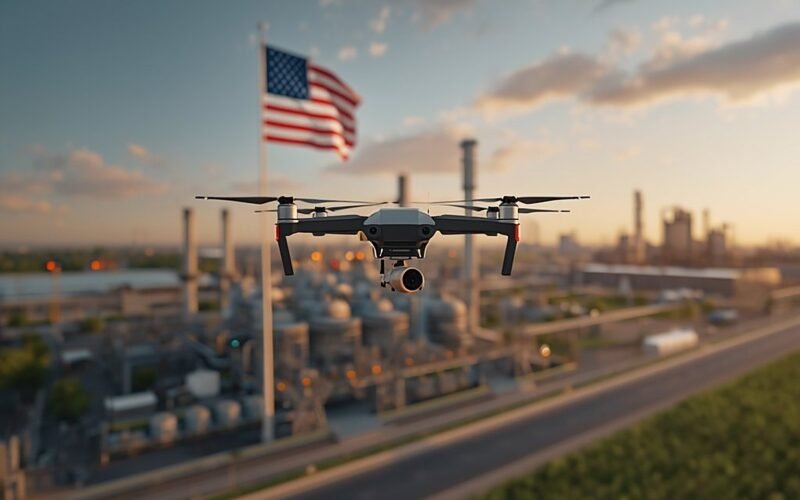


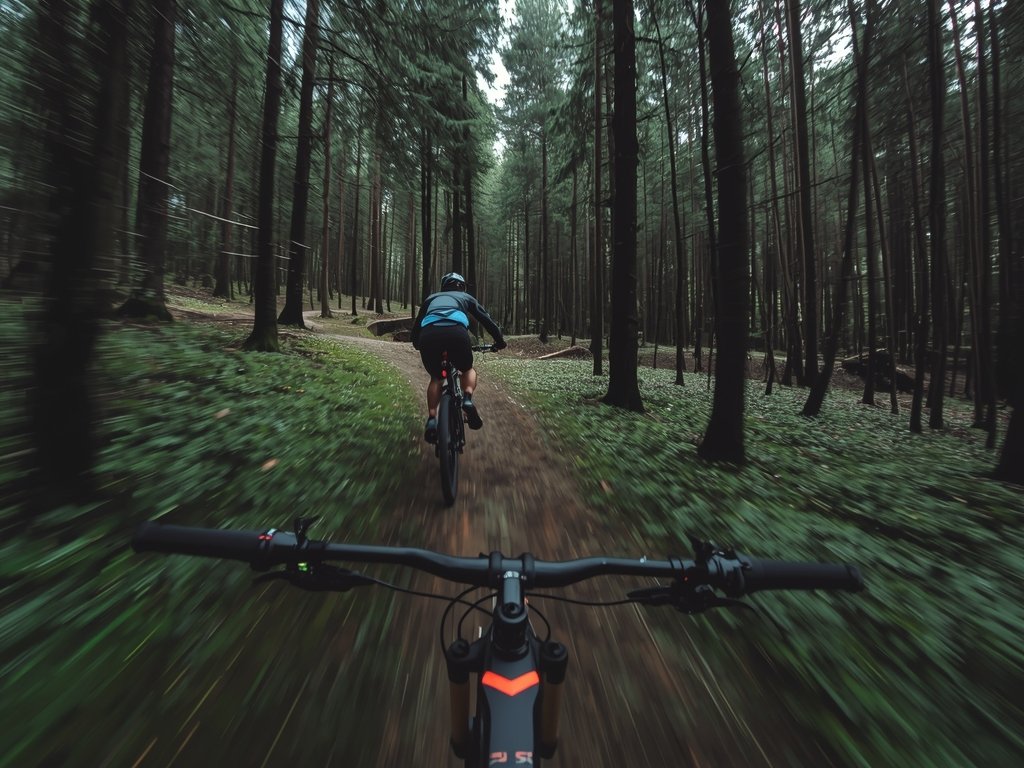
Point a camera drone at yourself, tap a button, and it follows you down a trail, around a corner, and across a field — keeping you in frame the whole way, without you touching the sticks. A few years ago that was a research project. Now it is a feature on drones you can buy off the shelf. But the word “autonomous” does more work than it should: the drone is doing a lot on its own, and it is also doing a lot less than people assume.
This guide explains how autonomous tracking actually works — what the drone is sensing, how it holds onto a subject, where it shines, and where it still needs a pilot paying attention. It is a cluster article supporting our guide to the best autonomous drones with smart tracking, and it links up to the same judgement: the tracking is only as good as the drone underneath it.
The Short Answer: The Drone Flies Itself Around You
Autonomous tracking means the drone keeps a chosen subject in the camera frame and adjusts its own flight to follow them — changing position, altitude, and direction without stick input from the pilot. You pick the subject on the screen, choose a mode, and the drone does the flying. The pilot’s job changes from flying the drone to supervising it: watching for obstacles, watching the battery, and being ready to take over.

That supervision matters, because the drone’s understanding of the world is narrower than yours. It knows where the subject is and what is immediately around it. It does not know that a branch is about to cross the frame, that the subject is about to run under a bridge, or that the wind is about to push it sideways. Tracking is a partnership: the drone does the following, and you do the thinking.
How Tracking Actually Works
Tracking rests on three systems working together, and each one can be the weak link.
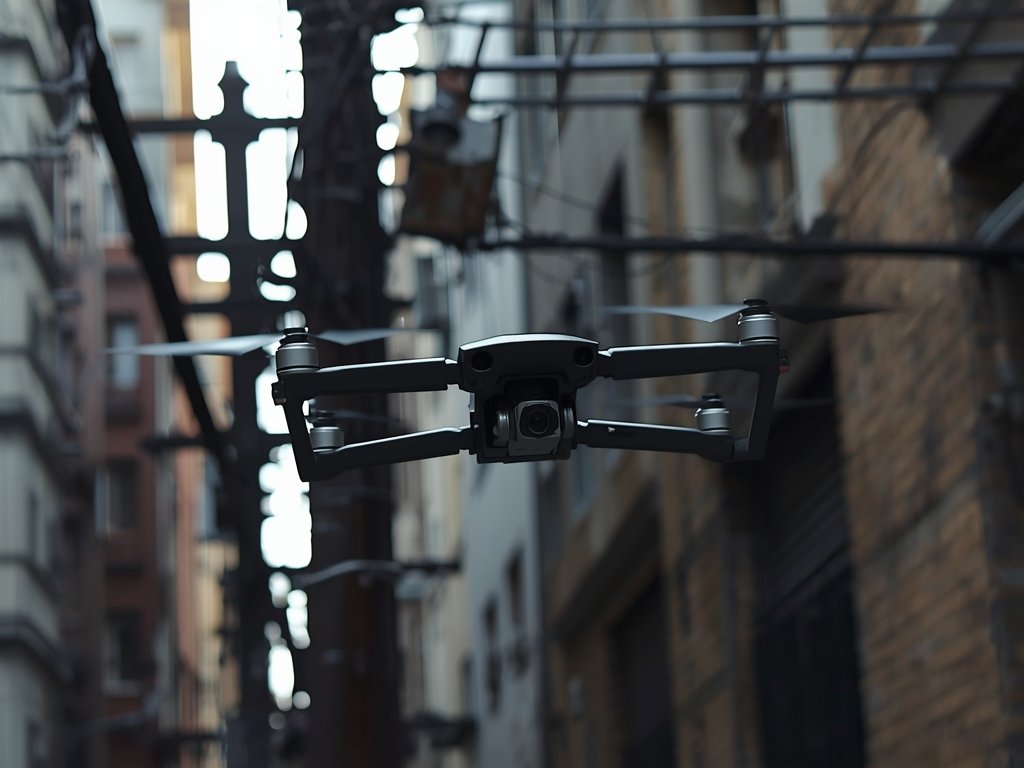
Seeing the subject. The drone’s camera feeds video to a vision system that recognises the subject — a person, a vehicle, a cyclist — and locks onto their shape, colours, and movement. Once locked, the system follows that pattern from frame to frame, predicting where the subject will be next. This is why tracking works best on a subject that looks different from the background: a runner in a bright top against a dark trail is easy; a person in grey against a grey street is hard. If the subject leaves the frame, hides behind something, or crosses paths with someone who looks similar, the lock can break — and the drone will either hover and wait, or follow the wrong thing.
Knowing where it is. The drone combines GPS with its own sensors to know its position and to hold it steady while it follows. GPS gives the rough position; the downward-facing sensors and the visual positioning system give the fine detail — how high it is, how fast the ground is moving beneath it, and whether it is drifting. In open sky with a good GPS lock, the position is solid. Under trees, between buildings, or in a canyon, the GPS weakens and the drone leans more on its vision sensors, which is when tracking gets less reliable.
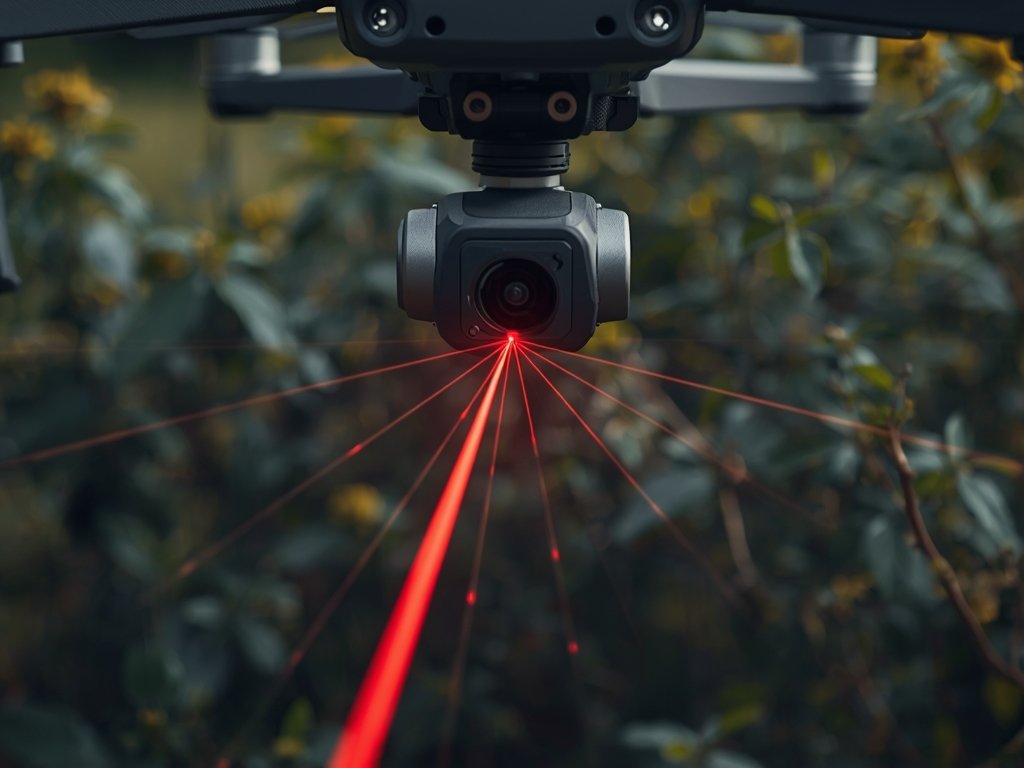
Avoiding what is in the way. Obstacle sensors — cameras, infrared, and in some models laser ranging — watch for things the drone is about to hit, and the drone stops or goes around them. The coverage matters enormously: some drones sense obstacles in every direction, and some only in front and below. A drone that can only see forward will happily fly sideways into a tree while tracking a cyclist. That is the single most important specification to check before trusting tracking in a cluttered place, and it is why our autonomous tracking guide treats all-round sensing as a requirement, not a luxury.
The Modes Worth Knowing
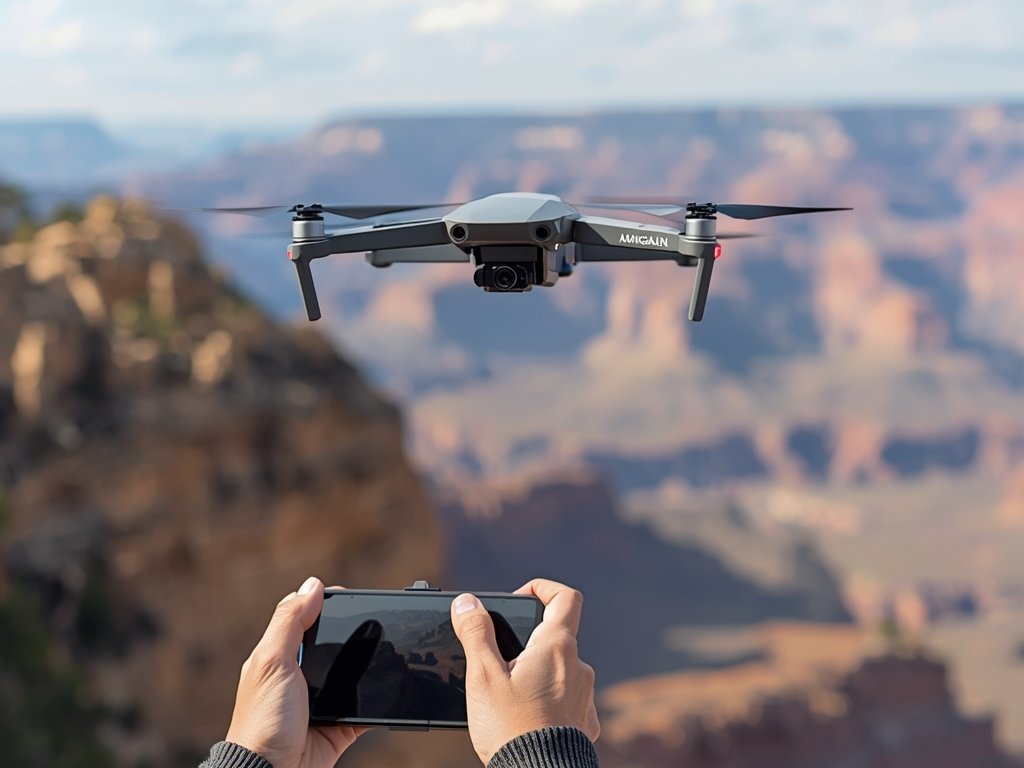
Manufacturers give the modes different names, but they all reduce to a handful of patterns. DJI calls its version ActiveTrack; other makers have their own names for the same ideas. The names change, the geometry does not.
Follow. The drone stays behind the subject at a set distance and height, matching their speed and direction. This is the workhorse mode — the one for cycling, running, walking a trail, or driving a slow vehicle. It is also the most demanding on obstacle sensing, because the drone is moving forward into whatever is ahead of the subject.
Orbit (or circle). The drone flies a circle around a subject who is standing still or moving slowly, keeping the camera pointed at the centre. This is the mode for real-estate shots, a surfer waiting for a wave, or a subject posing in a landscape. It is gentler on the obstacle sensors, because the drone is moving sideways at a steady distance rather than charging forward.
Parallel. The drone flies alongside the subject, keeping pace from the side rather than from behind. Good for showing speed and motion — a cyclist on a road, a boat on a river — and useful when the path ahead is blocked but the side is clear.
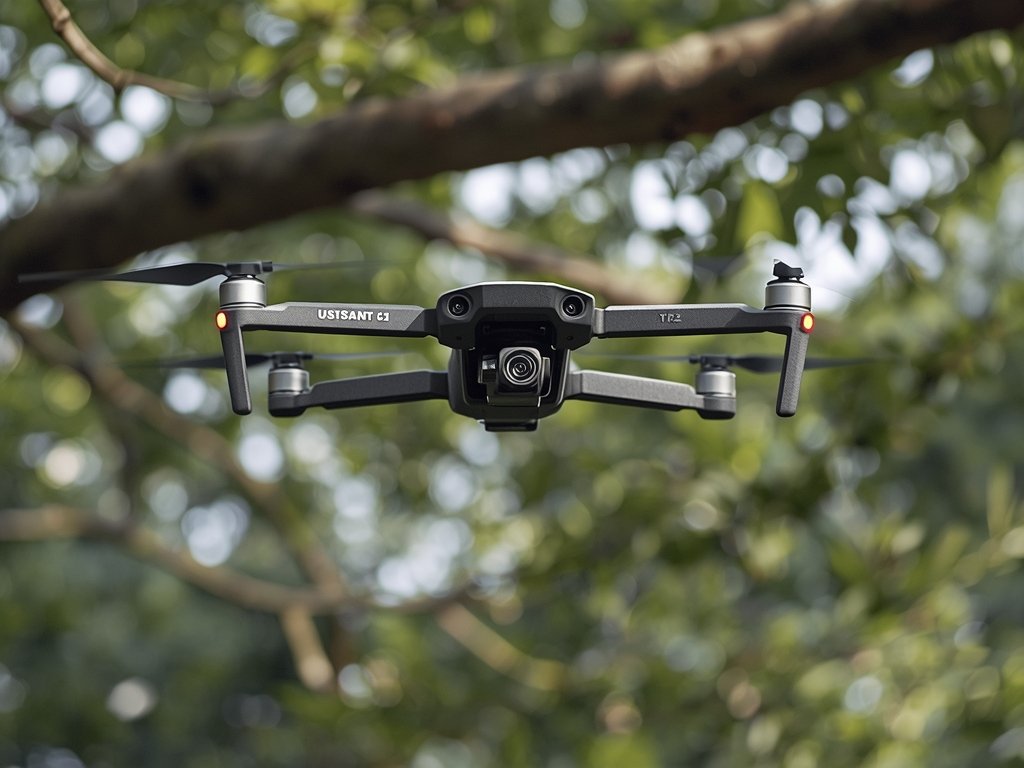
Spotlight (or point of interest). The drone stays where it is, or moves where you tell it, while the camera stays locked on the subject. This is the mode for a moving subject in a fixed location — a player on a field, a worker on a roof — and it is the safest of the four, because the drone is not chasing anything.
Most drones let you adjust the distance, height, and speed of each mode. Start wide and slow: a larger distance gives the drone more time to react to obstacles, and a slower speed gives you more time to react to the drone. The cinematic shots you see online are almost always flown closer and faster than a first attempt should be.
What Tracking Can and Can’t Do
Tracking is excellent at following a single clear subject through open space at a steady speed. It is poor at everything that breaks those conditions. It loses subjects who pass behind trees, under bridges, or through crowds. It struggles when the subject changes direction suddenly, or when two similar-looking subjects cross paths. It cannot see thin obstacles — power lines, bare branches, wires — that its sensors are not built to detect. And it cannot judge whether the path ahead is safe in the way a pilot can.

It also cannot make the drone fly longer. Tracking is active, power-hungry flying: the motors are constantly adjusting, the sensors are running at full capacity, and the battery drains faster than it does in a gentle hover. Plan for a shorter flight than the drone’s headline figure, and set your return-to-home battery warning higher than usual — the drone needs enough reserve to fly itself back from wherever the subject has led it. Our guide to drones with long flight times is relevant here: the drones that track best are usually the ones with the most flight time to spare.
And it cannot keep the subject in frame and the footage looking good at the same time without help. Tracking keeps the subject centred, but it does not choose the light, the background, or the camera settings. A tracked shot in harsh midday sun still looks like a midday shot. Our camera settings guide covers the settings that decide whether tracked footage is actually worth keeping.
Where Tracking Shines
The best uses are the ones where the subject moves predictably through open space. Cycling and running on open trails, a boat on open water, a vehicle on an empty road, a surfer waiting beyond the break — these are the cases where tracking earns its keep, and where the footage looks effortless precisely because the conditions are forgiving.
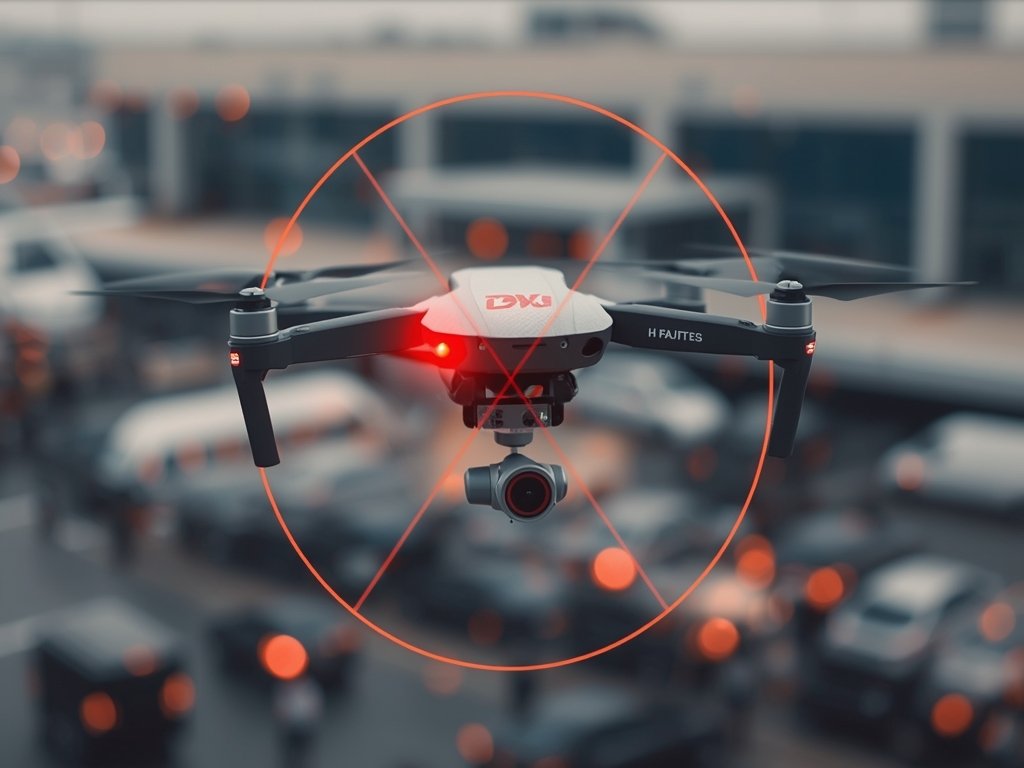
It is also genuinely useful for work. A security patrol can have a drone follow a route and keep a subject in view while the operator watches the feed rather than flying the aircraft — which is why tracking features heavily in our security surveillance guide. Surveyors and inspectors use orbit modes to circle a structure hands-free while they watch the imagery. In each case, the value is not that the drone flies itself — it is that the pilot’s attention is freed for the job the flight is actually about.
The worst uses are the mirror image: crowded places, forests, city streets, and anywhere with thin obstacles or sudden direction changes. Tracking a subject through a crowd is how drones end up in trees, and tracking through a forest is how they end up lost. If the environment is busy, fly manually.
The Rules Still Apply
This is the part people forget, because the drone feels like it is flying itself. It is not, legally. The pilot in command is still the pilot: you are responsible for the flight, for keeping the drone in visual line of sight, for staying out of controlled airspace without authorisation, and for everything the drone does while it is tracking. “The drone was following me” is not a defence if it flies into restricted airspace, over people, or into another aircraft’s path.
That means the same rules as any other flight: visual line of sight at all times, below 400 feet, clear of airports and crowds, and with the authorisations the airspace requires. Tracking does not change the ceiling, the distance rules, or the need for registration and Remote ID. And it does not remove the need to watch the drone itself — not just the subject on the screen. The most common tracking accident is a pilot who watched the subject, not the drone, and did not see the branch until the drone hit it.
Practise in the open first. Pick a field, a subject you trust, and the follow mode at a generous distance, and learn how the drone behaves when the subject stops, turns, or passes behind a tree. Learn what it does when it loses the lock — some drones hover, some return, some keep going — because that behaviour is the thing you will need to know on the day it happens for real. Autonomous tracking is a powerful tool, and like every powerful tool, it is best used by someone who knows exactly where it stops and they start.
Join Our Pilot Community
Connect with fellow drone enthusiasts, share your aerial shots, and get access to free PDF ebook guides.