


You power on the drone, wait, and wait — and the app still shows zero satellites, or a weak signal that never turns into a lock. Without GPS, there is no return-to-home, no position hold, and no accurate home point. Many drones will still let you take off, but they will drift with the wind and they will not come back on their own if something goes wrong. That is not a flight worth taking.
The good news is that most GPS problems are environmental, not broken hardware: the drone simply cannot see enough of the sky from where it is standing. This guide explains what a lock actually needs, the causes in the order to check them, and the few cases where the problem is the drone itself.
The Short Answer: Give It Sky and Time
A GPS lock needs two things: a clear view of the sky, and patience. The drone’s receiver listens for signals from satellites overhead, and it needs several of them — usually at least six, and ideally ten or more — before it trusts its position enough to set a home point. Buildings, trees, hills, and even your own body can block those signals, and a receiver that has just been switched on needs a minute or two to find the satellites and work out where it is. That first search is called a cold start, and it is slower than every lock after it.

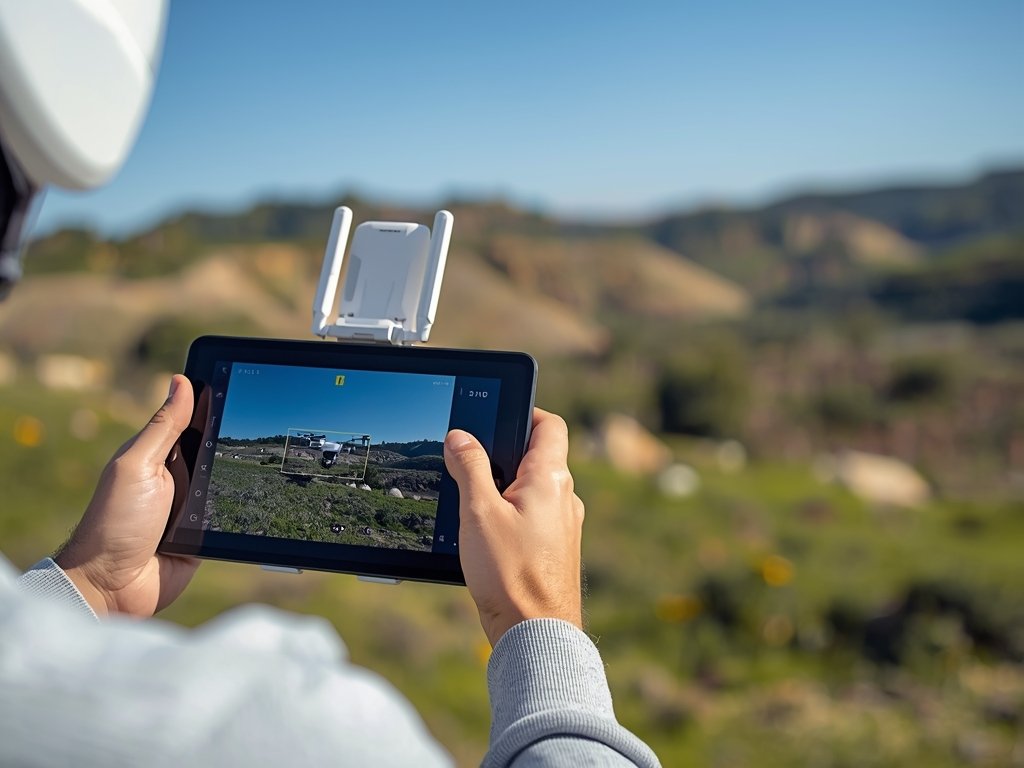
So the first fix is the simplest: put the drone in the middle of the most open space you can find, with nothing overhead, and wait a full two minutes without touching it. Most “GPS won’t lock” problems end right there. If the lock still does not come, work through the causes below in order — they run from the most common to the least.
What “GPS Lock” Actually Means
GPS is how your drone knows where it is, and more importantly, how it knows where home is. When the drone locks onto enough satellites, it records its takeoff point as the home point. If the signal is lost, the battery runs low, or you press return-to-home, the drone flies back to that point on its own. Without a lock, there is no home point — and no return-to-home to save the flight if something goes wrong.
GPS also holds the drone steady. With a lock, the drone uses satellite positioning to stay in one place when you release the sticks, correcting for wind automatically. Without it, the drone drifts. It will still fly — the gyroscopes and accelerometers keep it level — but it will slide with the wind, and you will be doing all the work of holding position yourself. That is why the app usually shows a satellite count: the number tells you how solid the lock is. A count in the teens is healthy. A count under six is not a lock at all, and a count that jumps around is a lock you should not trust.
One more thing the lock affects: the compass. The compass and the GPS work together — the compass tells the drone which way it is facing, and the GPS tells it where it is. A compass problem can look like a GPS problem, and a GPS problem can look like a compass problem. If the app asks you to calibrate the compass, do it: our compass calibration guide walks through the process step by step, and a bad calibration is one of the quieter causes of a missing lock.
Cause 1: The Sky Is Blocked
This is the cause in the large majority of cases. GPS signals come from overhead, and anything between the drone and the sky weakens them: buildings, trees, cliffs, a car roof, a balcony, even a thick canopy of leaves. The drone does not need a perfect view — it can usually lock with a partial sky — but it does need a reasonable patch of open sky above it.

The fix is to move. Carry the drone to the middle of the open space, away from walls, trees, and vehicles, and put it on the ground rather than holding it — your body blocks signal too. If you are in a city, walk to the nearest open area: a park, a car park, a wide street. If you are under trees, step into a clearing. Then wait. A lock that was impossible under a roof can appear in seconds in the open.
Do not try to force it indoors. A drone will almost never get a GPS lock inside a building, and flying indoors without GPS is a different skill entirely — the drone will drift, and there is no return-to-home to catch a mistake. If you need to fly indoors, that is a deliberate choice with its own precautions, not something to attempt because the GPS would not lock outside.
Cause 2: The Cold Start Is Still Running
If the drone has not flown for days or weeks, or it has travelled a long way since its last flight, the first lock takes longer. The receiver has to search the whole sky for satellites rather than picking up where it left off, and that search can take two to five minutes. Pilots who power on and expect a lock in ten seconds will conclude the GPS is broken — when it is simply still searching.
The fix is patience, and one small habit: power the drone on in the open and leave it alone. Do not pick it up, do not wave it around, and do not keep restarting it — every restart begins the search again from the beginning. Put it down, wait two minutes, and check the satellite count. If it is climbing, it is working. If it is still at zero after five minutes in open sky, move on to the next cause.
It also helps to keep the drone’s firmware up to date. Manufacturers occasionally improve how the receiver searches, and an old firmware version can be slower to lock than a current one. Check for updates before you blame the hardware — but do not update firmware in the field on a half-charged battery.
Cause 3: Interference Is Drowning the Signal
GPS signals are faint by the time they reach the ground, and they are easy to drown out. The most common sources are other electronics: a phone hotspot, a Wi-Fi router, a nearby radio transmitter, power lines, or another drone flying close by. Metal structures are a problem too — a drone sitting on a car roof, next to a metal fence, or under a steel bridge will struggle, because metal reflects and blocks the signal.

The fix is distance. Move away from the suspected source — a few dozen metres is usually enough — and try again. Turn off your phone’s hotspot if it is on, and move away from power lines and large metal structures. If you are flying near an airport or a military installation, note that GPS interference can also be deliberate in those areas, and no amount of waiting will fix it: the honest answer there is to fly somewhere else.
One specific case worth knowing: magnetic interference near the compass can also block the lock, because the drone will not trust a GPS position that disagrees with a confused compass. If the app shows a compass error alongside the GPS problem, calibrate the compass in an open area away from metal — cars, fences, reinforced concrete — and try the lock again.
Cause 4: The Settings or the App Are in the Way
Sometimes the drone can see the satellites and the app is the problem. An app that has not been updated, a phone with location services switched off, or a cached map that never loaded can all make the lock look worse than it is. The drone’s own satellite count is the truth — check it in the app’s status screen rather than trusting the map display alone.

The fix is a short routine: confirm the phone’s location services are on and the app has permission to use them, force-close the app and reopen it, and if the drone still shows no lock, restart the drone itself. A restart clears a surprising number of receiver glitches, and it costs nothing. While you are there, check that the drone is not set to a flight mode that ignores GPS — some modes deliberately disable positioning, and a mode switch from a previous flight can carry over.
Also check the obvious: are you somewhere GPS is supposed to work? Controlled airspace does not block GPS, but it does restrict flying — and if you are about to fly somewhere new, our guide to checking airspace before you fly and our LAANC guide are worth reading before takeoff, not after a problem.
The Fix, Step by Step
Put it together and the routine is short enough to run every time the lock will not come:

1. Move to open sky. The middle of the clearest space available, drone on the ground, nothing overhead, you standing a few steps away. 2. Wait two full minutes. Do not touch the drone, do not restart it, do not pick it up to check. Watch the satellite count climb. 3. Calibrate the compass if the app asks, or if the lock is slow in a place that used to work — in an open area, away from metal. 4. Restart the drone and the app if the count is still zero after five minutes in open sky. 5. Move further from interference — away from power lines, metal structures, and other electronics — and try once more.
If the lock comes at any step, wait for the home point to be recorded before taking off — the app will confirm it — and then fly normally. Add the GPS check to your routine: our pre-flight checklist includes confirming the satellite count and the home point before every flight, which is exactly the habit that stops this problem from ever reaching the air.
Flying Without GPS: What You Give Up
Some pilots, faced with a stubborn lock, take off anyway. That is a choice with real consequences, and it is worth knowing exactly what you lose. Without GPS there is no return-to-home, no position hold, and no accurate home point. The drone will drift with the wind, and holding position becomes entirely manual — harder than it sounds, especially if the wind picks up or you lose sight of the drone for a moment.
There is one more thing to know: without GPS, the drone cannot warn you properly about where you are. Geofencing and airspace warnings depend on knowing the drone’s position, so a drone flying without a lock is flying without that safety net as well. If you do fly without GPS — in an open area, in light wind, close by, with a clear landing spot — treat it as a manual flight with no safety net, and land the moment anything feels wrong.
As a rule, if the lock will not come in open sky after the routine above, the flight is not worth it. Move somewhere else, or fly another day. The photos are not worth a flyaway.
When the Problem Is the Drone Itself
A GPS fault is rare, but it exists, and the pattern gives it away. If the drone cannot lock in wide-open sky, in a place where other drones lock immediately, and the problem persists across restarts, firmware updates, and compass calibrations, the receiver or its antenna is the suspect.
The most common hardware cause is crash damage. The GPS antenna sits in the top of most drones, and a hard landing or a crash can crack it or disconnect it without leaving any visible mark on the outside. Water damage is the other one — a drone that has been flown in rain or landed in wet grass can develop corrosion on the antenna connection over days or weeks, and the lock gets worse gradually rather than failing all at once.
Check for the simple things first: is anything stuck to the top of the drone — a sticker, a mount, a tracker — that could be shielding the antenna? Remove it and try again. If that does not help, and the drone still will not lock where others do, it needs a repairer. Do not open the drone yourself to reseat the antenna unless you know the model well: the antenna cable is fragile, and a bad repair can turn a simple fix into a dead drone.
Most of the time, though, the answer is sky and time. Move to the open, wait two minutes, and let the receiver do its job — nine times out of ten, that is the whole fix.
Join Our Pilot Community
Connect with fellow drone enthusiasts, share your aerial shots, and get access to free PDF ebook guides.