
Soaring Above the Rest: Top Drone Video Editors for 2026
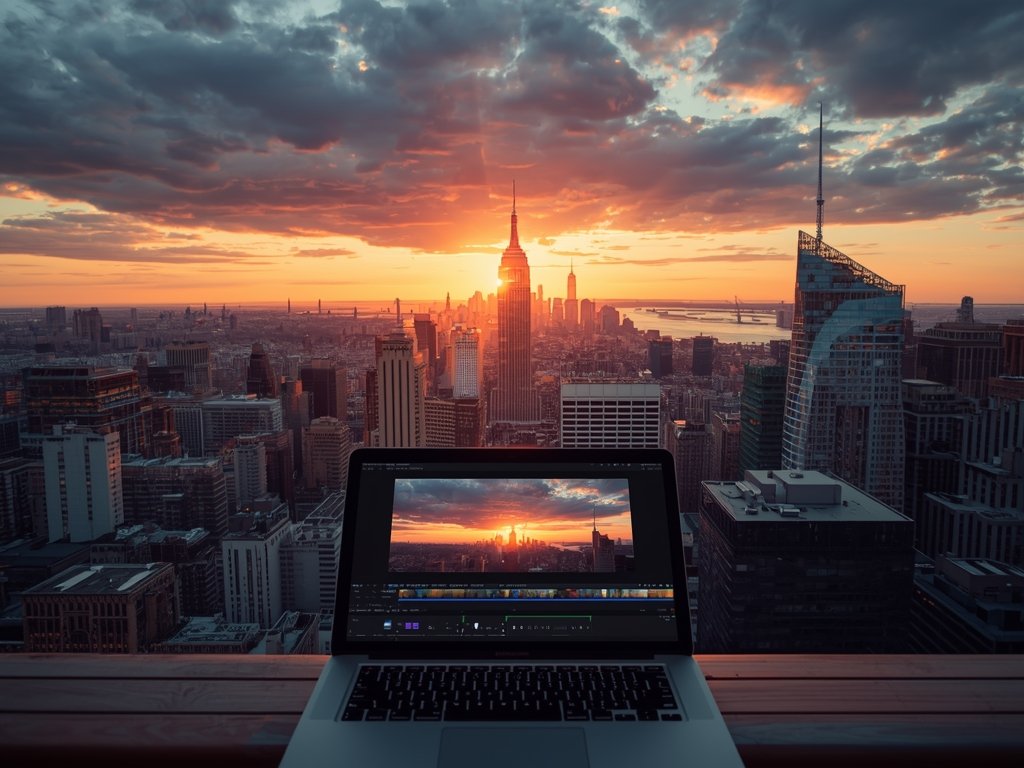
Drone videography has become an essential part of the American storytelling landscape, from capturing the vastness of the Grand Canyon to the vibrant streets of New York City. As we soar into 2026, creators are seeking powerful yet intuitive software to transform their aerial footage into cinematic masterpieces. We’ve scoured the market to bring you the best drone video editing tools that will elevate your content to new heights.
The Sky’s the Limit: What to Look for in Drone Editing Software
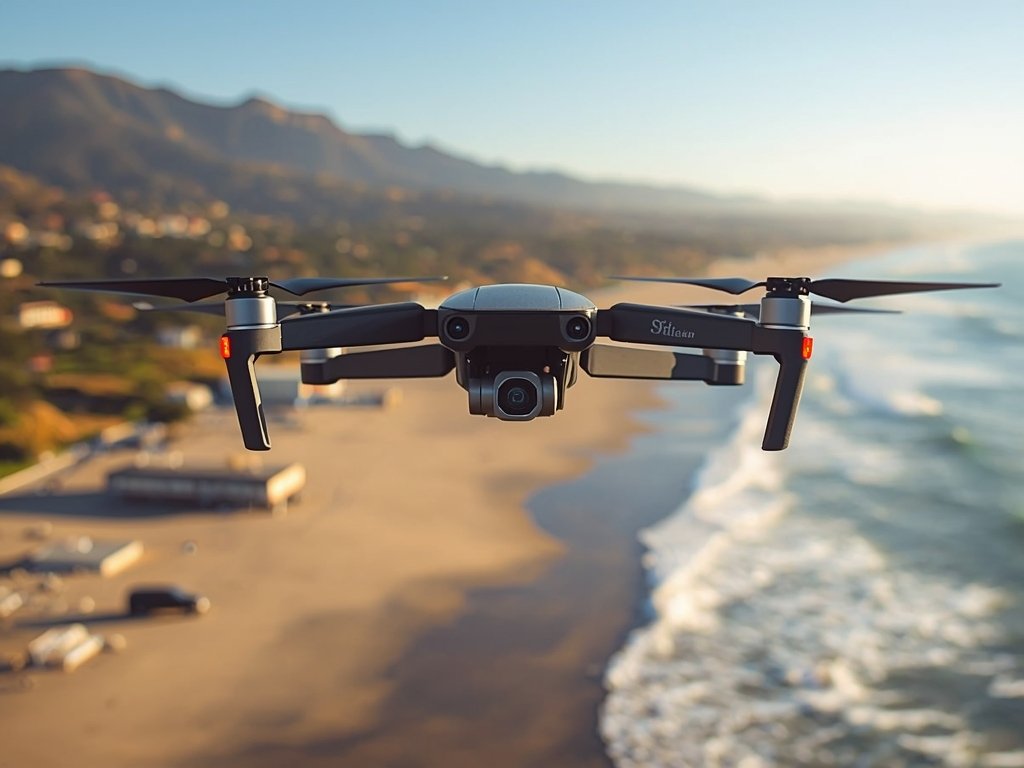
Before we dive into the top picks, let’s explore the key features that make a drone video editor stand out. Smooth stabilization, color grading, and seamless transitions are just the beginning. The best software will also offer:
- Advanced stabilization: To counteract wind and movement for buttery-smooth footage.
- Intuitive interface: A user-friendly design that streamlines your workflow.
- High-quality exports: Ensuring your final product shines on every platform.
Top Contenders: Drone Video Editors That Deliver
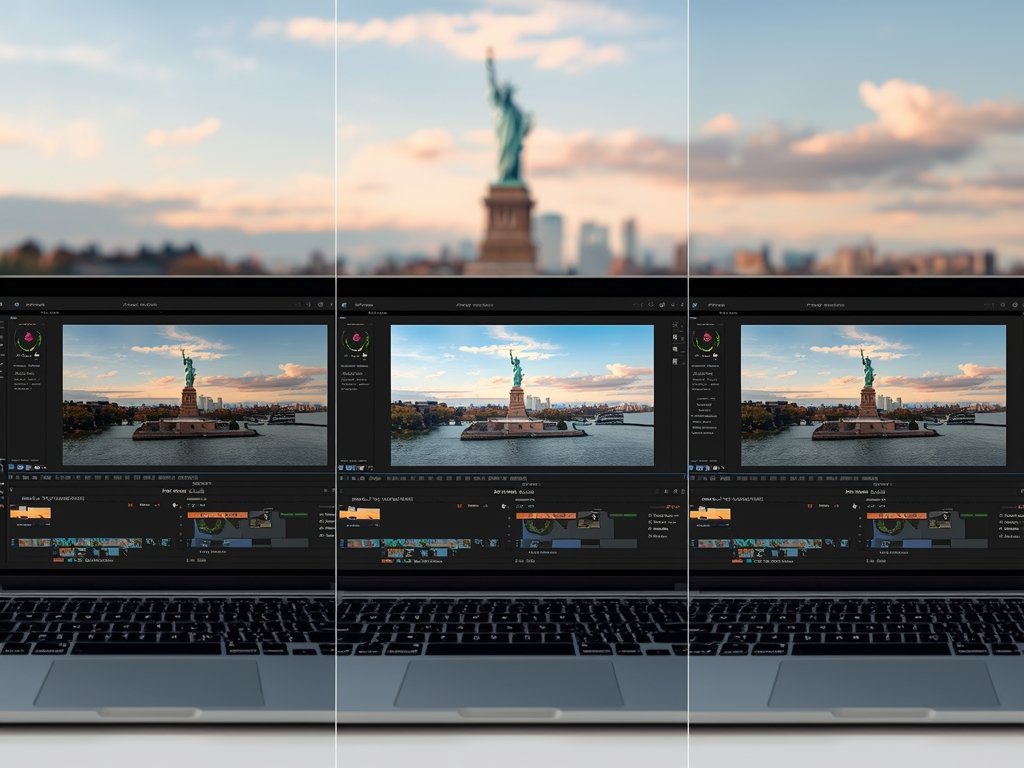
1. Adobe Premiere Pro: The Industry Standard
A longtime favorite among professionals, Adobe Premiere Pro continues to dominate the market. Its robust toolset and seamless integration with other Adobe apps make it a top choice for creators. Imagine crafting a breathtaking video of the Northern Lights, with Premiere Pro’s color grading tools bringing the aurora’s vibrancy to life.
2. Final Cut Pro X: Apple’s Powerhouse
For Mac users, Final Cut Pro X is a force to be reckoned with. Its magnetic timeline and powerful performance make editing a breeze. Picture yourself editing a high-octane drone race through the streets of Chicago, with Final Cut’s speed and precision keeping up with every twist and turn.
3. DaVinci Resolve: Color Grading Champion
DaVinci Resolve has built a reputation for its unparalleled color correction and grading capabilities. This software is perfect for creators who want to give their footage a distinct, cinematic look. Envision transforming a simple drone shot of a Texas sunset into a breathtaking, golden-hour masterpiece.
Rising Stars: Innovative Editors to Watch
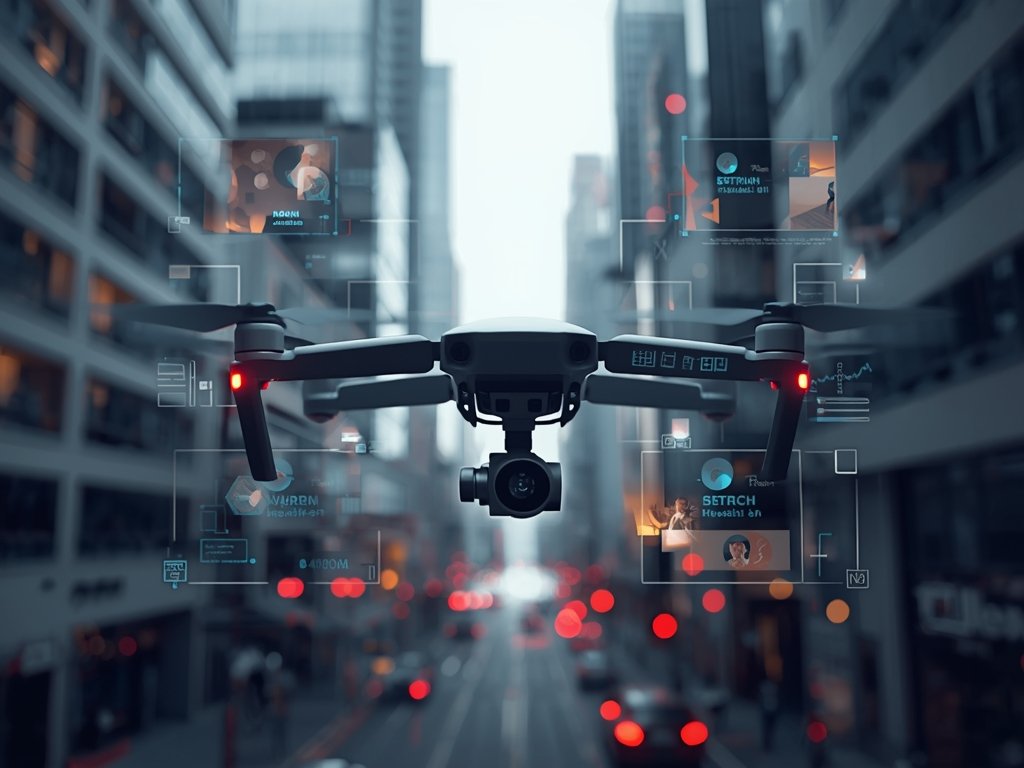
While the big names dominate the market, several innovative editors are making waves in the drone video space. These rising stars offer unique features and fresh perspectives, pushing the boundaries of what’s possible.
1. Lumafusion: Mobile Editing Marvel
Lumafusion brings professional-grade editing to your iPad or iPhone. Its touch-optimized interface and powerful features make it an excellent choice for on-the-go creators. Imagine editing a stunning drone video of the Las Vegas Strip, all from the convenience of your mobile device.
2. Kdenlive: Open-Source Powerhouse
Kdenlive is a free, open-source editor that punches above its weight. With a dedicated community and regular updates, it’s an excellent option for budget-conscious creators. Picture a community of enthusiasts collaborating on a drone video project, showcasing the diverse landscapes of the Pacific Northwest.
Specialized Tools: Niche Editors for Unique Needs
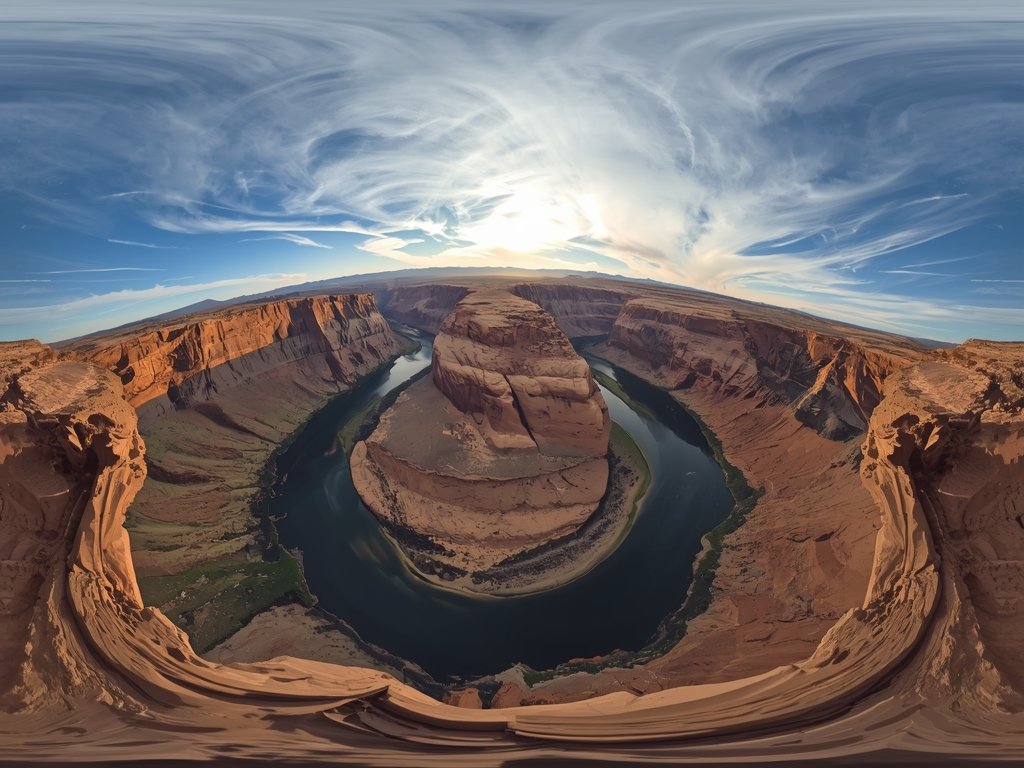
For creators with specific needs, there’s a range of specialized drone video editors that cater to unique requirements. Whether you’re focused on 360-degree footage or virtual reality, these tools have you covered.
1. Adobe After Effects: Motion Graphics Mastery
While not a traditional video editor, Adobe After Effects is a must-have for creators looking to add motion graphics and visual effects to their drone footage. Imagine crafting a futuristic drone video of a smart city, complete with animated data overlays and dynamic transitions.
2. Mistika VR: Immersive Experiences
Mistika VR is a specialized editor designed for virtual reality and 360-degree content. Its advanced stitching and stabilization tools make it an excellent choice for creators pushing the boundaries of immersive storytelling. Envision a drone video that transports viewers to the heart of a bustling Times Square, with Mistika VR’s technology ensuring a seamless, immersive experience.
FAQ: Answering Your Burning Questions
What’s the best drone video editor for beginners?
For newcomers to drone video editing, we recommend starting with user-friendly options like Lumafusion or Kdenlive. These editors offer intuitive interfaces and a gentle learning curve, making it easy to get started without feeling overwhelmed.
Can I use these editors on my mobile device?
Yes, several of the editors on our list, such as Lumafusion, offer mobile versions that allow you to edit on the go. However, keep in mind that mobile editing may have limitations compared to desktop versions, particularly in terms of processing power and feature availability.
Are there any free drone video editing options?
Absolutely! Kdenlive is a fantastic free, open-source editor that offers a robust feature set without any cost. Additionally, many of the paid editors on our list, such as DaVinci Resolve, offer free versions with limited functionality, allowing you to try before you buy.
How important is stabilization in drone video editing?
Stabilization is crucial in drone video editing, as it helps to counteract the inherent shakiness and movement of aerial footage. Look for editors with advanced stabilization tools, such as Adobe Premiere Pro or Final Cut Pro X, to ensure your final product is smooth and professional-looking.
Can I use these editors for non-drone footage?
Yes, all of the editors on our list are versatile and can be used for a wide range of video projects, not just drone footage. Whether you’re editing a traditional narrative film or a vlog, these tools offer the features and functionality to bring your vision to life.
Join Our Pilot Community
Connect with fellow drone enthusiasts, share your aerial shots, and get access to free PDF ebook guides.