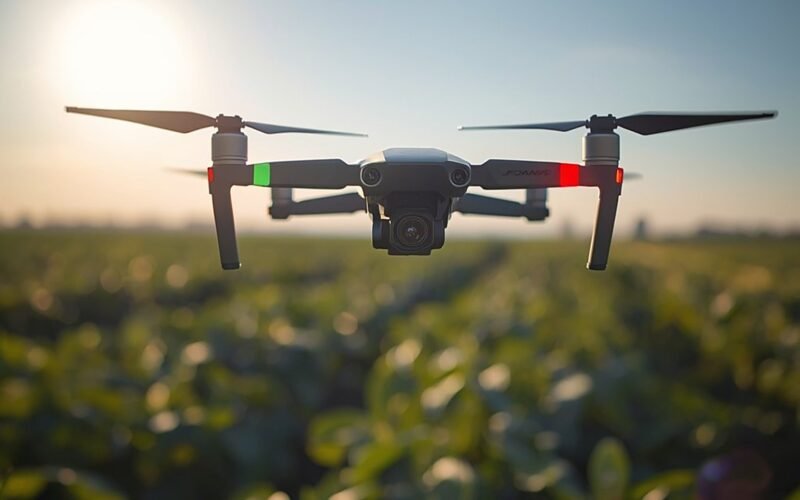


An FPV drone that oscillates — wobbling, shaking, or buzzing in flight — is telling you its flight controller is overcorrecting. The controller reads the gyro, sees an error, and commands a correction; if the correction is too strong, it overshoots, the gyro sees the overshoot, and the controller corrects again — back and forth, hundreds of times a second. That is oscillation, and it is a tuning problem, not a broken drone. This guide shows you how to read the wobble, because the way it wobbles names the value to change, and how to change one value at a time until it stops.
Before you touch a PID value, rule out the mechanical causes. A bent propeller, a loose motor, a cracked frame arm, or a flight controller mounted on soft foam that lets it vibrate will all produce shaking that no amount of tuning fixes. Check the props first — a nicked or bent blade is the commonest cause of a wobble that appears suddenly after a crash — then the motors, then the frame. If the wobble started the day you changed something, the change is the cause, and tuning is the wrong fix. Only when the hardware is sound is it a PID problem.
The Short Answer: Read the Wobble, Then Change One Thing


Fast, tight shaking on all axes, especially at hover and in sharp turns, points at P too high. A mid-throttle buzz or shake that appears when you punch the throttle points at D too high. A slow, lazy wobble that drifts and never quite settles points at I too low, or at a filter problem. A wobble that appears only at full throttle points at prop wash and motor vibration, not at the PIDs at all — that one is fixed with TPA, the throttle-based PID attenuation that reduces the gains as throttle rises.
The method is the same whatever the symptom: change one value at a time, by a small step, and test. Change two values and you will never know which one fixed it — or which one broke it further. Note the starting values before you change anything, and keep a note of every change, because a tuning session that goes wrong is recovered by returning to the numbers that worked.
What P, I and D Actually Do
P — proportional — is the strength of the immediate correction. The bigger the error the gyro sees, the harder P pushes back. A high P gives a locked-in, sharp feel, and a P that is too high overcorrects: the drone overshoots, corrects back, overshoots again, and shakes. A low P feels soft and mushy, and the drone wallows. D — derivative — damps the movement: it resists fast changes, which smooths the response and kills the overshoot that P creates. A D that is too high makes the motors hot and produces a mid-throttle buzz, because D amplifies the noise in the gyro signal. I — integral — is the long-term memory: it corrects steady errors, like a drone that keeps drifting in one direction, and it holds the angle in a turn.
The three work as a team, and the balance matters more than any single number. P does the work, D keeps P from overshooting, and I holds the line over time. When you tune, you are balancing those three against each other and against the noise in the system — and the noise is why D is the value that causes the most trouble, because it amplifies every vibration the gyro sees.
Fast Shaking: P Too High
Fast, tight shaking — the drone buzzing like an angry bee at hover, or shuddering in a sharp turn — is the signature of P too high. The correction is stronger than the airframe can follow, so it overshoots on every cycle. Lower P on the axis that shakes: if the shake is a roll wobble, lower roll P; if it is pitch, lower pitch P. Reduce by 5 to 10 percent at a time — on a 5-inch quad with stock Betaflight PIDs, that means dropping P by 3 to 5 points per step — and test after each step.
Do not drop P too far. A P that is too low feels soft and unresponsive, and the drone will wallow in turns and drift off line. The right value is the highest P that does not shake: lower it until the shaking stops, then add a point or two back if the feel goes mushy. The stock Betaflight PIDs are a good starting point for a standard 5-inch build — P around 45 to 50 on roll and pitch, D around 30 to 35 — and those numbers are the ones UAVMODEL’s tuning guide uses as its baseline. If your values are far above stock and the quad shakes, the previous owner or a bad tune is the cause, and returning to stock is the fastest fix.
Mid-Throttle Buzz: D Too High

A buzz or shake that appears at mid-throttle, or when you punch the throttle hard, points at D too high. D amplifies gyro noise, and gyro noise rises with throttle — the motors spin faster, the frame vibrates more, and D turns that vibration into a correction that feeds back into the motors. The result is a buzz that gets worse as you climb, and motors that come down hot. Feel the motors after a flight: if they are too hot to hold comfortably, D is too high — or the filters are wrong, which is the next section.
Lower D by 2 to 3 points at a time on the axis that buzzes. The guide value from UAVMODEL is that D should sit at roughly 60 to 70 percent of P — so a P of 45 pairs with a D of 27 to 32 — and a D above P is almost always wrong. If lowering D fixes the buzz but the quad feels loose in turns, raise P by a point or two to compensate: the two trade against each other, and the balance is the tune. And if D is already low and the buzz remains, the problem is not D — it is the filters, or the hardware.
Slow Wobble: I and the Filters
A slow, lazy wobble — the drone rocking gently and never quite settling, or drifting off its line in a turn and coming back — points at I, or at the filters. I too low means the controller does not hold its correction over time, so the drone wanders. Raise I by small steps, 5 to 10 points, and watch whether the drift settles. But before you raise I, check the filters, because a slow wobble is often a filter problem rather than a PID problem.
Betaflight‘s filters — the gyro lowpass and the dynamic notch — exist to remove vibration noise before it reaches the PID loop. If the filters are set too high, vibration gets through and the PIDs react to it; if they are set too low, the loop is slow and the drone feels delayed. On a clean build, the stock filters are right. If the wobble appeared after you changed the filters, put them back. If the wobble appeared after you changed the frame, the props, or the motors, the vibration profile changed and the filters may need retuning — and that is a job for a blackbox log, not for guessing. Record a blackbox log, look at the gyro noise, and set the notch filter to the peak. Our guide to the Betaflight settings every beginner should change covers the filter settings and where to find them.
Full-Throttle Wobble: TPA
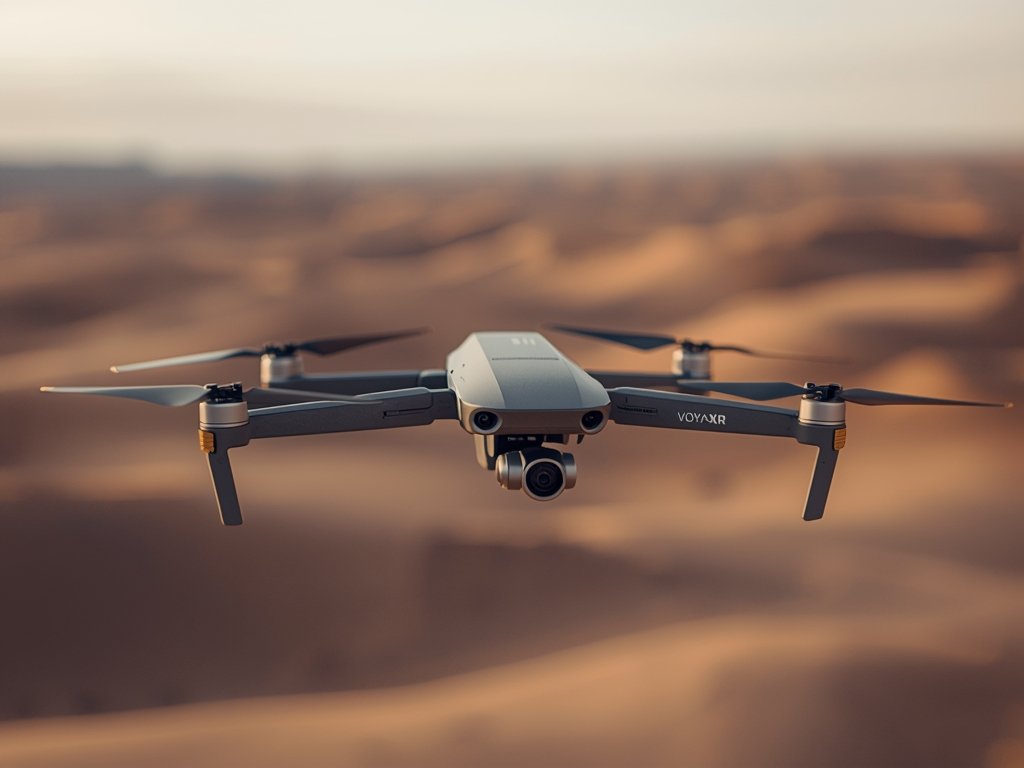
A wobble that only appears at full throttle is a different problem, and PIDs alone will not fix it. At full throttle the motors are at their limit, the frame is vibrating hardest, and the PID gains that are perfect at hover are too strong at full throttle. The fix is TPA — throttle PID attenuation — which reduces the P gain as throttle rises. In Betaflight, set TPA to 0.20 to 0.30 with a breakpoint around 1250 to 1350, and the gains fade as the throttle climbs past the breakpoint.
TPA is the reason a quad can be perfectly tuned at hover and still shake at full throttle, and it is the first thing to try when the wobble is throttle-dependent. If TPA fixes it, the tune was fine — the gains were simply too strong for full throttle. If TPA does not fix it, check the props: at full throttle a bent or unbalanced prop produces vibration that no filter and no TPA can remove. And check for prop wash: a quad descending fast through its own turbulent air will wobble, and that is aerodynamics, not tuning — the fix is to descend at an angle, not straight down.
The One-Change Method
Tuning is a discipline, not a guess. Change one value, fly one battery, note the result. Start from the stock Betaflight PIDs, or from the last tune that worked, and write the numbers down before you change them. Fly the same test each time — a hover, a slow roll, a punch-out, a fast descent — so the results compare. Do not tune in wind, and do not tune with a dying battery: both change the behaviour more than the PID values do.
When a change makes it worse, undo it immediately and go the other way. When a change makes it better, keep going in small steps until it stops getting better, then stop. The goal is not perfect numbers — it is a quad that flies smoothly and predictably, with cool motors and no shake at any throttle. And if you have changed every PID value and the wobble is still there, stop tuning: the cause is hardware. A bent motor bell, a cracked arm, or a flight controller that has worked loose will defeat any tune, and the fix is a part, not a number. Our guides to FPV motor desync and a drone that shakes and vibrates cover the hardware checks that come before tuning.
Frequently Asked Questions
What causes FPV drone oscillation? Usually a PID gain that is too high for the airframe — P too high shakes fast, D too high buzzes at mid-throttle. Mechanical causes — bent props, loose motors, a cracked arm — come first, and tuning only starts when the hardware is sound.
What is a good starting PID for a 5-inch FPV drone? The Betaflight stock values are the starting point: P around 45 to 50, D around 30 to 35 on roll and pitch. Tune from there in small steps, one value at a time, and keep a note of every change.
Why does my drone only wobble at full throttle? Because the PID gains that are right at hover are too strong at full throttle, where vibration is highest. Set TPA to 0.20 to 0.30 with a breakpoint around 1250 to 1350, so the gains fade as throttle rises.
Can oscillation damage my drone? Yes — sustained oscillation heats the motors and the ESCs, and a hot motor is a motor that fails. Land, cool down, and tune on the bench before you fly again. If the motors are too hot to hold after a flight, something is wrong.
Join Our Pilot Community
Connect with fellow drone enthusiasts, share your aerial shots, and get access to free PDF ebook guides.