


“Jamming” is the word pilots reach for — and almost always the wrong diagnosis. Deliberate signal jamming is a federal crime in the United States, vanishingly rare outside sensitive sites, and not what froze your video feed last weekend. What actually degrades drone links is ordinary physics wearing four disguises: a crowded band, a blocked path, reflections arriving out of phase, and geometry — your position — quietly strangling the link budget. The previous version of this guide blurred all of it into “jamming,” recommended booster brands that don’t withstand scrutiny, and even listed battery drain as an interference symptom (interference doesn’t drain batteries; fighting headwinds home on a weakened link does). Here is the diagnostic version.

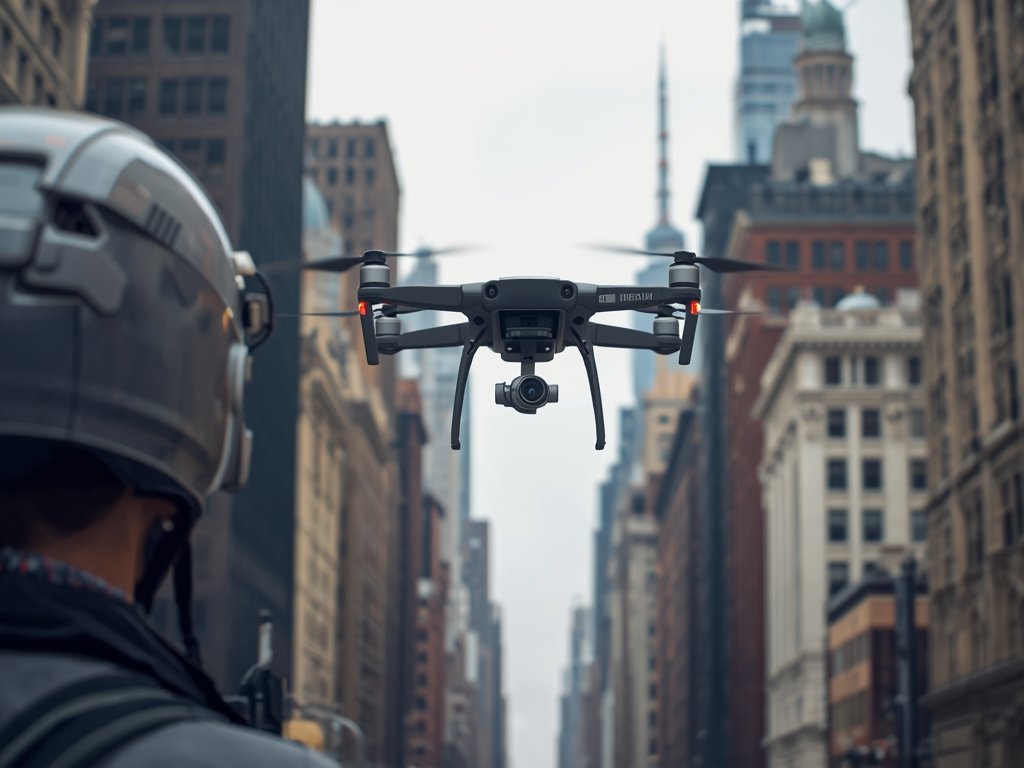
The Four Real Causes

- Congestion (noise floor): 2.4 GHz is shared with every Wi-Fi router, Bluetooth device and microwave in earshot. Urban air is loud; your link must shout over it. 5.8 GHz is quieter but shorter-legged and more easily blocked — modern dual-band systems hop between them for exactly this reason (the range trade-offs are dissected in our signal-range guide).
- Attenuation (blockage): buildings, terrain, trees in leaf, even your own body between controller and aircraft eat signal. Low-altitude flight behind obstacles is the classic self-inflicted outage.
- Multipath: signals bounce off water, metal roofs and glass towers and arrive twice, out of phase, cancelling each other — the harbour/city-canyon special, and the reason a feed can die at 200 m over water yet hold for kilometres over farmland.
- Geometry (Fresnel zone): the link needs an ellipsoid of clear space around the line of sight, widest mid-path. Skimming a ridgeline or rooftop edge at “visual” line of sight can still foul the Fresnel zone and cost you the link — altitude margin is signal margin.
Two Links, Two Failure Orders
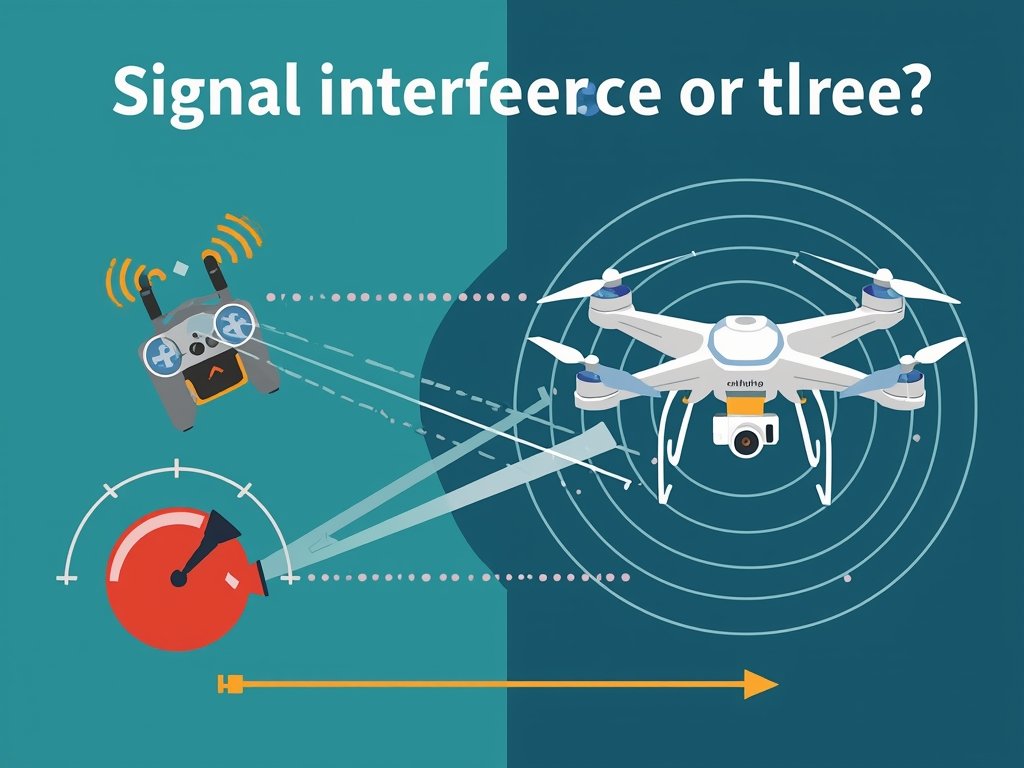
Your drone flies on two different radios wearing one name: the downlink (video + telemetry from the aircraft) and the uplink (your control commands). The video downlink is far hungrier for bandwidth, so it degrades first — stuttering, pixelation, dropped resolution — while control usually persists. Read that correctly: video breakup is the early-warning system, not the emergency. Control loss is the emergency, and it arrives later and quieter (input lag, then failsafe). Other symptom traps: a wandering compass near steel or power infrastructure is magnetic interference, not RF — and it mimics link trouble while being a navigation problem entirely (the RTH failures in our return-to-home guide start there). GNSS degradation (fewer satellites, position drift) is a third, separate system again — solar weather and urban multipath hit GPS without touching your control link at all.
The Environment Field Guide

- Stadiums & festivals: thousands of phones plus enterprise Wi-Fi — the loudest legal air in the country; expect short legs on 2.4 GHz.
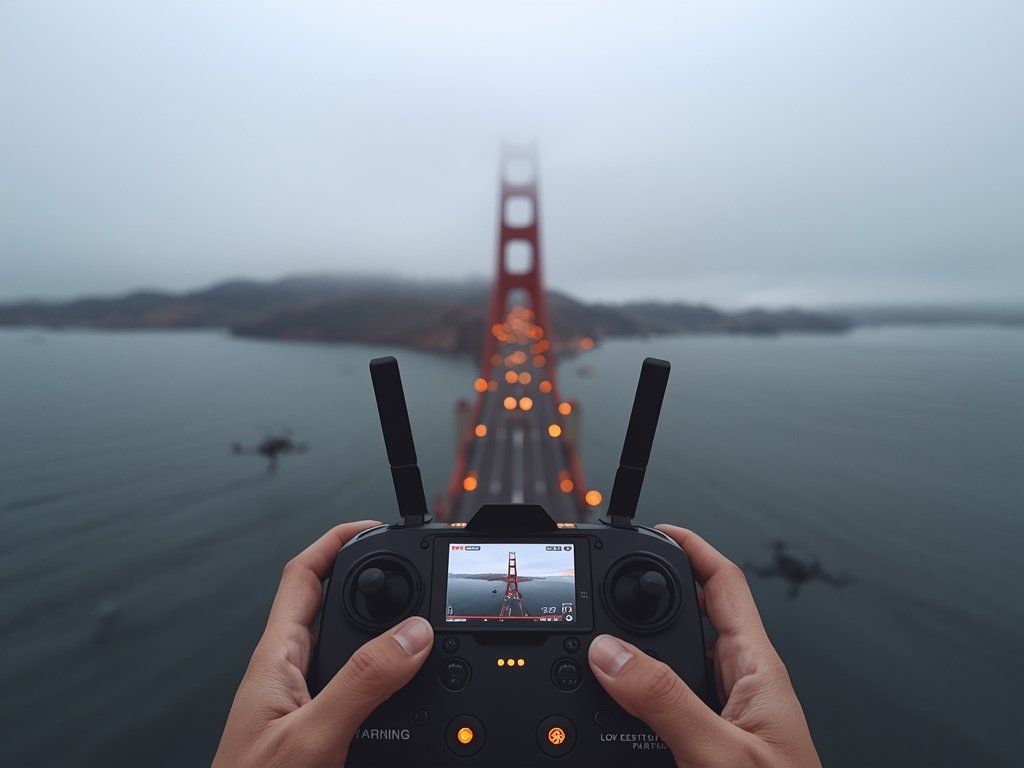
- Marinas & harbours: water multipath at low altitude + marine radar/radio traffic; climb early and keep the path over land where you can.
- High-voltage corridors: the RF effect is modest; the compass effect is not — steel towers and conductors bend magnetic headings, so watch navigation behaviour, not signal bars.
- Industrial plants & solar farms: acres of metal = multipath mirrors, plus private radio systems; coordinate with the site and plan geometry accordingly.
- Your own driveway: home Wi-Fi, the neighbour’s mesh network and a car roof between you and the aircraft — the most common interference environment is the one you launch from daily and suspect least.
Reading Your Link Telemetry
Modern apps quietly hand you a spectrum diagnosis: DJI’s transmission settings show per-channel interference levels, and every system exposes some signal-quality readout. Learn yours before you need it. Distinguish strength (how loud the drone is) from quality (how clean the channel is): a strong signal in a noisy channel still drops packets, which shows up as latency and video judder before it shows up as lost bars. Rising control latency with clean bars is the classic congestion signature; sudden deep fades in rhythm with position changes are multipath; a smooth decay with distance is plain path loss. Naming the signature picks the fix — band change for congestion, position for multipath, geometry for path loss — which is why the ladder below is ordered the way it is.
The Mitigation Ladder (Legal, In Order)
- Move yourself first: step out from behind the building/car/tree line, raise the controller, keep your body out of the path — pilot position fixes more “interference” than any accessory ever sold.
- Fix antenna orientation: flat paddle antennas radiate broadside — face the flat side at the aircraft, keep them unfolded per the manual, and don’t grip over them. (Polarization and pattern science, FPV-flavoured but universal, lives in our antenna guide.)
- Gain altitude / shorten the path: climb for Fresnel clearance, or bring the aircraft closer and reposition — geometry beats power.
- Choose the band deliberately: congested city → try 5.8 GHz or the system’s quieter channel; open country → 2.4 GHz’s legs. Let dual-band auto work, but know what it’s deciding.
- Re-site the flight: some spots are simply loud — near stadium Wi-Fi, marinas full of radar and radios, industrial plants. A 300 m relocation outperforms every gadget.
- Keep firmware current for the link improvements manufacturers ship — read the release notes rather than updating blindly mid-project (our firmware doctrine applies verbatim).
Boosters and Mods: The Legal Line
Amplified “signal boosters” and modified transmitter setups sit in regulated territory the old version waved through. Facts: the FCC prohibits marketing and using unauthorized jammers outright, and transmitter equipment operating outside its certification (wrong power, wrong band, unapproved amplifiers in Part 15 systems) can violate FCC rules regardless of FAA compliance — the two agencies split this sky, and “the FAA doesn’t mind” is not FCC permission. Higher-power operation exists legally in the amateur service (Part 97) for appropriately licensed operators on appropriate bands, which is a licensing path, not a shopping category. Reflector-style passive range extenders (the slip-on parabolic dishes) merely focus your existing certified signal — legal, modest, and mostly a Fresnel-discipline aid. Practical rule: if a product promises to defeat physics for $39 with no licence mentioned, assume the compliance cost was transferred to you. The Academy of Model Aeronautics’ safety resources (modelaircraft.org) cover the community-standard version of this discipline for hobbyists.
If You Genuinely Suspect Jamming
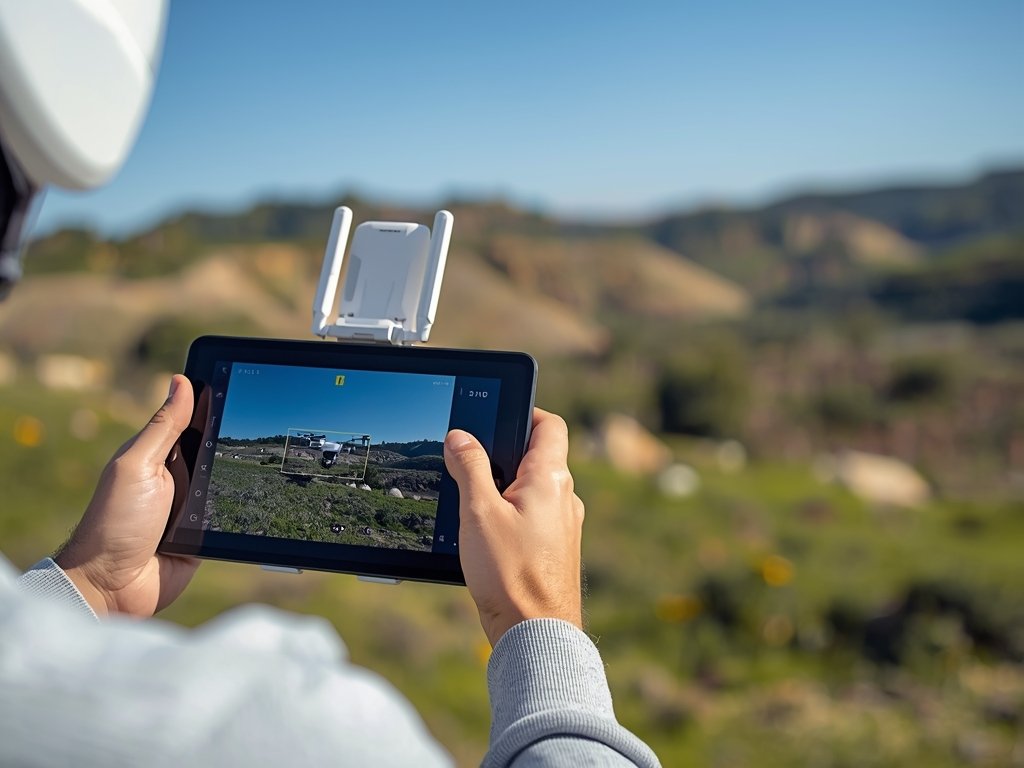
Treat it as a safety event first and a crime second: land or let failsafe bring the aircraft home, note time/place/frequency behaviour, and don’t re-launch into it. Suspected GPS interference in the U.S. can be reported through the FAA (GPS anomaly reporting feeds the national picture around military testing areas, where NOTAMs usually announce disruptions in advance), and wilful RF interference is FCC enforcement territory — penalties for jamming run to six figures because the same radios carry emergency traffic. Also check the mundane first: announced GPS testing, solar storms and your own venue’s new Wi-Fi install explain nearly every “jamming” report ever filed. And if the link dies outright regardless of cause, your next read is the recovery playbook: how to recover a lost drone.
Pre-Flight RF Checks (Two Minutes, Real Returns)
- Scout the RF environment like the terrain: dense Wi-Fi, stadiums, marinas, industrial sites = plan shorter legs.
- Verify failsafe behaviour is set the way you think it is (RTH vs hover vs land) before the link tests it for you.
- Check solar/KP conditions when precision GPS matters (our weather-checks discipline covers it) — a degraded fix is not a dying link.
- Do a short-range control check after any antenna, firmware or crash-repair change — new link behaviour should be discovered at 30 m, not 3 km, and a site you fly weekly deserves a fresh RF glance when anything nearby gets built, wired or switched on.
When Interference Should End the Flight
Diagnosis has a stop rule: repeated failsafe triggers in one session, control latency you can feel, or video loss at ranges that were clean last week are the aircraft telling you the environment (or its own hardware — a crash-damaged antenna mimics interference perfectly) has beaten the plan. Land, relocate or retire the site for the day, and read the log before blaming the sky. Professional operators treat unexplained link degradation like unexplained engine noise: a reason to stop, never a challenge to out-fly.
FAQ
Can weather conditions cause drone signal loss?
Heavy rain can attenuate higher-frequency links modestly, and wet foliage blocks far better than dry — but the bigger weather effects are indirect: wind forcing longer fights home, and solar activity degrading GPS. “The storm jammed me” is rarely the literal mechanism; congestion and blockage usually are.
How can I improve signal strength in urban areas?
Work the ladder: open sight lines and altitude for Fresnel clearance, antenna faces to the aircraft, the quieter band/channel, and a re-sited launch point away from the loudest infrastructure. Cities punish low, lazy geometry hardest — most urban “interference” is multipath plus congestion, both position-sensitive.
What should I do if my drone loses signal during flight?
Hold position and wait: your pre-set failsafe (normally RTH) is flying now. Keep the controller powered and antennas oriented — links often re-acquire as the aircraft climbs on its RTH profile, letting you cancel and hand-fly home. If it doesn’t return, switch to recovery mode with the flight log.
Are there any legal restrictions on drone signal boosters?
Yes — the FCC side. Operating a transmitter outside its equipment certification (unapproved amplifiers/power on Part 15 systems) can violate FCC rules, and jamming devices are flatly prohibited. Passive reflectors are fine; genuinely higher-power paths run through amateur licensing, not accessories.
Does my phone’s Wi-Fi/Bluetooth affect the link?
Marginally, and mostly on older or Wi-Fi-controlled drones: your phone sits centimetres from the controller in the same 2.4 GHz neighbourhood. It’s rarely the root cause with modern dedicated links, but airplane-mode discipline for the display device is free insurance on marginal links.
How often should I update my drone’s firmware?
Deliberately, not automatically: read release notes, update when link/system fixes or needed features ship, and do it days before important flights — never at the launch site. The FAA’s general guidance hub (faa.gov/uas) covers the regulatory layer; firmware discipline itself is manufacturer territory.
Diagnose before you amplify: congestion, blockage, multipath and geometry cause nearly every weak link, and position fixes most of them free. Jamming is a crime scene, not a weather report — and it’s almost never your problem or your excuse.
Join Our Pilot Community
Connect with fellow drone enthusiasts, share your aerial shots, and get access to free PDF ebook guides.