
The Sky’s Not the Limit: Troubleshooting Drone Signal Woes
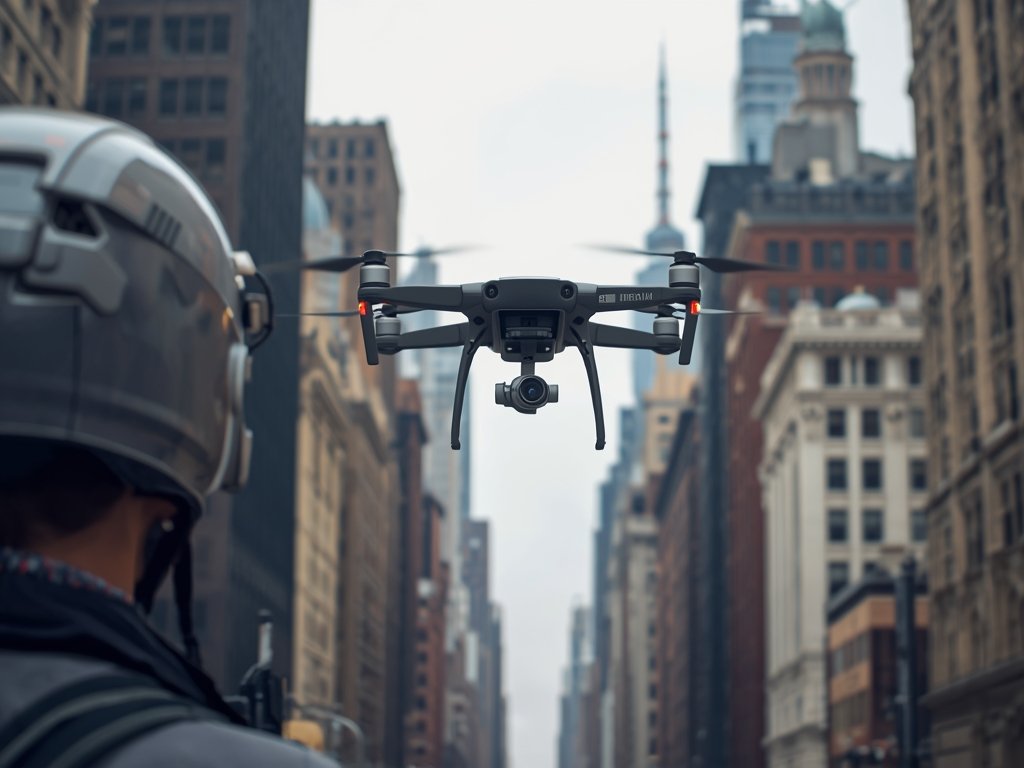
Drone enthusiasts across the United States are no strangers to the thrill of capturing breathtaking aerial footage or simply enjoying the freedom of flight. However, even the most seasoned pilots can find themselves grounded by a pesky problem: signal interference. Whether you’re navigating the dense urban jungles of New York or exploring the vast landscapes of the Grand Canyon, understanding how to tackle drone signal issues is crucial for a seamless flying experience.
Understanding the Invisible Barrier: What Causes Drone Signal Jamming?
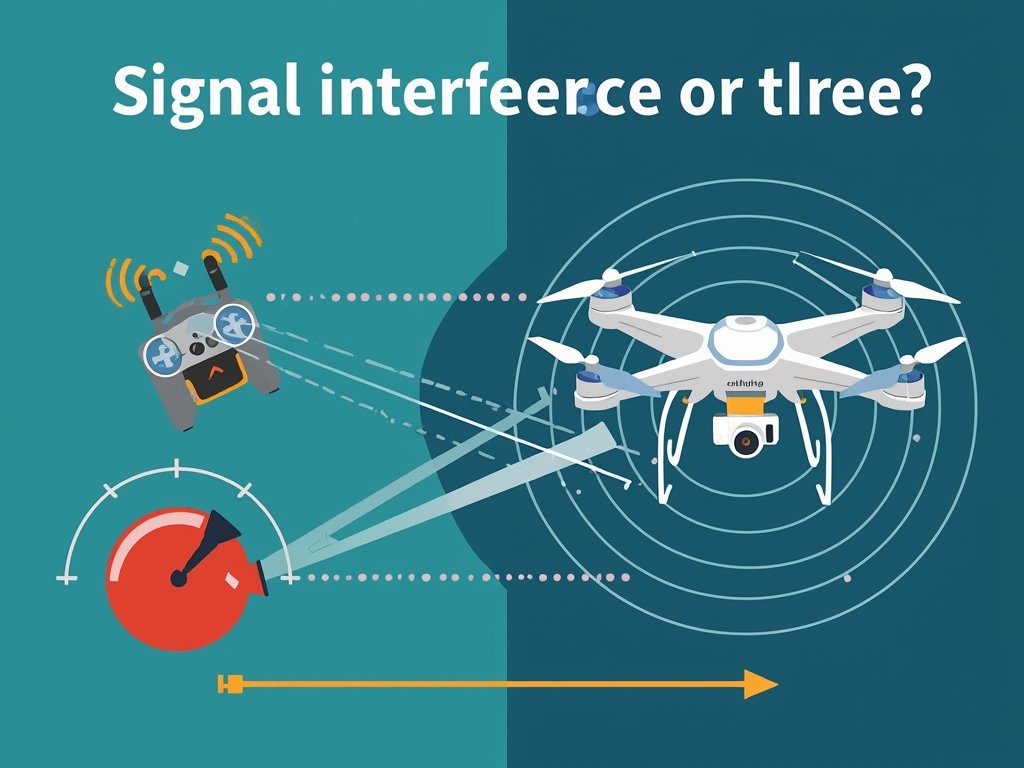
Drone signal jamming occurs when external factors disrupt the communication between your controller and the drone. This interference can lead to a loss of control, video feed glitches, or even a complete flyaway. Common culprits include:
- Urban Environments: Tall buildings, metal structures, and dense populations can create a signal-blocking maze.
- Natural Obstacles: Mountains, trees, and water bodies can reflect or absorb signals, especially in remote areas like the Rocky Mountains or the Great Lakes region.
- Electronic Devices: Wi-Fi routers, microwaves, and even power lines can emit signals that interfere with your drone’s frequency.
- Weather Conditions: Heavy rain, snow, or fog can weaken the signal, particularly in regions prone to extreme weather, such as the Midwest or the Pacific Northwest.
When the Signal Fades: Identifying Drone Interference Symptoms
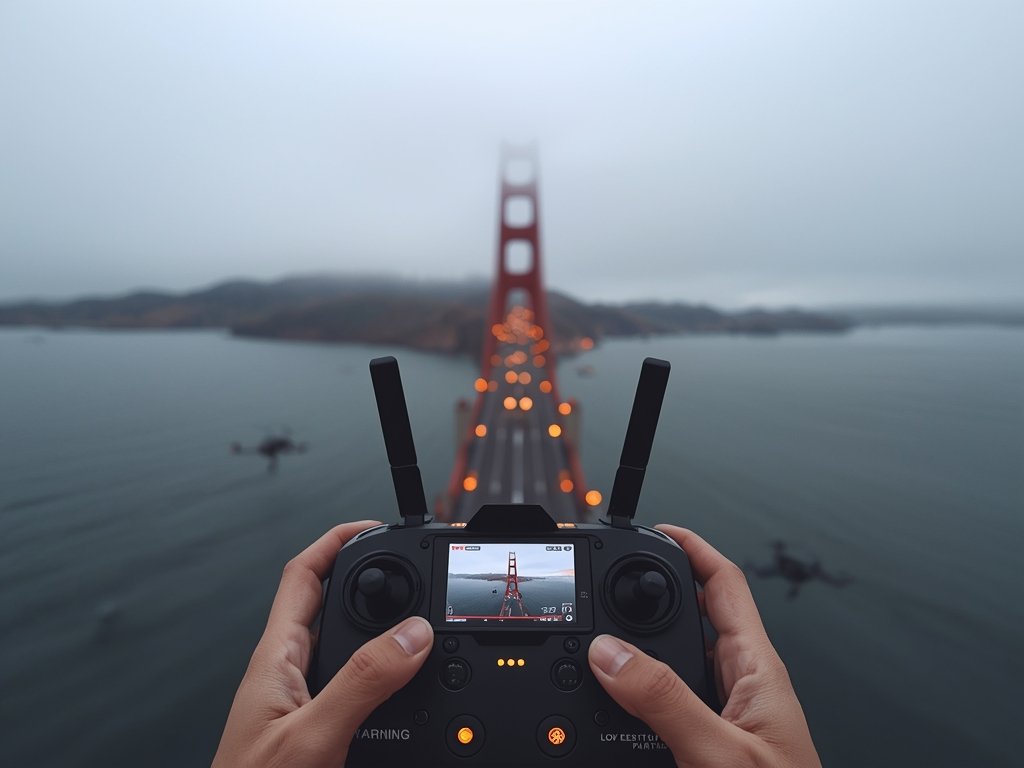
Recognizing the signs of signal interference is the first step towards resolving the issue. Keep an eye out for these common symptoms:
- Video Feed Glitches: A choppy or frozen live feed is a telltale sign of interference, especially when flying in areas with high electromagnetic activity, such as near power plants or tech hubs like Silicon Valley.
- Unresponsive Controls: If your drone doesn’t respond to commands, it might be experiencing signal loss, a common issue in crowded events like the Super Bowl or music festivals.
- Automatic Return-to-Home: Some drones initiate an RTH (Return-to-Home) sequence when signal strength drops, a safety feature that can be both a blessing and a curse.
- Battery Drain: Interference can cause your drone’s battery to drain faster, a concern for long-distance flights over areas like the Appalachian Trail.
The Urban Jungle: Navigating City Skies
Flying in cities like Chicago or Los Angeles presents unique challenges. The concrete and steel structures can create a signal-blocking maze. Always scout for open areas like parks or rooftops, and be mindful of local regulations, such as no-fly zones around government buildings or airports.
Taming the Interference: Practical Solutions for Drone Pilots
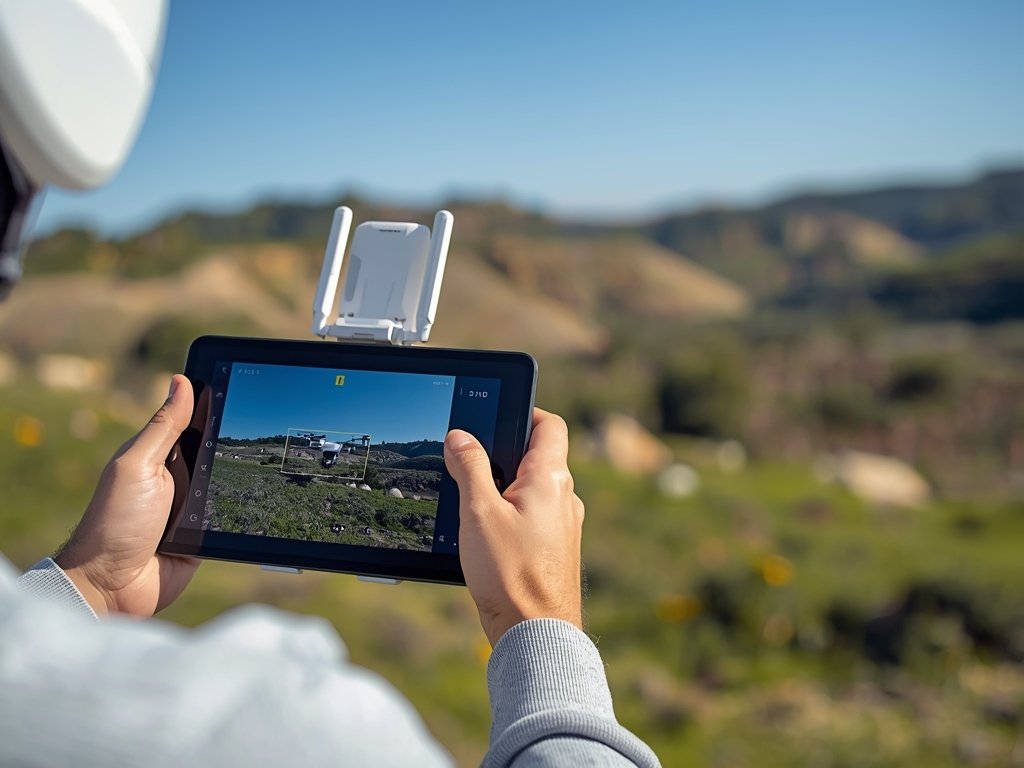
Now that you understand the causes and symptoms, let’s explore some effective strategies to combat drone signal interference:
1. Choose the Right Frequency
Most drones operate on 2.4GHz or 5.8GHz frequencies. The 2.4GHz band is more susceptible to interference but has better range, while 5.8GHz offers a clearer signal but with a shorter range. Consider your flying environment and choose accordingly.
2. Upgrade Your Antenna
Investing in a high-gain antenna can significantly improve signal strength. These antennas are designed to focus the signal, reducing interference and extending your control range. Popular options include the DJI Lightbridge and the Holy Stone HS700D antenna.
3. Use a Signal Booster
Signal boosters, or range extenders, amplify the signal between your controller and the drone. These devices are particularly useful in remote areas or when flying at higher altitudes. Brands like DroneSignal and RangeVideo offer reliable boosters for various drone models.
4. Fly in Open Spaces
Whenever possible, choose open areas with minimal obstacles. Fields, beaches, and deserts provide ideal conditions for strong signal transmission. Avoid flying in densely populated areas or near large metal structures, especially in cities like Houston or Philadelphia.
5. Keep Your Firmware Updated
Manufacturers often release firmware updates to improve signal stability and overall performance. Regularly check for updates and install them to ensure your drone is running the latest software, which can be crucial for models like the DJI Mavic or the Parrot Anafi.
Legal and Ethical Considerations: Flying Responsibly
While troubleshooting signal issues, it’s essential to stay within legal and ethical boundaries. The Federal Aviation Administration (FAA) has strict regulations for drone usage in the United States. Always:
- Register your drone if it weighs over 0.55 lbs (250g).
- Fly below 400 feet and keep your drone within visual line of sight.
- Respect privacy and avoid flying over private property without permission.
- Stay away from airports, helipads, and other restricted areas.
Community Engagement: Building a Responsible Drone Culture
As drone technology becomes more accessible, building a community of responsible pilots is vital. Engage with local drone clubs, participate in workshops, and share your experiences to foster a culture of safe and ethical flying. Organizations like the Academy of Model Aeronautics (AMA) offer resources and events to connect with fellow enthusiasts.
FAQ: Drone Signal Interference Demystified
Can weather conditions cause drone signal loss?
Yes, severe weather like heavy rain, snow, or fog can weaken the signal. Flying in such conditions is not recommended, especially in regions prone to extreme weather events.
How can I improve signal strength in urban areas?
In cities, try flying in open spaces like parks or rooftops. Using a signal booster or upgrading to a high-gain antenna can also significantly improve performance.
What should I do if my drone loses signal during flight?
Most drones have a built-in safety feature that initiates a Return-to-Home sequence. Ensure your home point is set correctly, and the drone should automatically return. Always monitor your drone’s battery level to prevent mid-air emergencies.
Are there any legal restrictions on drone signal boosters?
While signal boosters are legal, their use must comply with FAA regulations. Avoid using boosters that exceed the legal power limits, and always follow manufacturer guidelines to ensure safe and legal operation.
How often should I update my drone’s firmware?
Check for firmware updates regularly, especially before important flights. Manufacturers often release updates to improve signal stability and fix bugs, ensuring a smoother flying experience.
Join Our Pilot Community
Connect with fellow drone enthusiasts, share your aerial shots, and get access to free PDF ebook guides.