
Taking Flight: Why Drone Simulators Are Your Secret Weapon
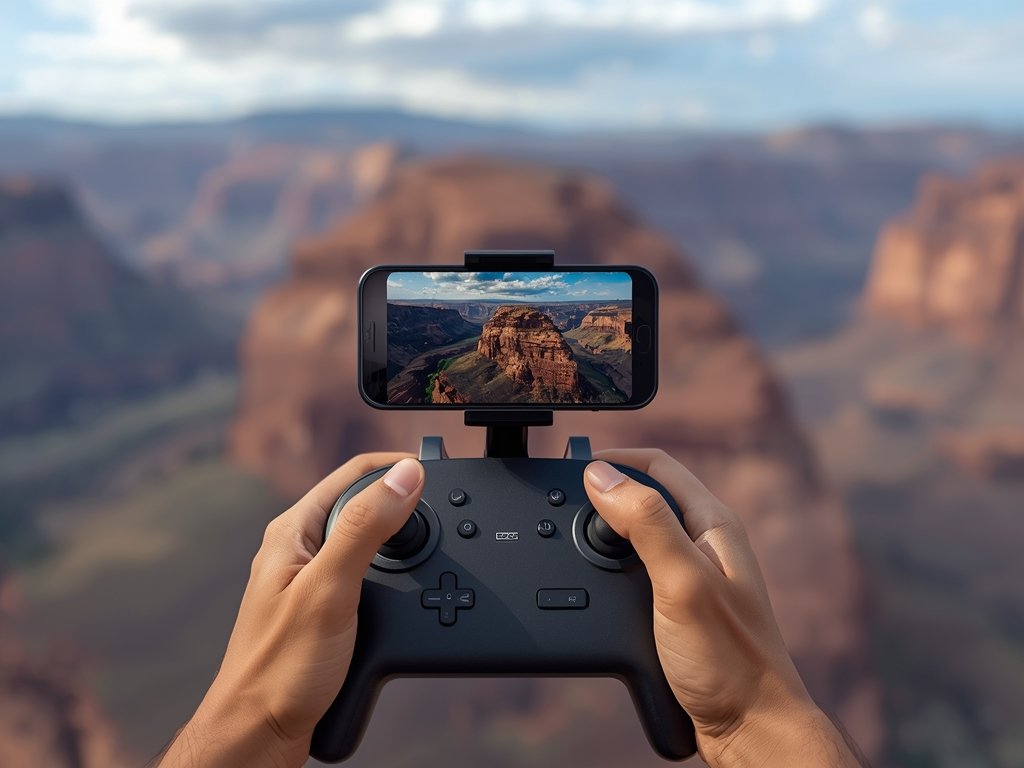
Imagine carving through the Grand Canyon’s red rock formations at breakneck speed, or dodging skyscrapers in a futuristic downtown LA. FPV (First-Person View) drone racing brings this adrenaline-pumping experience right to your living room. But before you attempt death-defying aerial stunts, there’s a smarter way to build skills: drone flight simulators.
These virtual training grounds let you crash, learn, and master maneuvers without risking your precious quadcopter. Whether you’re a beginner dreaming of your first race or a pro honing precision, the right simulator can transform your flying game.
The Simulator Showdown: Finding Your Perfect Virtual Cockpit

The simulator market is as crowded as a Black Friday sale at Walmart. From hyper-realistic graphics to customizable physics engines, each platform has its strengths. Here’s what to consider when choosing your virtual flight school:
- Realism vs. Fun: Do you want a true-to-life physics simulation or an arcade-style experience?
- Hardware Compatibility: Will your favorite controller or FPV goggles work seamlessly?
- Community & Content: Look for active forums, custom tracks, and regular updates.
Remember, the best simulator is the one that keeps you engaged and eager to fly.
Top Contenders: Simulators That Deliver the FPV Thrill

Liftoff: The All-Around Champion
Liftoff is the Swiss Army knife of drone simulators. With its realistic physics and stunning visuals, it’s a favorite among pros and beginners alike. The simulator’s active community constantly churns out new tracks, from backyard obstacle courses to epic mountain ranges.
One of its standout features is the ability to import real-world race tracks, letting you practice on the same courses as the Drone Racing League (DRL) pros. Imagine perfecting your lines on the Las Vegas Strip before the big event!
Velocidrone: Speed and Precision
If you live for speed and precision, Velocidrone is your virtual playground. This simulator focuses on tight, technical tracks that demand pixel-perfect control. Its intuitive interface and smooth physics engine make it a top choice for serious racers.
Velocidrone’s multiplayer mode is where the magic happens. Compete against friends or join global tournaments, all from the comfort of your home. It’s the closest thing to real-world racing without the risk of broken props.
DRL Simulator: The Official Pro Experience
Ever dreamed of flying like a DRL champion? The official DRL Simulator brings the league’s high-octane action to your PC. With accurate recreations of real-world courses and official drones, it’s as close as you can get to the big leagues without qualifying.
The simulator’s career mode lets you climb the ranks, from amateur racer to world champion. Earn sponsorships, unlock new gear, and feel the thrill of victory as you conquer each challenge.
Gear Up: Essential Tools for the Ultimate Simulator Setup
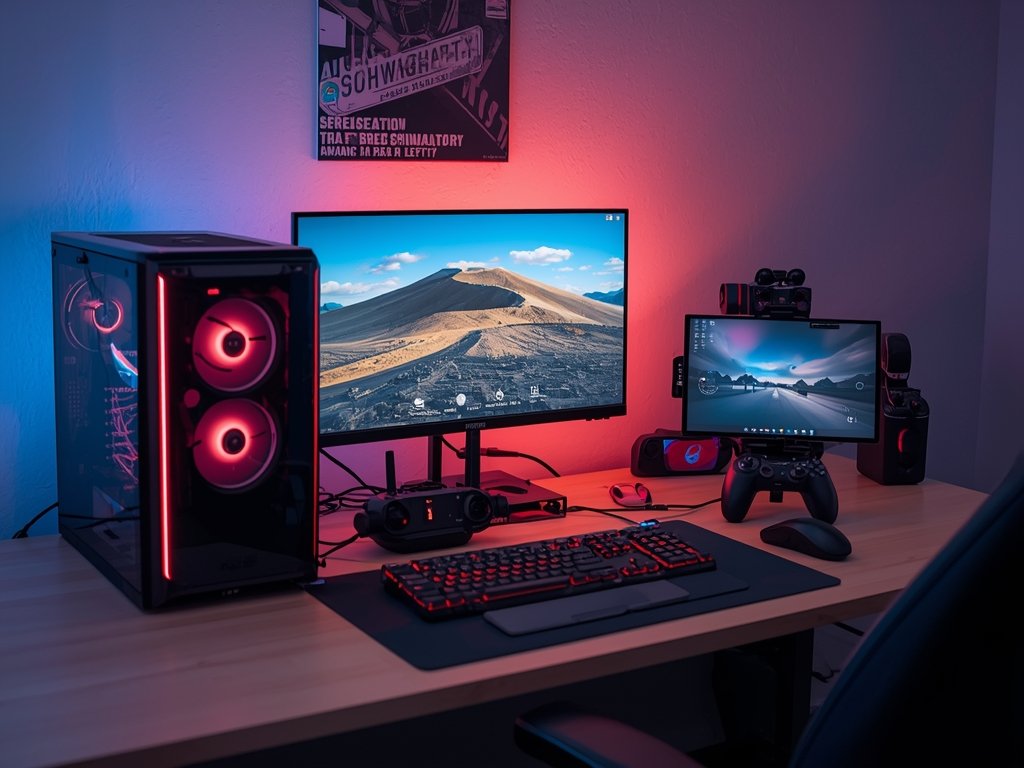
To truly immerse yourself in the virtual skies, you’ll need more than just software. Here’s the gear that’ll take your simulator experience to the next level:
- FPV Goggles: These aren’t just for looks; they provide a true first-person perspective, enhancing immersion and improving reaction times.
- Quality Controller: A responsive transmitter with adjustable sticks and ergonomic design can make all the difference in tight races.
- Powerful PC: Smooth gameplay requires a machine that can handle high-resolution graphics and complex physics calculations.
Invest in quality gear, and you’ll feel like you’re really flying, not just playing a game.
From Virtual to Reality: Applying Simulator Skills in the Real World
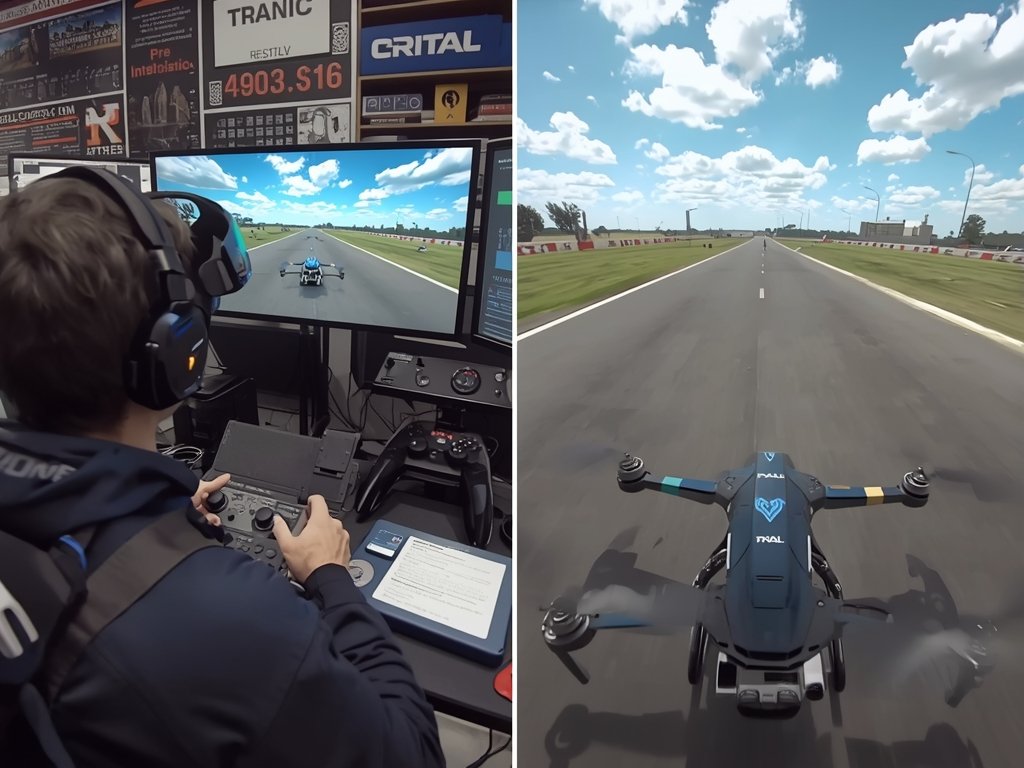
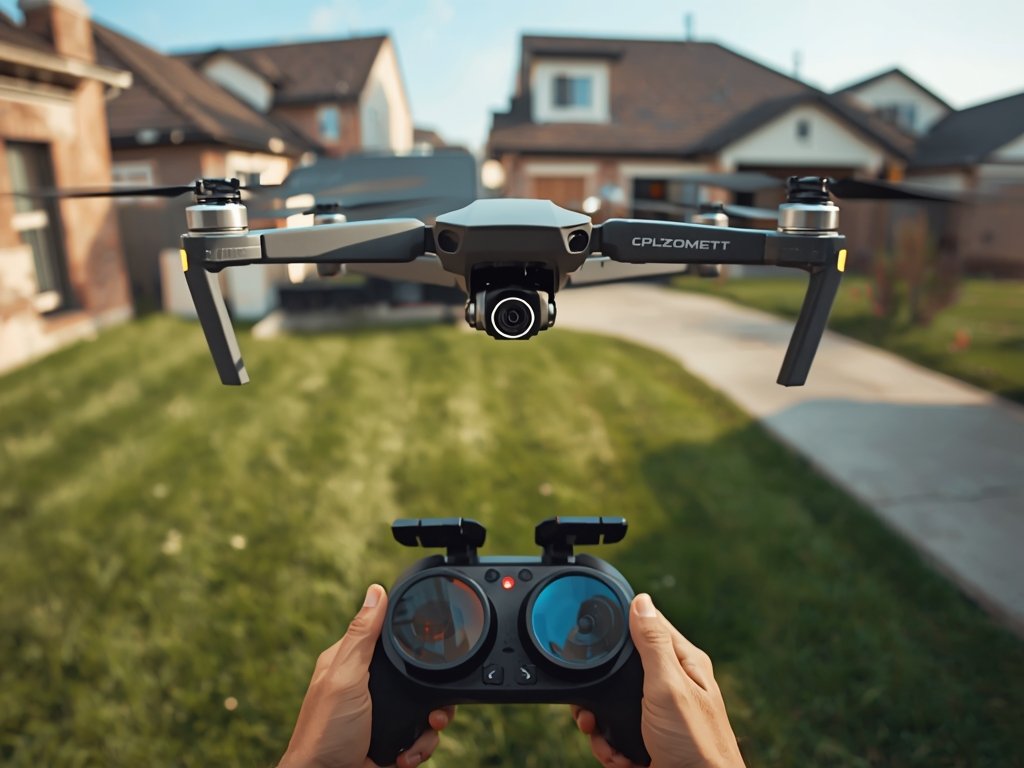
The ultimate goal of any simulator is to prepare you for real-world flying. But how do you bridge the gap between virtual and reality? Here are some tips to ensure your simulator time translates to actual skills:
- Practice Real-World Scenarios: Simulate common challenges like wind, obstacles, and tight spaces to build adaptability.
- Focus on Fundamentals: Master basic maneuvers like hovering, turns, and altitude control before attempting advanced tricks.
- Analyze Your Flights: Review replays to identify mistakes and areas for improvement, just like real pilots do.
With consistent practice, you’ll find yourself applying those hard-earned simulator skills in the real world, one smooth turn at a time.
FAQ: Your Drone Simulator Questions Answered
What’s the best simulator for complete beginners?
Liftoff is an excellent starting point for newcomers. Its user-friendly interface, realistic physics, and active community make it ideal for learning the basics without feeling overwhelmed.
Can I use my existing drone controller with these simulators?
Most simulators support popular controllers via USB connection. Check the simulator’s compatibility list to ensure your specific model is supported.
Do I need a high-end PC to run drone simulators?
While a powerful PC will provide the smoothest experience, many simulators offer adjustable graphics settings to accommodate a range of hardware. Start with the recommended specs for your chosen simulator.
How much time should I spend practicing on a simulator?
Consistency is key. Aim for regular, focused practice sessions rather than marathon flights. Even 15-30 minutes daily can lead to significant improvements over time.
Can simulator skills really transfer to real-world flying?
Absolutely. Simulator practice builds muscle memory, improves reaction times, and instills good flying habits. However, always start slow and prioritize safety when transitioning to real drones.
Join Our Pilot Community
Connect with fellow drone enthusiasts, share your aerial shots, and get access to free PDF ebook guides.